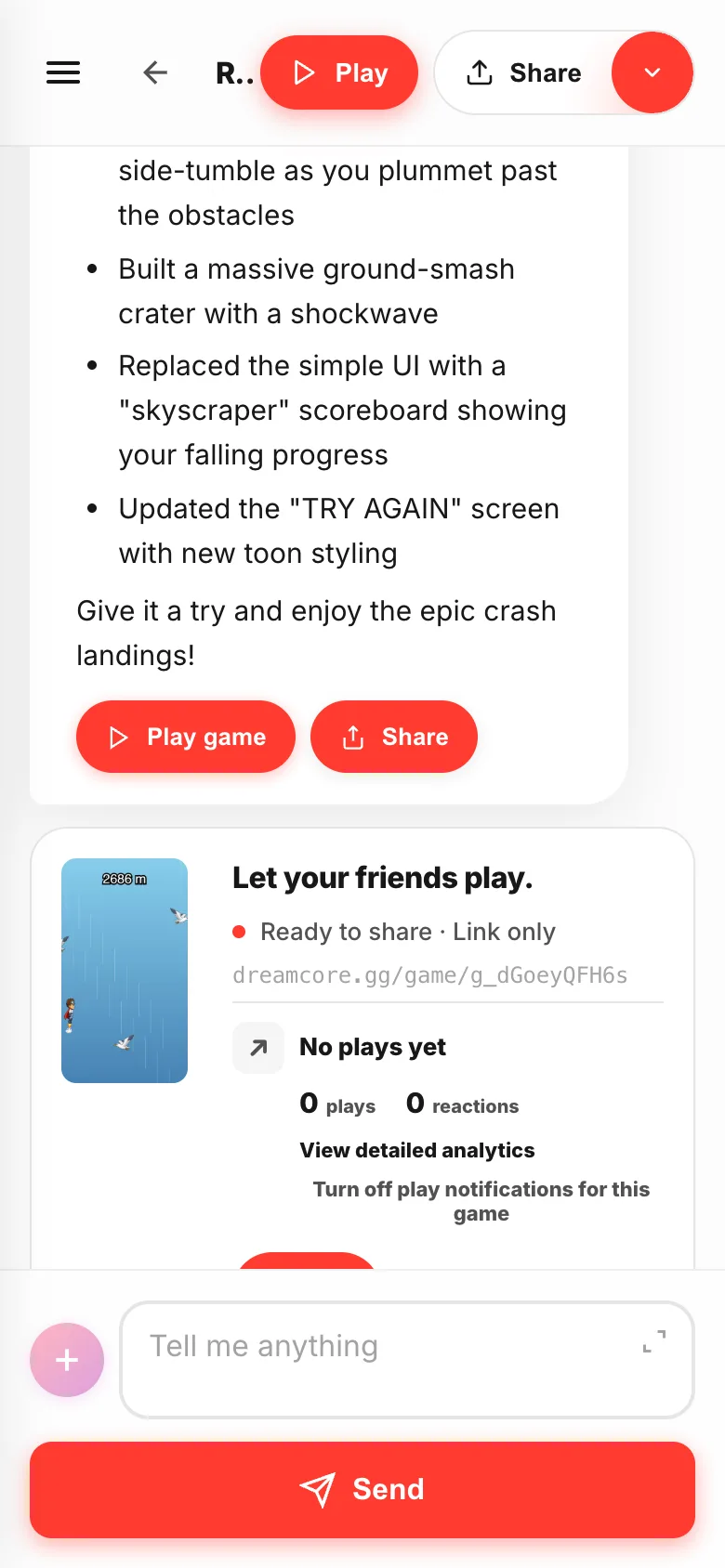
In Studio you write at the bottom, results stack up in the middle, and you play and send from the top.
Once you know where things are, all that's left is writing.
- 01
The bottom — the box and
SendThis is where you start. Write in the
Tell me anythingbox and hitSend. While it is building,Sendturns intoCanceland stops it on the spot.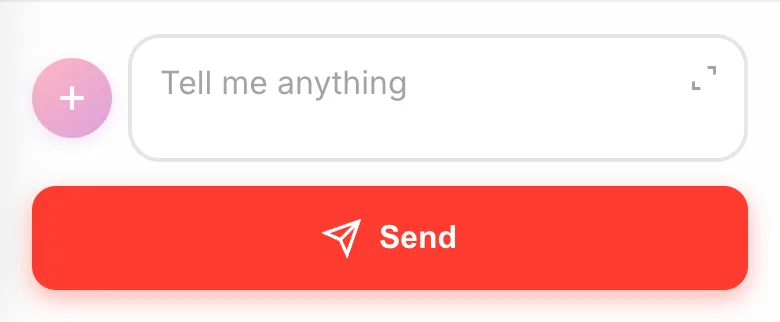
- 02
+— what you hand over, and how it worksThe + next to the box holds what you give the game (
Choose assetsandAdd image) and the switch forNo guide.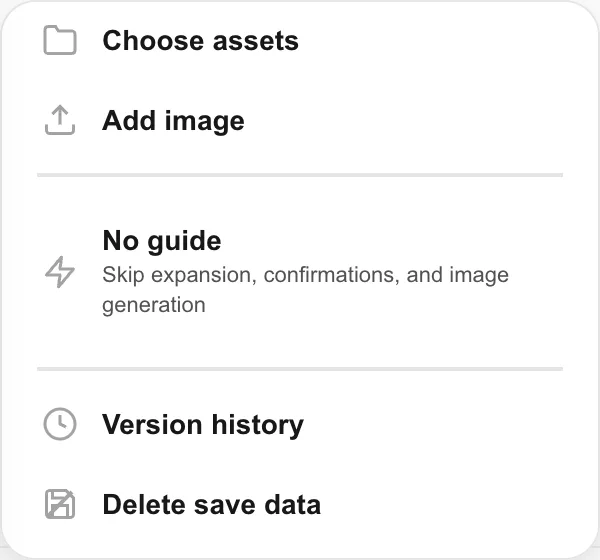
- 03
The middle — what you made stacks up
Your messages and the replies pile up from the top. When a game is ready a card appears, and you can play from there too.
- 04
The top — play and share
Menu, back, the game title,
Play,Share. Tap the title to rename the game. The menu takes you to your other projects and settings.
- 05
The toolbar while you play
A toolbar sits at the top while you are playing.
Back to chaton the left returns you. The camera grabs what you see and drops it into the chat.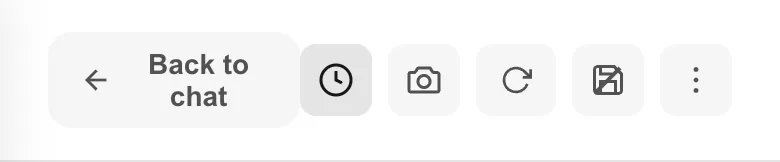
- 06
The
∨next toShareIt opens the share menu.
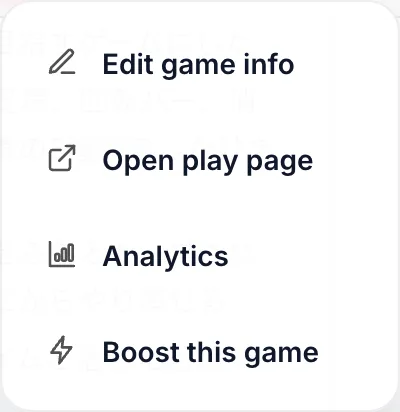
Edit game infofor the title and thumbnail,Open play pagefor the screen your friends see,Analyticsfor how much it was played.