Phone game makers usually come in two kinds: a cut-down editor that is painful on a small screen, or an app that wants you on a computer for the real work. DreamCore is the same on a phone as on a laptop, because you make games by writing, not by dragging tiny things around. Open it in your phone's browser and you can start now.
Why a phone is enough
The heavy part, building the game, happens on our side, not on your phone. Your phone only has to send a message and then play the result. That means an older phone works fine, the battery doesn't melt, and you can lock the screen while a game is being built. Turn on notifications and we'll let you know when it's ready (on iPhone, notifications come through the iOS app or DreamCore added to your home screen).
It works in the browser on iPhone and Android. If you'd rather have an icon on your home screen, there is also an iOS app. Your games live on your account, not on the phone, so you can start on the bus and carry on later on a laptop.
Design for one thumb
Games made on a phone usually get played on a phone. The best ones can be played with one thumb while holding the phone in the same hand. Try this one: the only control is "tap anywhere to jump".
A one-thumb game, made for phones
Hand-coded for DreamCore as an interaction example, not an AI-generated result. The prompt describes the same one-tap rules; generated games vary in look and feel.
Copy the prompt, open the home screen, paste it into the box and press Make. You'll be asked to sign in, then you can lock your phone while it builds.
Phone-friendly changes to try next
- Make it a vertical screen with the character near the bottom.
- Use my photo as the runner. I'll attach it to this message.
- Add a short vibration-style screen shake when I crash.
Play it holding the phone in one hand. If your thumb has to stretch, ask for bigger or fewer controls.
Things that make a game feel good on a phone:
- One or two controls. Tap to jump. Drag to move. A joystick plus one button at most.
- Big targets. Say "big buttons" or "the whole screen is the jump button".
- Short rounds. Thirty seconds to two minutes, so it fits between other things.
- Portrait screen. Most people hold their phone upright; say "vertical screen" if it matters to you.
DreamCore games come with touch controls on phones and keyboard controls on computers, so the same link works for everyone you send it to.
Use your camera
This is the part a laptop can't beat. Tap Image under the input box and take a photo, or pick one from your library: whoever is in it becomes the hero of the game. A friend, your cat, a plushie, a drawing you did in class. If you answer the five questions instead of writing, the first question offers to open the camera on the spot.
Ask the person first if you plan to share it publicly. Once a game is open to everyone, anyone who plays it sees that hero.
From idea to friend's phone in four steps
- Type the idea in the box on the home screen. One sentence is enough: "tap to jump over cacti, it gets faster, count how many I jump".
- Press Make and sign in if you haven't (Google, Apple or email). Lock the phone if you like.
- Play it when it's ready (with notifications on, we'll ping you). Write the first thing that bugs you into the chat and send it.
- Press Share. Copy the link into any chat, or use the WhatsApp and X buttons. Someone standing next to you? Show them the QR code.
Games people made and play on their phones
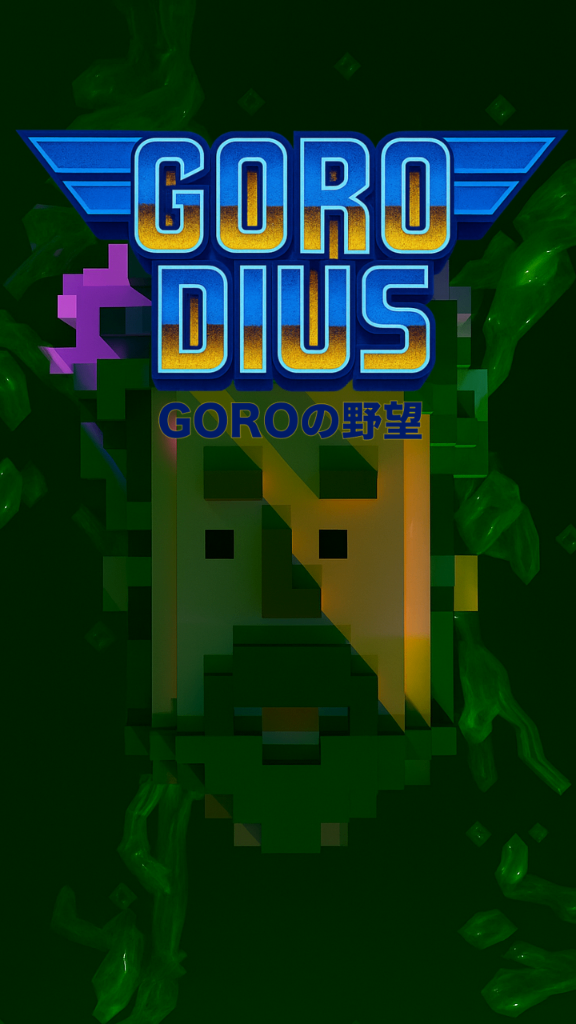
GORODIUS GORO’s Ambition
by MOKO
7,423 plays

Neon Jumper
by ラミー
7,054 plays
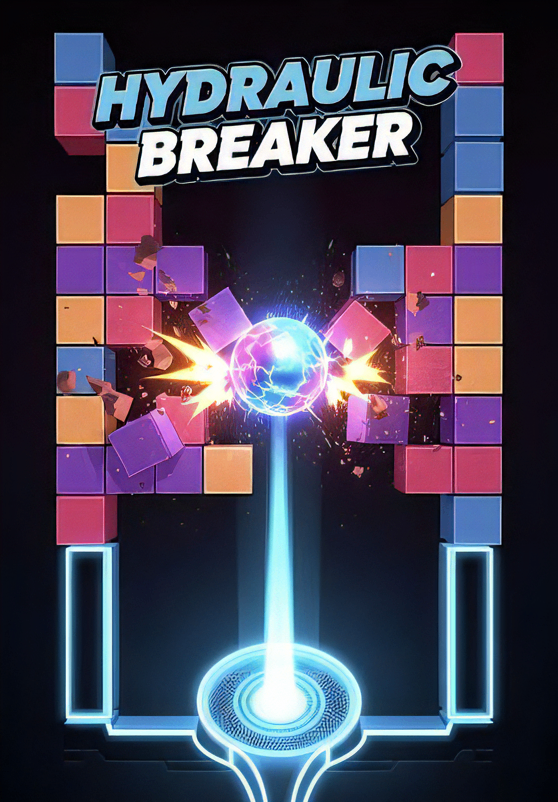
HYDRAULIC BREAKER
by ラミー
6,851 plays
Wire Art Combat
by gimu
6,157 plays
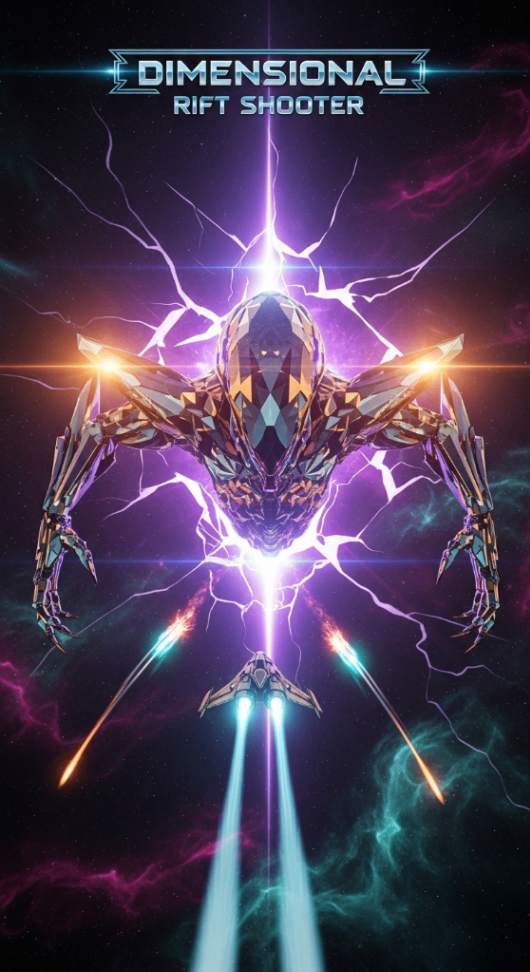
Dimensional Rift Shooter
by suemaru
5,410 plays
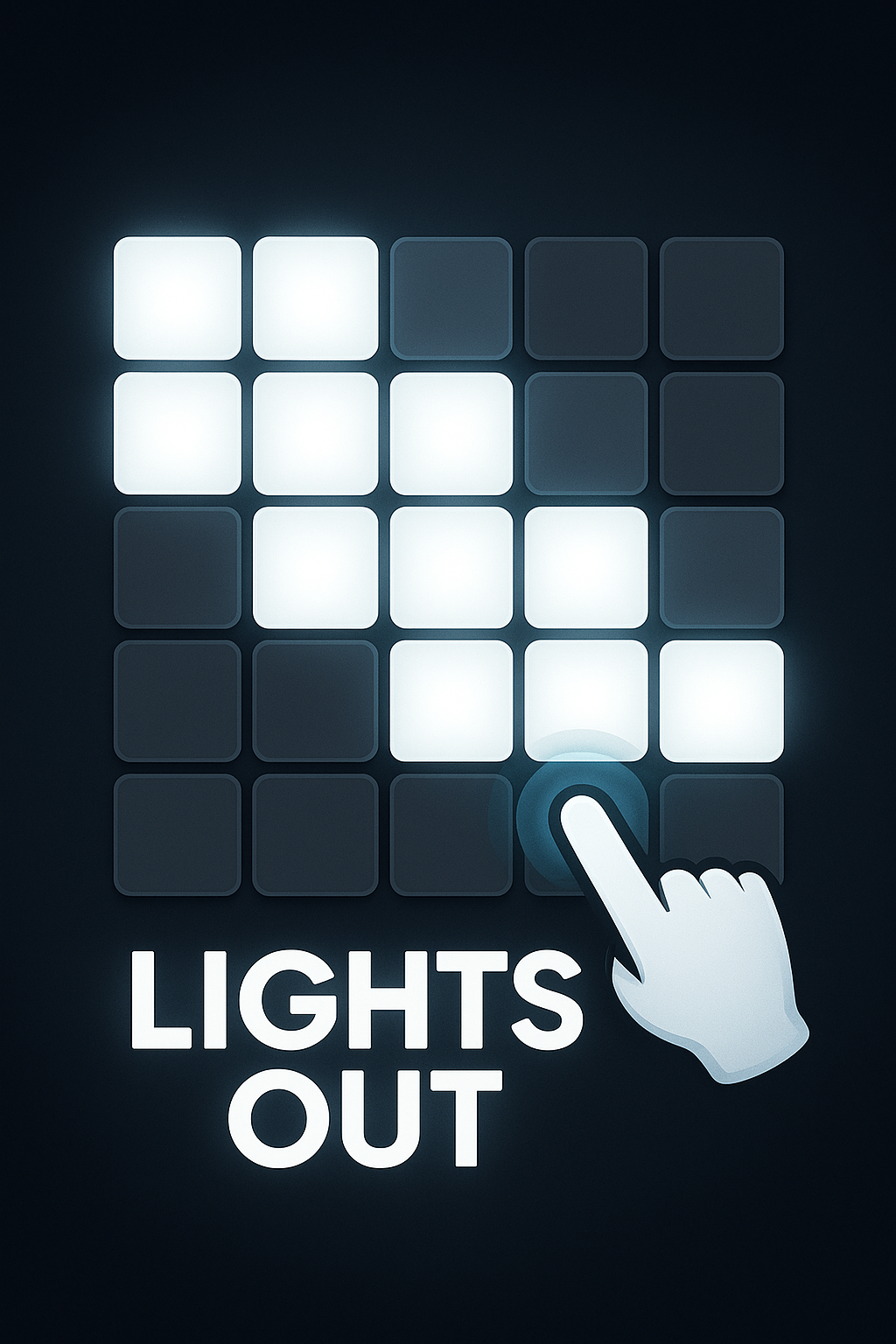
Light Out
by NullPosition
5,394 plays
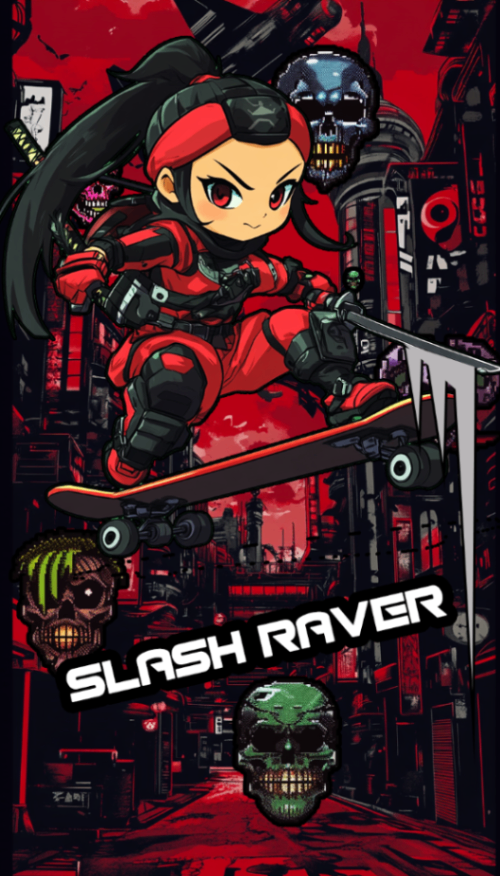
SLASH RAVER
by MISOSHITA GLITCHRAVE
5,316 plays
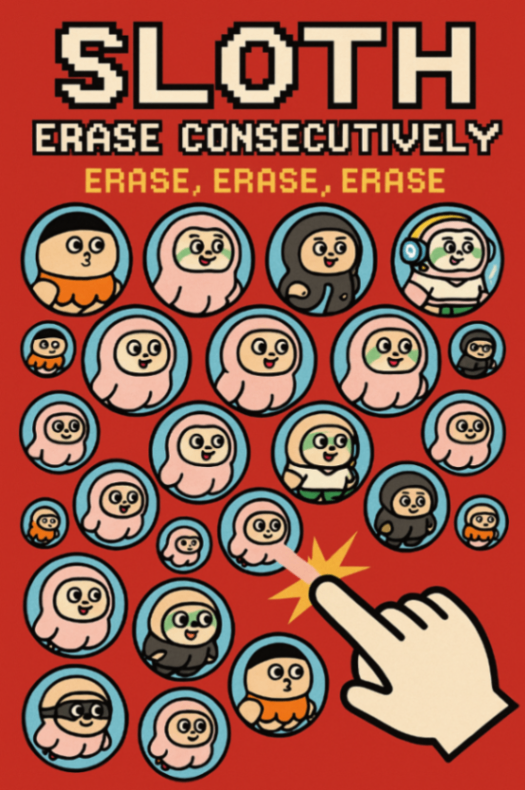
ROKESTA: Color Cascade
by k.u.n.i.sloth
5,272 plays
Frequently asked questions
Do I need to download an app to make a game on my phone?
No. It works in the browser on iPhone and Android. An iOS app is available if you want one, but it isn't required.
Will making a game slow my phone down?
No. The game is built on our servers, not on your phone. Your phone sends the idea and then just plays the finished game.
Can I keep working on the same game on my computer?
Yes. Games belong to your account, so log in the same way on any device and they're there.
Can I make 3D games on a phone?
Yes. Press 3D under the input box. 3D games come with touch controls, like an on-screen joystick, when played on a phone.
Does it cost anything?
The free plan lets you make, play and share games, with a daily limit on how many you can create. There is no payment step to start.
Can people play my game without the app?
Yes. Anyone you send the link to plays in their browser. They don't need an app or an account.