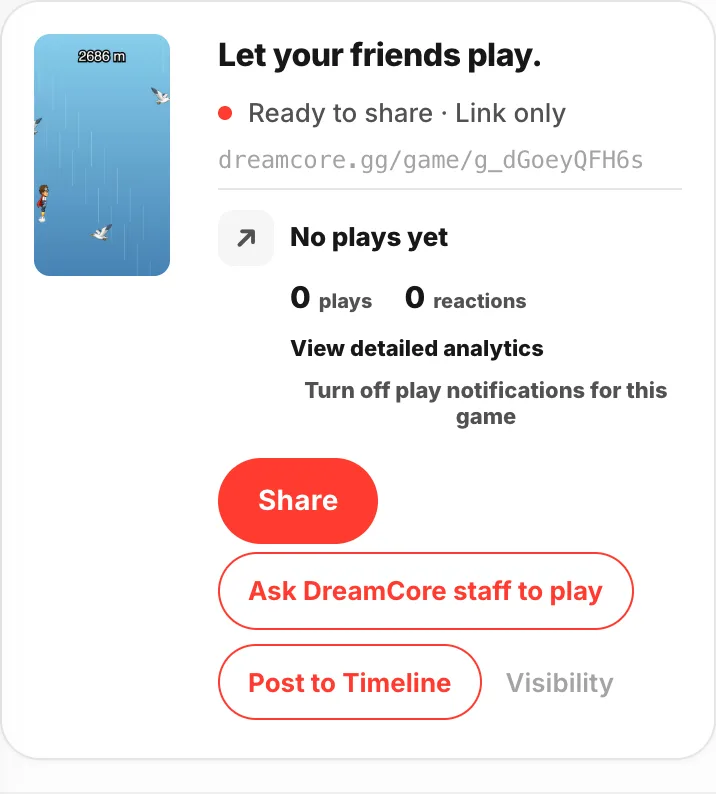
Write in the chat, and a playable game comes back.
Studio is the main screen for making games in DreamCore.
- 01
Write what you want to make
Type it into the
Tell me anythingbox and hitSend. When you start from the home input box, this is the screen that opens.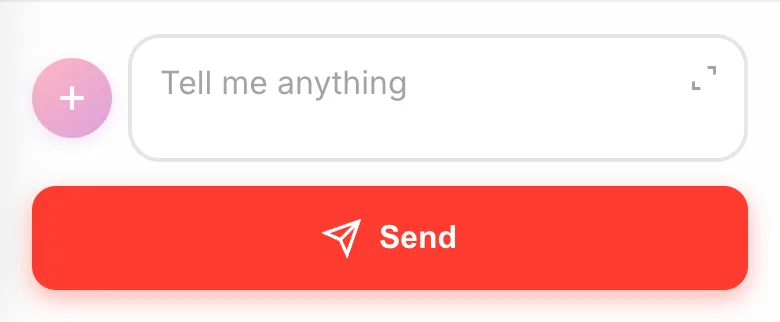
- 02
A game gets made and comes back in the chat
A card appears with a note on what got built and how to play it.
Play gameis right there.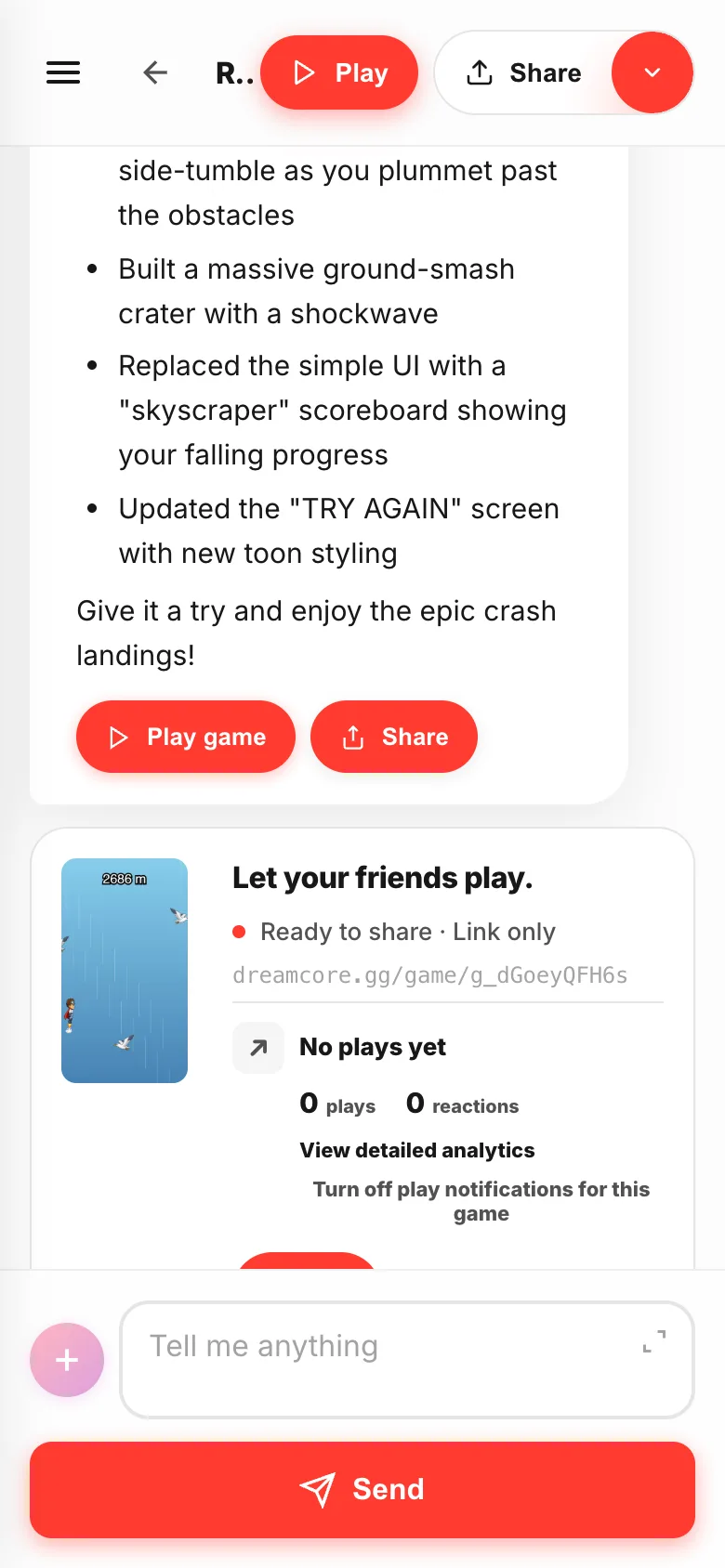
- 03
Play it right there
Playruns the game as it stands. Nothing to save, nothing to publish.Back to chatreturns you, so you can go play, fix, play again.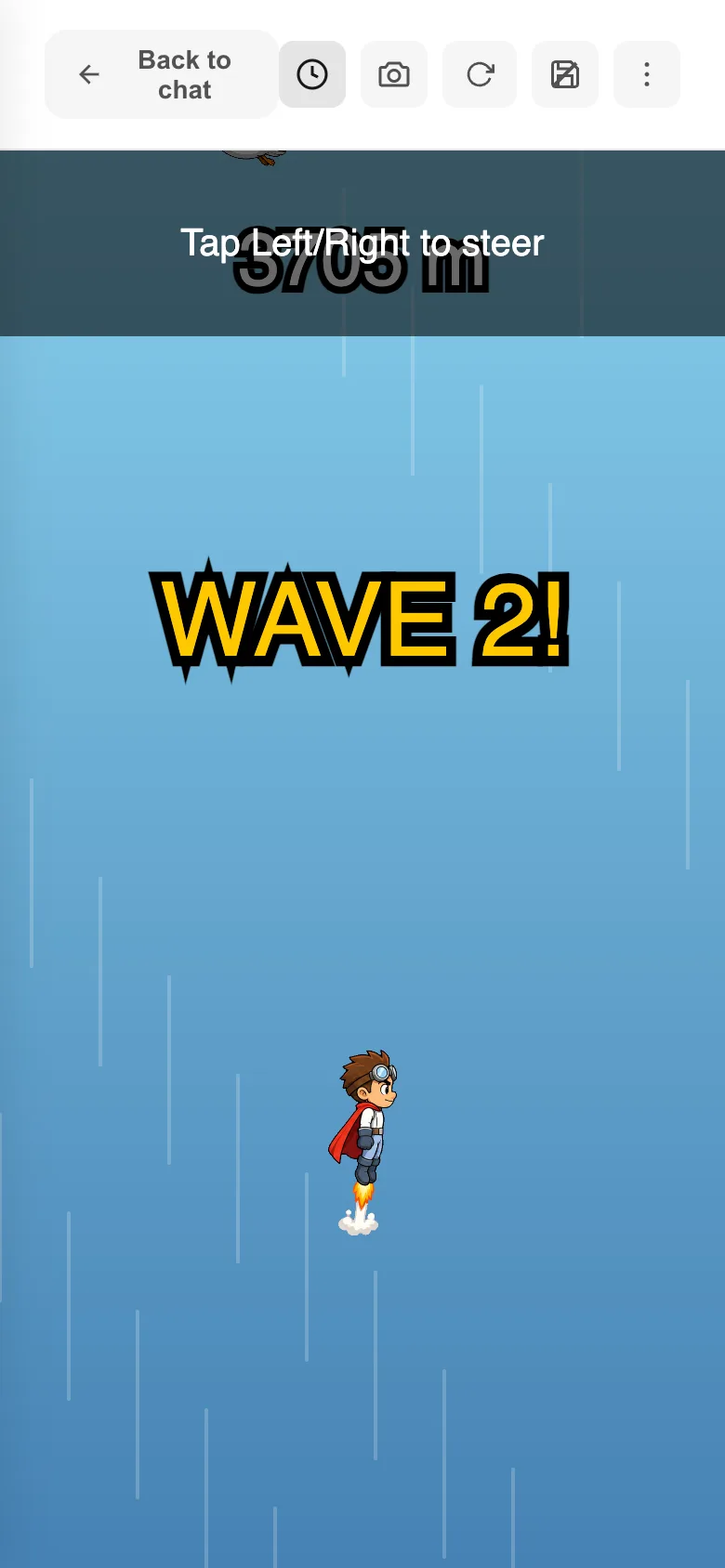
- 04
Anything you notice, keep writing
"Make the enemies a bit slower." "Give the title night colors." Send it in the same box and the changed game comes back. As many times as you like.

- 05
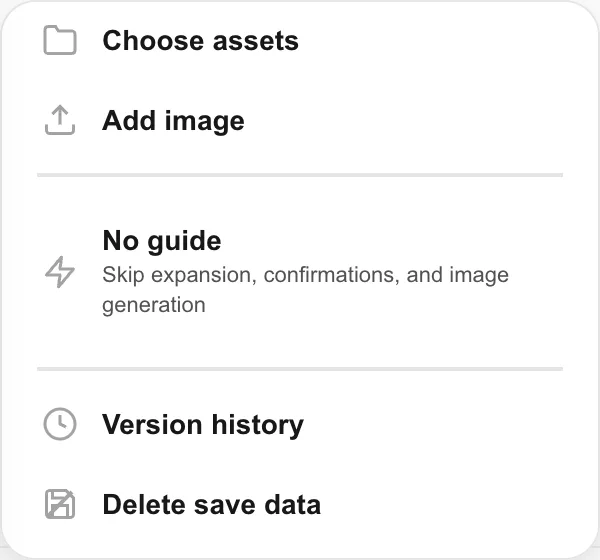
Hand your own images and assets over
The + next to the box passes your saved assets and your own images to the game. The way it works with you is switched here too.
- 06
When it's done, send it
Every finished game gets a share link, and
Sharesends it to a friend. Game info and analytics open without leaving Studio.