You do not need a plan, a team, or anything installed. You need one sentence, a few minutes of patience, and someone you want to send the result to. Here is the whole process, in the order it actually happens.
Step one: start from one sentence, not a plan
Open the box at the top of the home screen and write what you're making in a single line. "A cat dodging sushi falling from the sky." "A penguin sliding down a hill collecting fish." "Me, but I'm a frog, and everything is lava."
Two things make a first sentence good. Say how you move, and say how you win. "Tap to jump, dodge ten pits, reach the flag" gives far more to work with than "a fun platformer". Everything else — the look, the mood, the music of it — can wait until you've seen a version.
If nothing comes to mind, take a suggestion. Surprise me drops a ready-made idea into the box without starting anything, so you can rewrite it into yours first. Or skip writing altogether: there is a route where you answer five short screens instead, picking who the star is, what happens, where it's set and what tone it has. And if you want the game to be about a specific person, attach a photo — the person, pet or plushie in it becomes the hero.
Then press Make, and go do something else for a few minutes. Closing the screen doesn't stop it, and you'll get a notification when it's done.
Step two: play it before you change anything
When it comes back there's a Play button on it. Use it, properly, for a minute or two.
This is the step people skip, and it costs them. You cannot describe what's wrong with a game you've only looked at. Play it and you'll immediately know which part is annoying: the jump feels heavy, the enemies come too fast, you can't tell what you're supposed to do, the second half is empty. Those sentences are the raw material for step three.
It runs on your phone with tap and swipe, and on a computer with keyboard and mouse, so however you're holding it, it plays properly.
Step three: say what's off, one thing at a time, then let people play it
Go back to the chat and write the thing that bothered you. Not a list — one thing. "The enemies are too fast." "Make the background night." "Add two more moving platforms in the second half." Ask for three changes at once and you'll often get three half-done ones. Ask for one, play it, ask for the next, and the game gets better every round.
If you preferred an earlier version, version history brings it back. If you want your own images or sounds in there, you can bring them in and point at them directly in the chat.
Then stop fiddling and send it. Every game gets a share link, and whoever you send it to opens it and plays in their browser — no app, no account. You choose the reach: link-only, which is where games start, or open to everyone, which puts it on your profile, in the listings, and past the timeline once as a card people can play from. Turn on remixing and other people can build their own version starting from yours.
A short game sent to one friend is a finished thing. That is the whole goal on your first go.
What a first game can look like
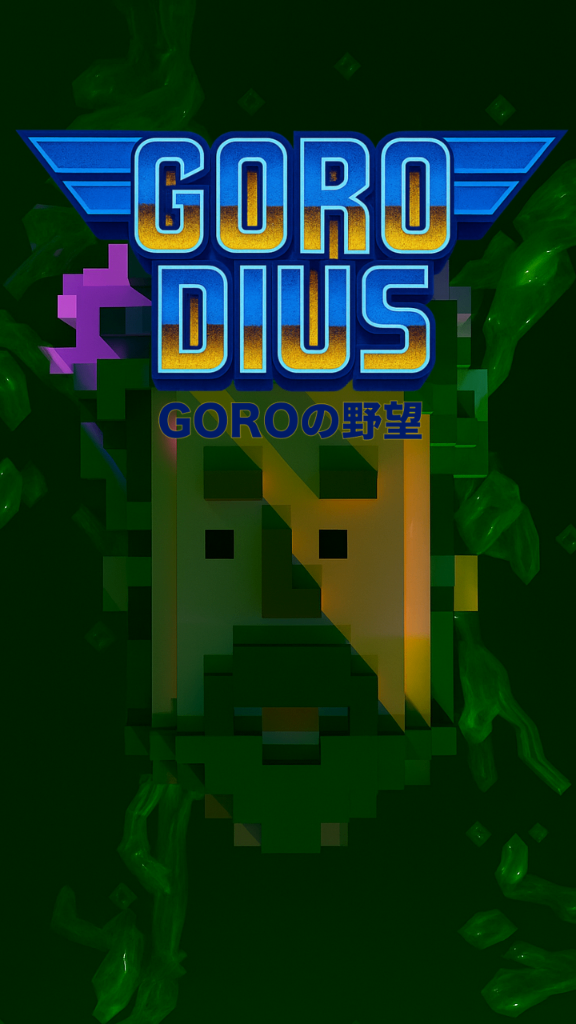
GORODIUS GORO’s Ambition
by MOKO
7,423 plays
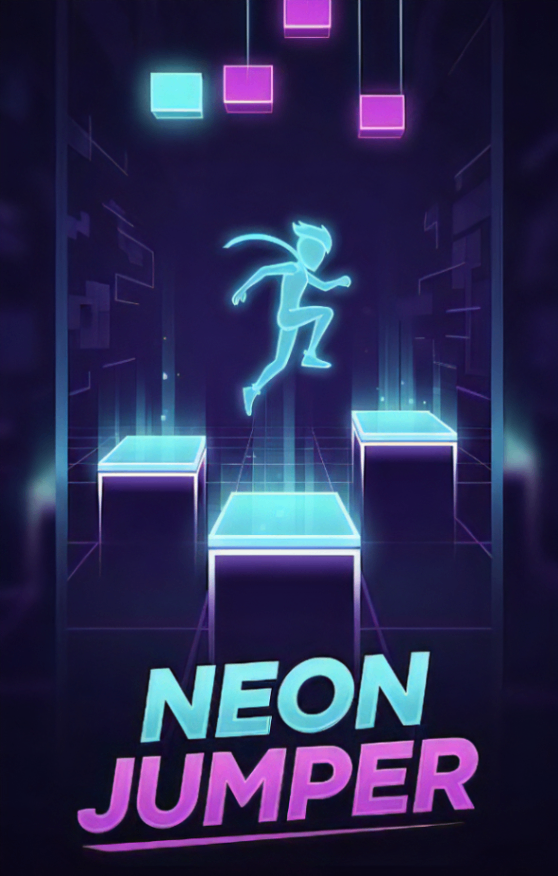
Neon Jumper
by ラミー
7,054 plays
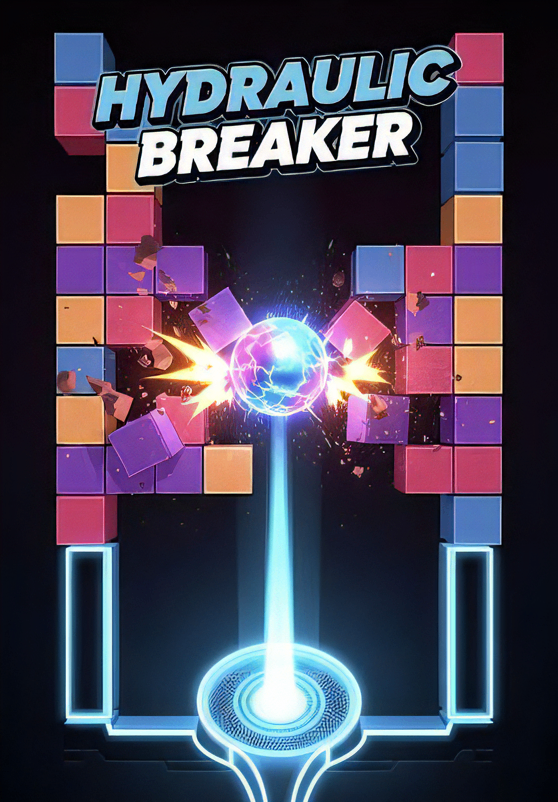
HYDRAULIC BREAKER
by ラミー
6,851 plays
Wire Art Combat
by gimu
6,157 plays
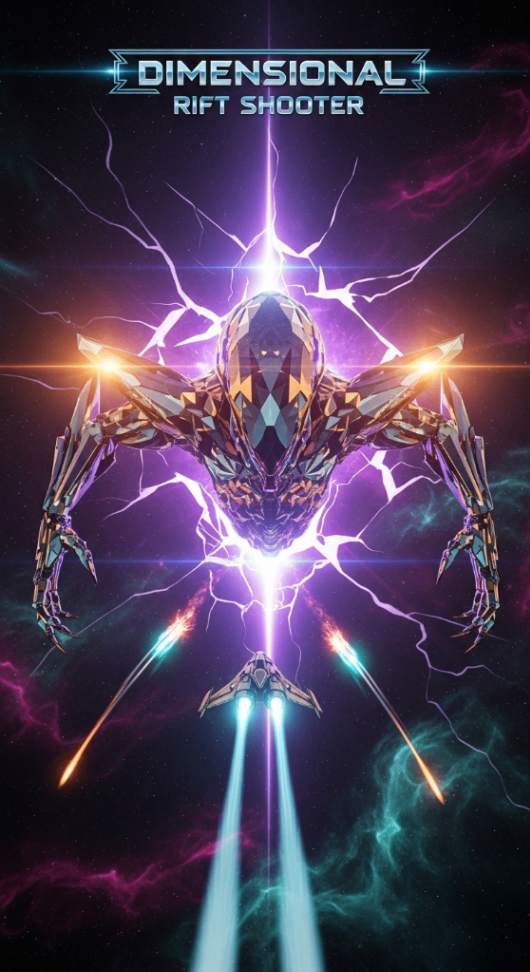
Dimensional Rift Shooter
by suemaru
5,410 plays
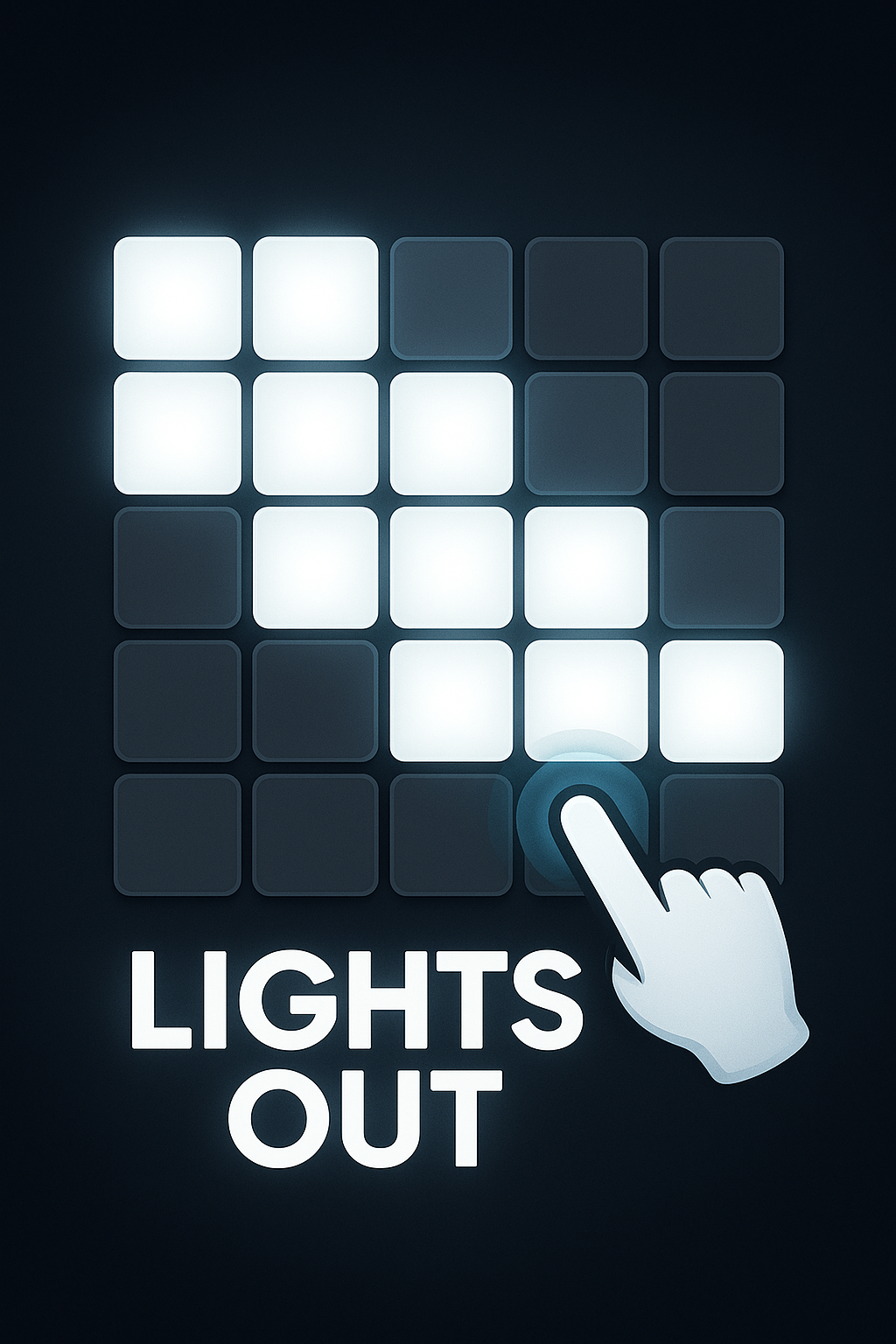
Light Out
by NullPosition
5,394 plays
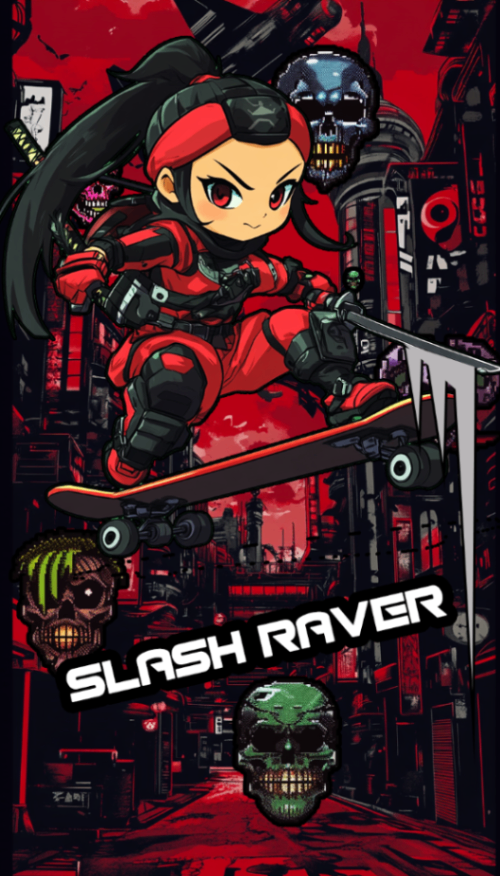
SLASH RAVER
by MISOSHITA GLITCHRAVE
5,316 plays
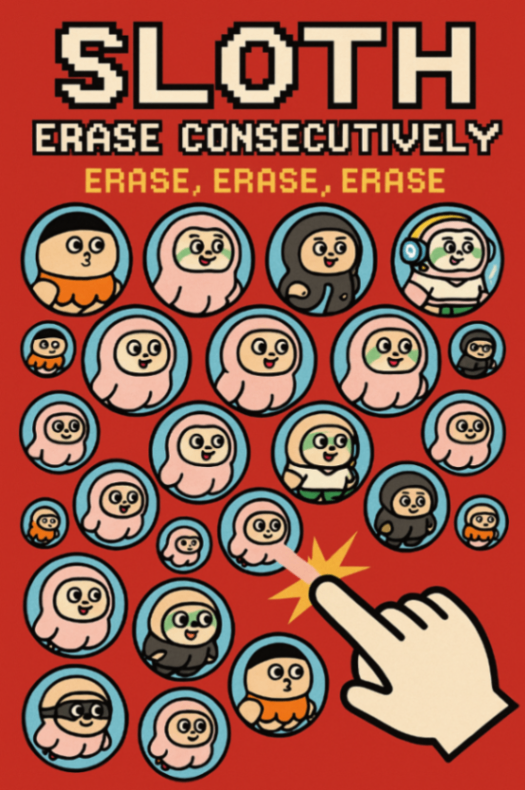
ROKESTA: Color Cascade
by k.u.n.i.sloth
5,272 plays
Frequently asked questions
How long does a first game take?
A few minutes for the first version to come back. After that you play it, write down the one thing that bothered you, and play again. Getting to something you would actually send someone usually takes about half an hour. None of that time is setup.
What is a good first prompt to try?
One that names the movement and the goal. "Tap to jump, dodge ten pits, reach the flag" works; "make something cool" doesn't. Add the look and mood in your second message.
How many changes can I ask for?
As many as you like, but one per message. Three requests at once usually come back all partly done, while one at a time gets each of them right.
Can I undo a change I didn't like?
Yes. Version history holds the earlier versions and Restore brings one back, so trying something risky costs you nothing.
Can I put my own photos or drawings into the game?
You can. Attach a photo when you start and the subject becomes the hero, or bring your own images in later and point at them in the chat so that exact one gets used.
Where does my game live once it's finished?
On your account, so you can open it from another phone or laptop by logging in. Once you publish, it also has a link you can send to anyone.