"No-code" game makers usually still ask you to program. You just do it by dragging blocks or wiring events instead of typing. DreamCore skips that layer too: you write what the game should do in ordinary sentences, and the code behind it is written for you. What you still need is the part no tool can do for you, which is deciding what makes your game fun.
What "without coding" means here
There are roughly three ways people make games without writing code:
- Block or event editors (Scratch, GDevelop, Construct). No typing, but you are still building logic: "when this happens, do that", one block at a time. Great for learning how programs work. Slow if you just want the game.
- Templates. You pick a ready-made game and swap the pictures. Fast, but every game ends up shaped like the template.
- Describing it. You write the rules, and an AI writes the program. That is how DreamCore works.
On DreamCore you never see a code editor, a block, or an event sheet. You write in the box on the home screen, press Make, and a playable game comes back a few minutes later. When you want it different, you write that too: "make the upgrade cheaper", "add a timer", "the button is hard to tap".
Rules are the part you write
Try the clicker below. Every rule in it is a number someone had to decide: how many coins per tap, what an upgrade costs, how much it raises, how long a round is, what the goal is. That list of numbers is the game. Writing it as a sentence is all the "programming" it needs.
A clicker made of rules, not code
Hand-coded for DreamCore as an interaction example, not an AI-generated result. The prompt below describes the same rules; what you get back will look different and may balance slightly differently.
Open the example in a separate page
Copy the prompt, open the home screen, paste it into the box and press Make. Sign-in comes when you press Make; copying alone starts nothing.
Change one number at a time
- The goal is too easy; raise it to 400 coins.
- Add a third upgrade called "Golden donut" that doubles every coin for 10 seconds.
- Make the donut wobble and show +1 floating up on every tap.
After each change, play one full round to check that the goal is still reachable.
Notice what the prompt does not say: nothing about canvases, frame rates, click handlers or variables. It says what the player does, what they get, and what counts as winning. That is the level to write at.
What you still decide (and why that's the fun part)
Skipping code does not skip design. The questions that make a game good are the same with or without code:
- Is the goal reachable? If nobody can hit 250 coins in a minute, the game feels broken. Play it and change the number.
- Is there a choice? In a clicker the choice is when to buy which upgrade. A game with no choices is a timer.
- Does it explain itself? If a friend needs you to explain the controls, write them onto the start screen.
- Does it end well? A score, a "play again" button, maybe a line of text that makes them want one more go.
Each of those is one message. Change one, play, change the next.
Things you can hand over without code
- Your own pictures. Attach a photo or a drawing with the Image button and whoever is in it becomes the hero. In Studio, the + button passes your saved images and assets into the game.
- The art. If you don't attach anything, the images in the game are generated along with it.
- The words. Text inside the game is written in the language you wrote your idea in.
- 2D or 3D. Press one of the buttons under the box, or neither and let it pick.
The honest limits
Building takes a few minutes per version, so this is not instant. You can make one game at a time, and there is a daily cap on how many you can create on the free plan. Very big ideas (a whole RPG with saves, a huge open world) tend to come back simplified; short games with clear rules come back closest to what you asked for. When something fails, sending the same request again usually works, and a shorter request almost always does.
Games made without a line of code
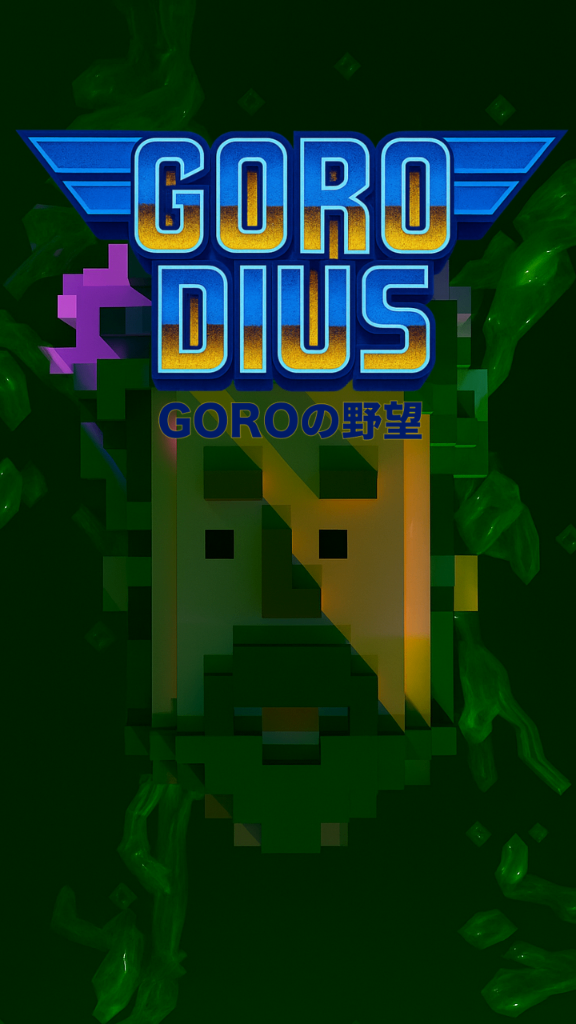
GORODIUS GORO’s Ambition
by MOKO
7,423 plays
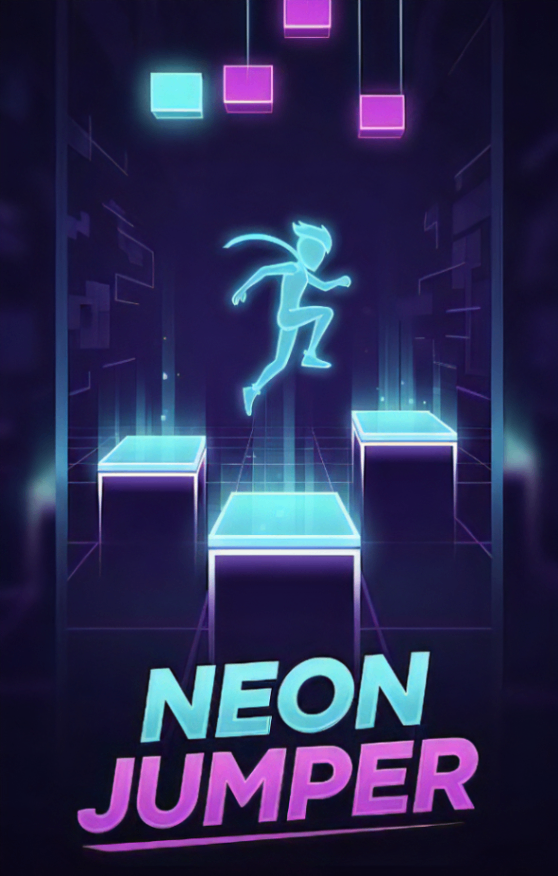
Neon Jumper
by ラミー
7,054 plays
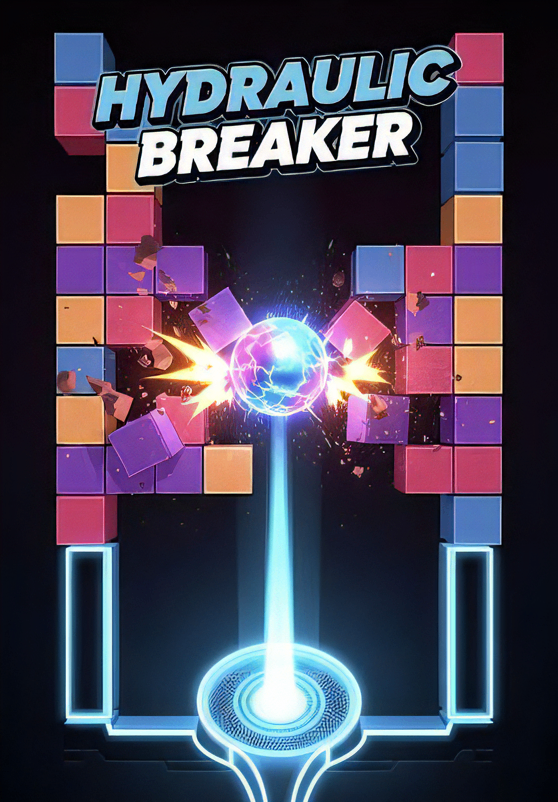
HYDRAULIC BREAKER
by ラミー
6,851 plays
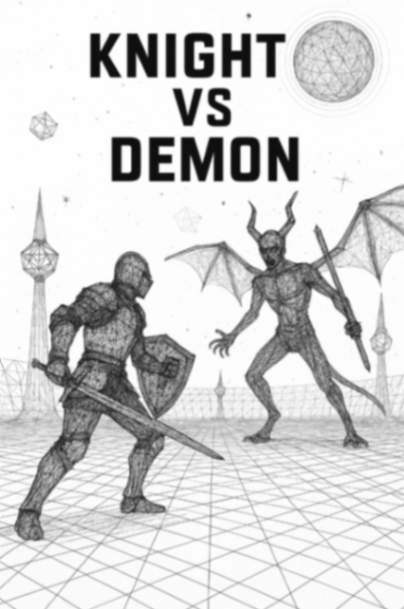
Wire Art Combat
by gimu
6,157 plays
Dimensional Rift Shooter
by suemaru
5,410 plays
Light Out
by NullPosition
5,394 plays
SLASH RAVER
by MISOSHITA GLITCHRAVE
5,316 plays
ROKESTA: Color Cascade
by k.u.n.i.sloth
5,272 plays
Frequently asked questions
Can I really make a game with zero coding knowledge?
Yes. You write what you want in plain language and each change is also a sentence. There is no code editor, no blocks and no scripting anywhere in the process.
Is this different from Scratch?
Yes. Scratch teaches you to build programs out of blocks, which is a great way to learn coding. Here you skip building the program and describe the result instead.
Can I change the game after it's made?
As often as you like. Send a change in the same chat, play the new version, and use version history to go back if you liked an earlier one better.
Do I need to draw the art myself?
No. The images are generated with the game. If you want your own art or a photo of someone in it, attach it and it gets used.
Is it free to make a game without coding here?
The free plan covers making, image generation and publishing, with a daily limit on how much you can make. No card is needed to start.
Can other people play what I make?
Yes. Share the link and they play in their browser on a phone or computer, with no app and no account needed.