There are settings so you only show what you want to show.
Writing nothing at all is also a choice.
- 01
Make your account private
The very top of Settings (the gear at the top right of My Page) is
PRIVACY. Turn onPrivate accountand new followers need your approval. People who want to follow you send a request, and it lands inNotifications.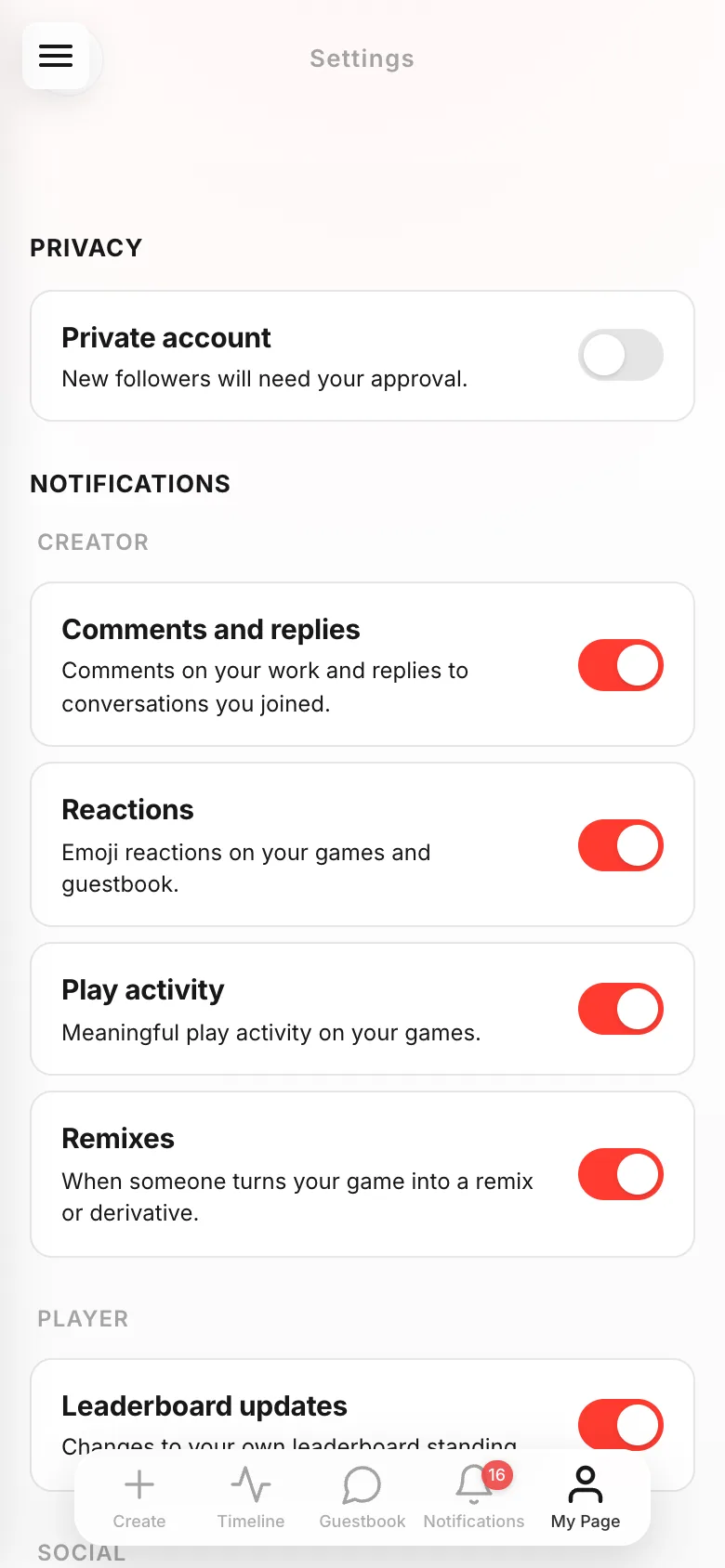
- 02
Choose who sees each game
Who can play?on theGame infoscreen has three options.Listed for everyoneappears in listings and on your profile,Only people with the linkis only whoever you sent it to, andKeep it privatemeans you aren't sharing it for now.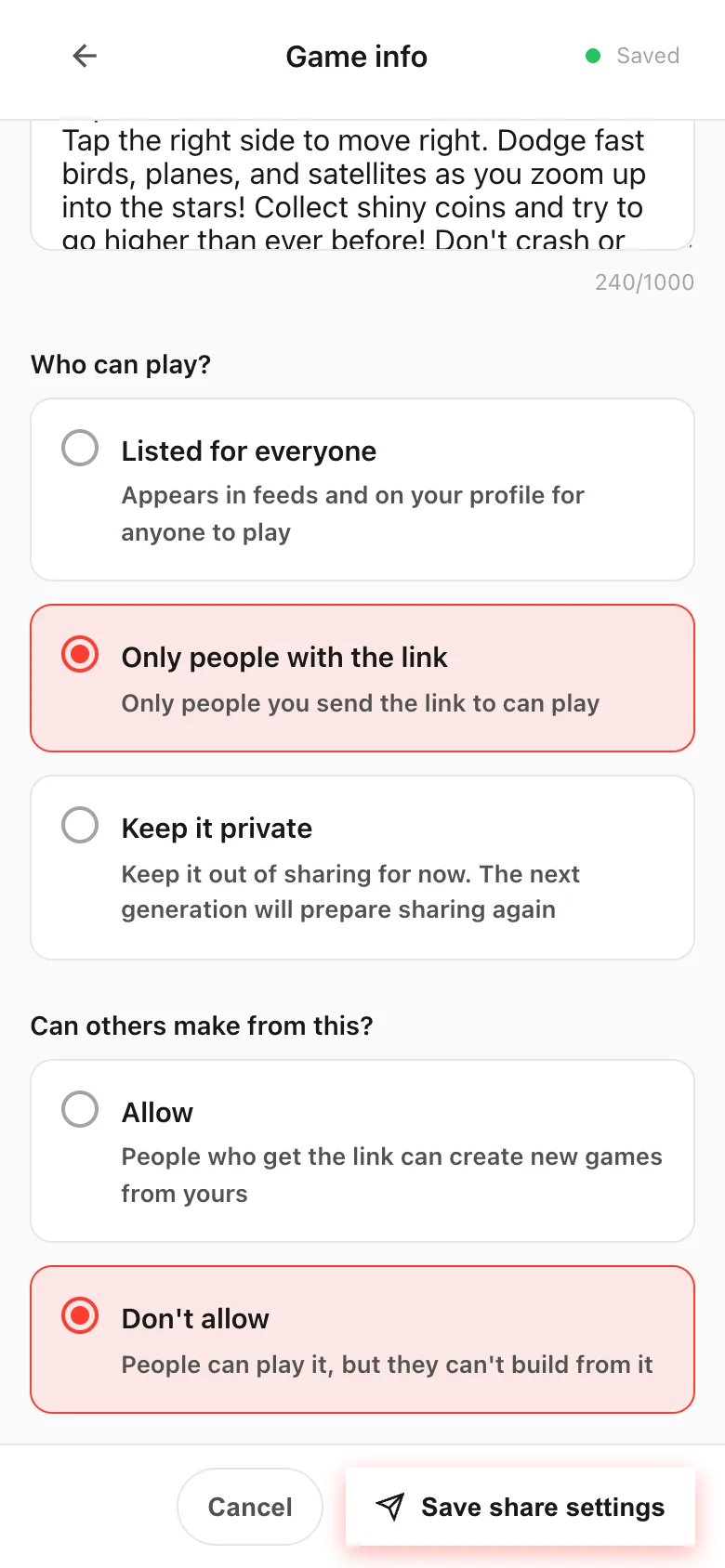
- 03
Decide what goes on your profile
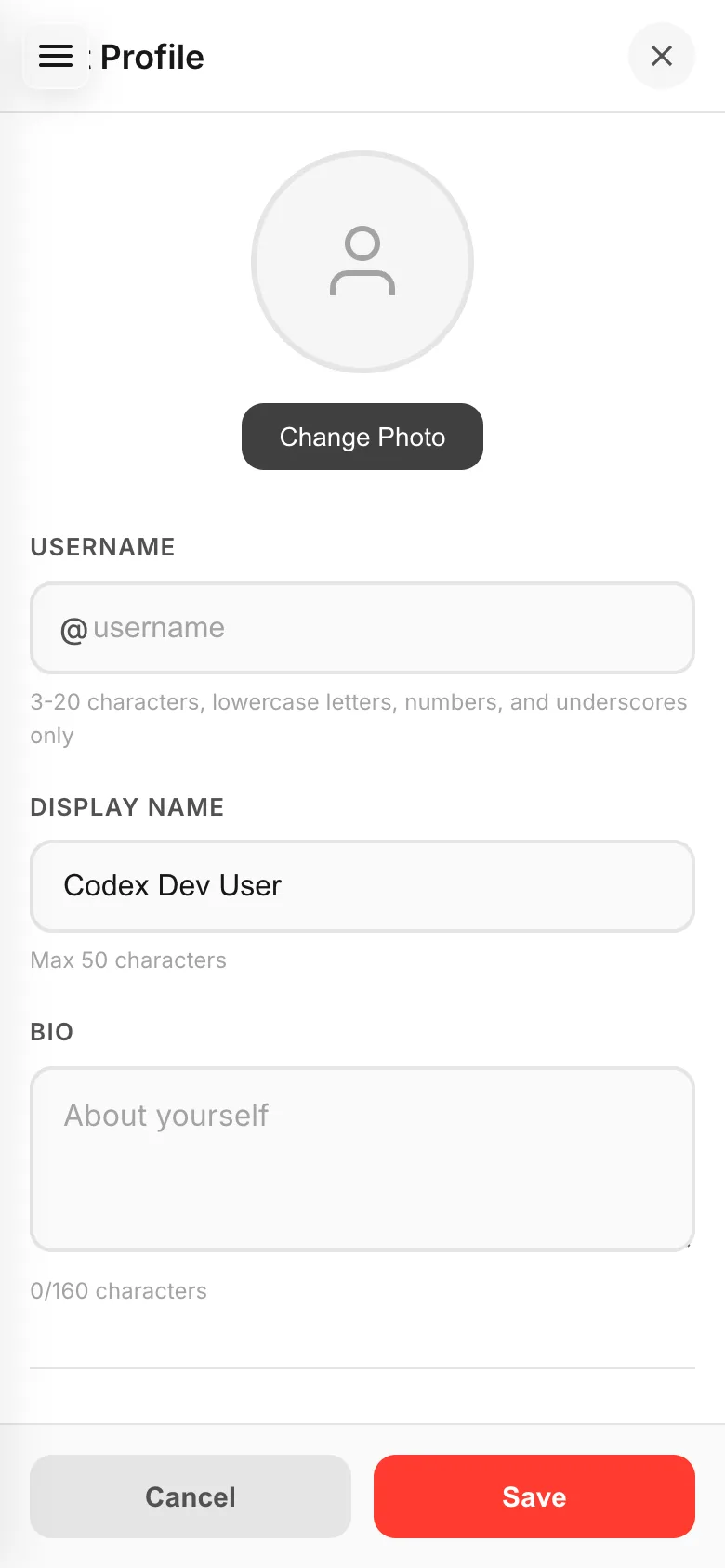
Display name, bio and social links can all stay empty. Your real name, your school and where you live are safer left out. Your picture doesn't have to be your face — a character you made or a color you like is plenty.
- 04
Anything you wrote can be removed
Username, display name and bio can all be changed later. Put your real name in by accident and
Edit Profilefixes it.
If something goes wrong
A game set to Only people with the link can still spread: whoever got the link can pass it on, and that person can play too. Knowing the link is the only condition. For things you really don't want seen, use Keep it private.
The Settings sheet on the make screen only offers Only people with the URL and Everyone. To choose Keep it private, open the Game info screen.