Make it with the first message, play it, then keep fixing.
Here is what works when you write in Studio.
- 01
First message — write what you want to make
Put it straight into the
Tell me anythingbox and hitSend. It does not need to be worded well. While it builds,SendbecomesCanceland stops it on the spot.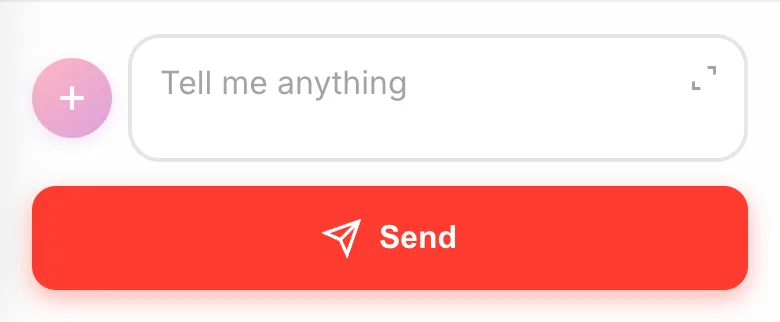
- 02
From the second on — play, then write what you noticed
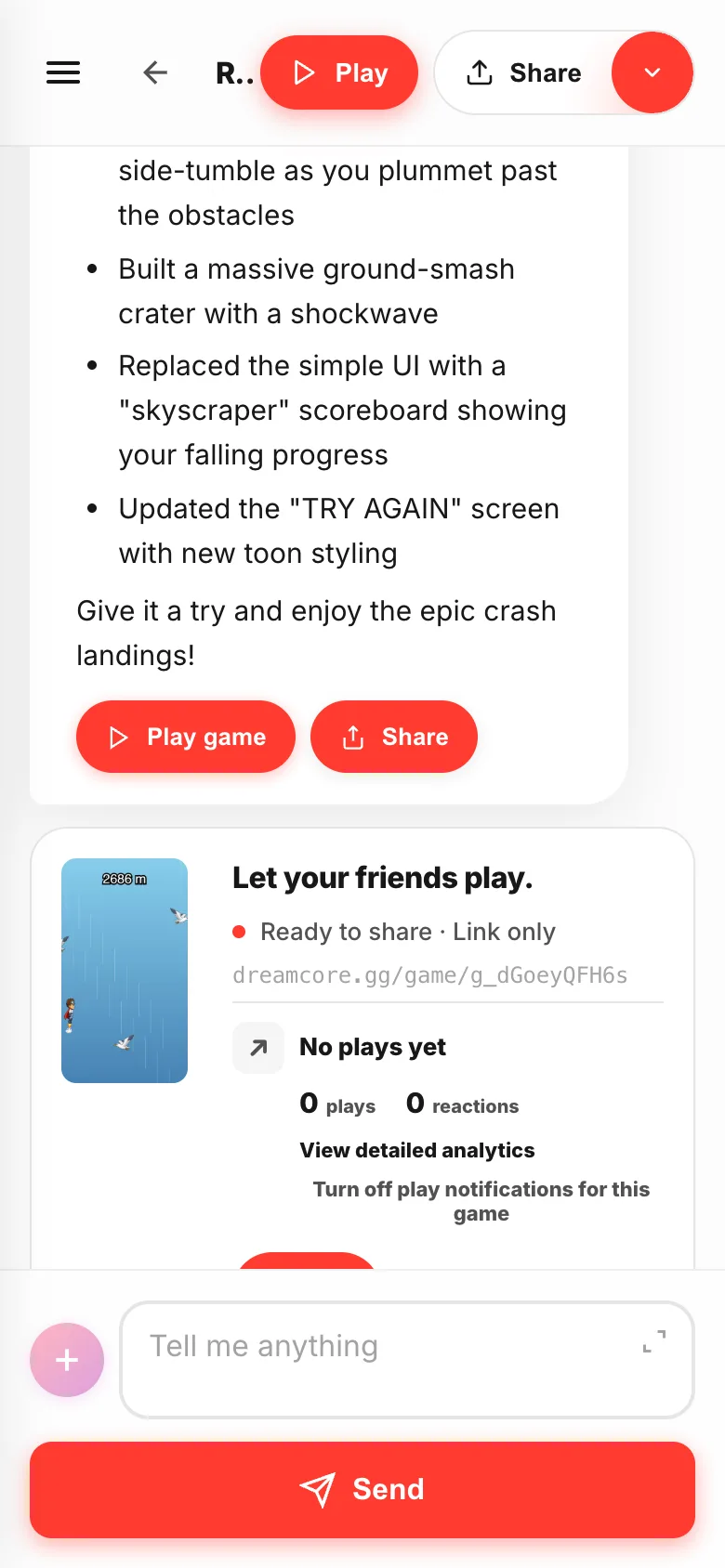
Play the game first, then write the bits that bothered you. It remembers what you said, so "make that enemy a bit slower" works fine.
- 03
Write what and how you want it
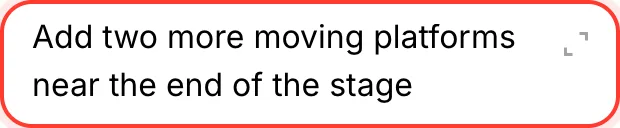
"The jump is too low and I can't reach the second platform" has both, so it gets through. Bundle requests and each one gets thinner — send one, play it, send the next.
- 04
Long requests: open them up
The mark at the bottom right of the box opens a full-screen
Enter messageeditor. Use it for level layouts or a story.Cancelcloses it and drops whatever you added there.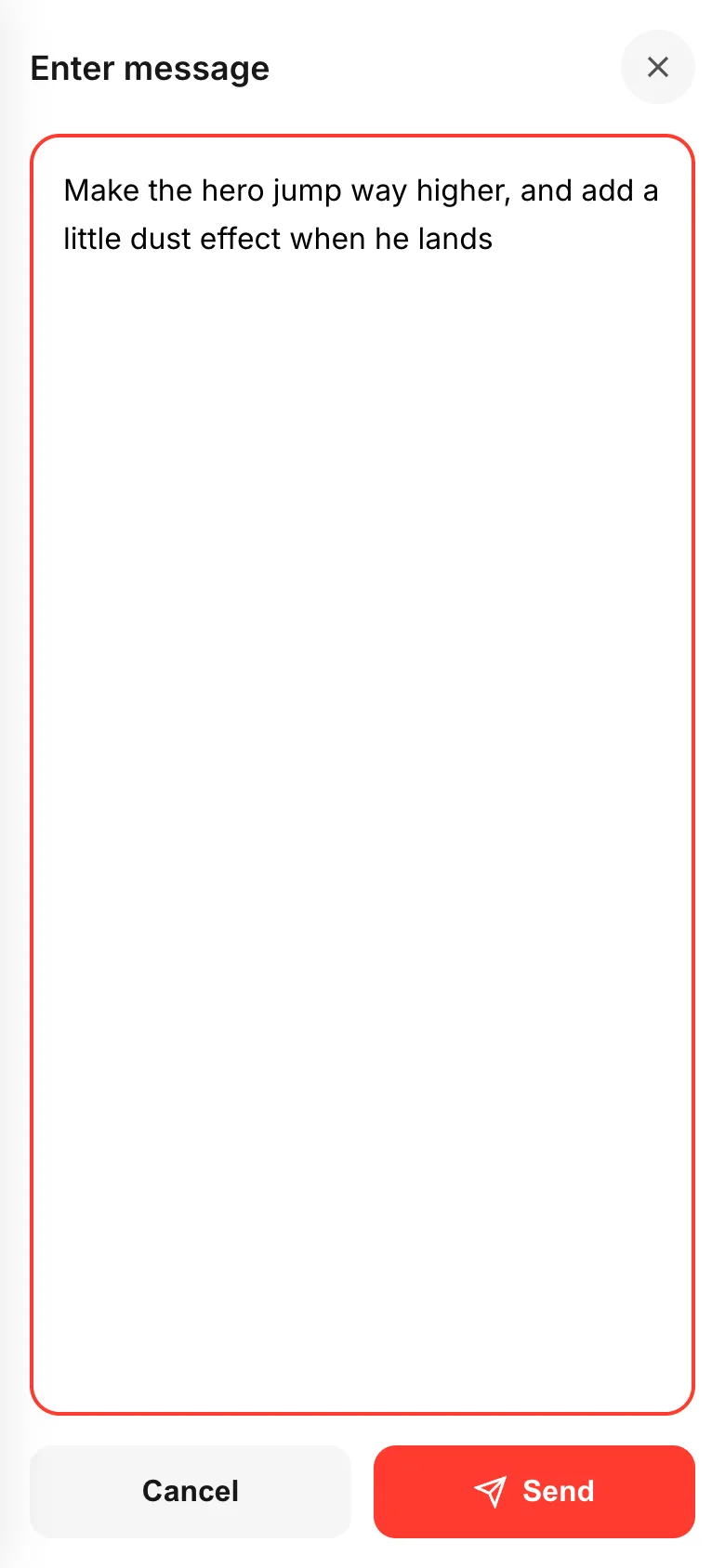
If something goes wrong
If what comes back is not what you pictured, try saying it shorter and flatter. "Put the level 1 goal at the right edge of the screen" lands better than "make it more fun".
When things drift after a few stacked requests, go back to one at a time and it usually sorts itself out. If you typed it wrong, don't wait — hit Cancel and write it again.