There is no way to know if it's fun without playing it.
Studio lets you play what you made without leaving the screen.
- 01
Hit
PlayIt sits in the middle of the header. Nothing to save, nothing to publish — the game as it stands right now just opens.

- 02
Actually play it
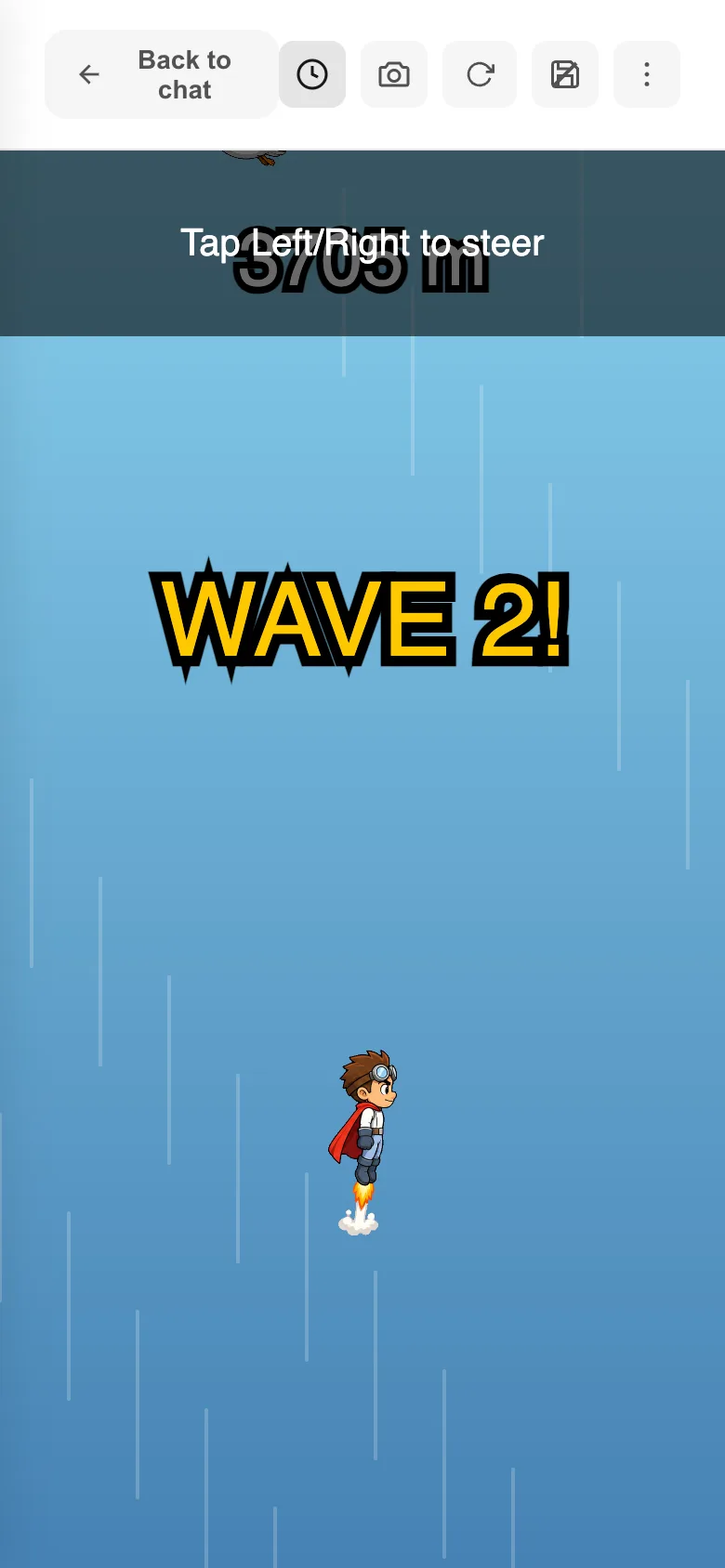
The game fills the screen. This is exactly what your friends will see, so watch whether the first ten seconds make the point clear.
- 03
Use the top bar without breaking your flow
Back to chatreturns you, and the reload icon starts it over from the top. When things freeze, reload first. The icon next to it wipes the save data, so you can test it the way a first-time player gets it.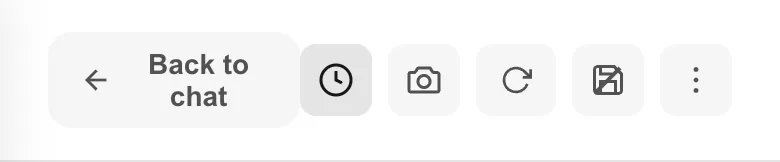
- 04
Send the screen that bothered you
The camera icon grabs what you are looking at and opens a marking screen. Circle it with
Pen,OvalorArrow, hitPaste in chat, and the image lands on your message. Add "too many enemies inside this circle" and send. - 05
Back to the chat, one thing at a time
Ask for everything you noticed at once and each fix comes out thin. Fix one, play again. That is the fastest way through.
If something goes wrong
If the game sits there white and dead, hit reload. If that does not help, go back to the chat and write "the game won't run" exactly like that.
Deleted save data does not come back. If you want to keep what you reached while testing, write the score down before you wipe it.
Liked the old one better? Version history in the + menu opens an earlier version, and Restore brings it back. You can always return to the current one.