You opened the link and the game never starts.
Here's what to try, most likely fix first.
- 01
Nothing at all? Reload first
Load the page again. If that doesn't do it, check that your signal or Wi-Fi is up and open the same link in a different browser. Most of the time it's fixed by here. On a weak signal, the first load can just take a while.
- 02
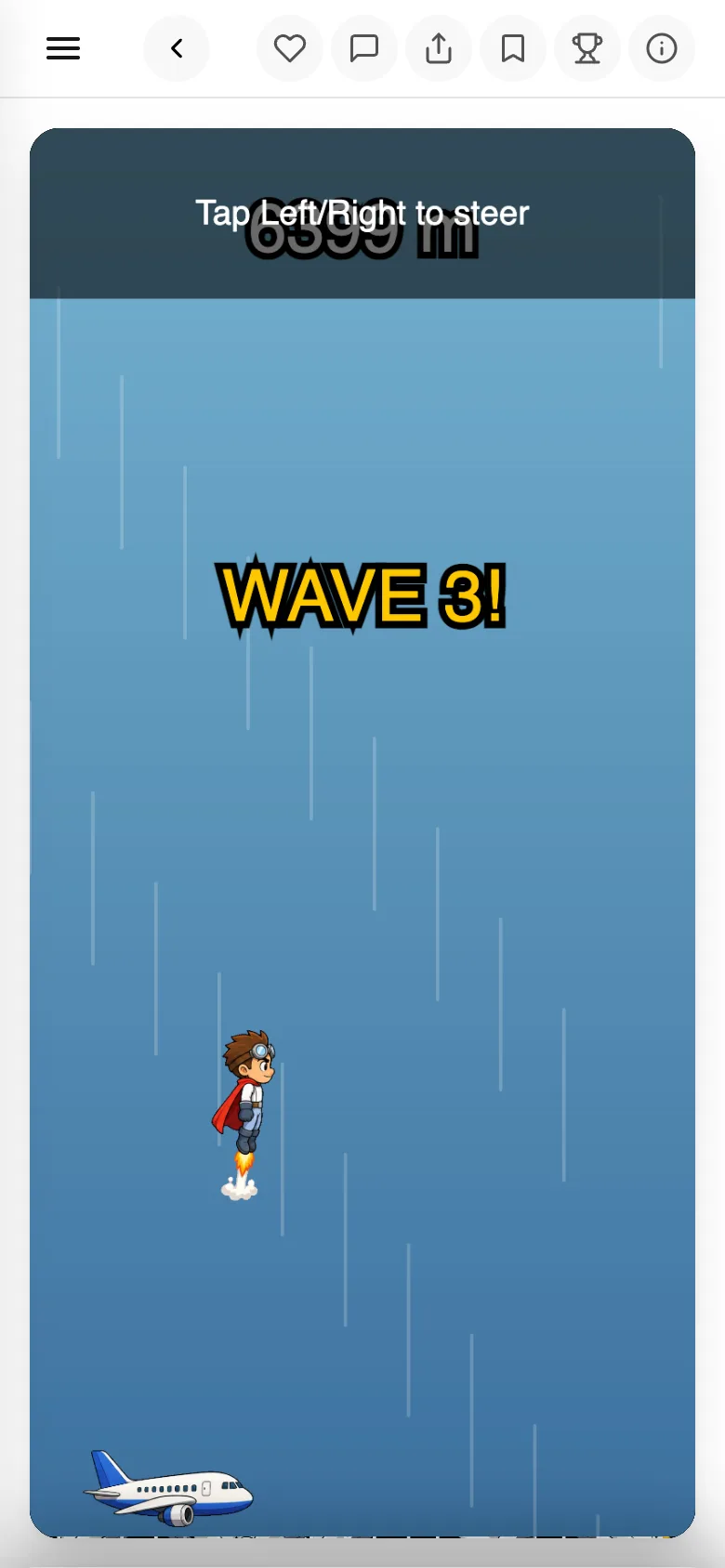
Won't respond, or no sound? Touch the screen once
Most games start after you press a start button or tap the screen once. Sound starts there too. If there's still no sound, check your device isn't muted. If it's running slow, close other tabs and apps.
- 03
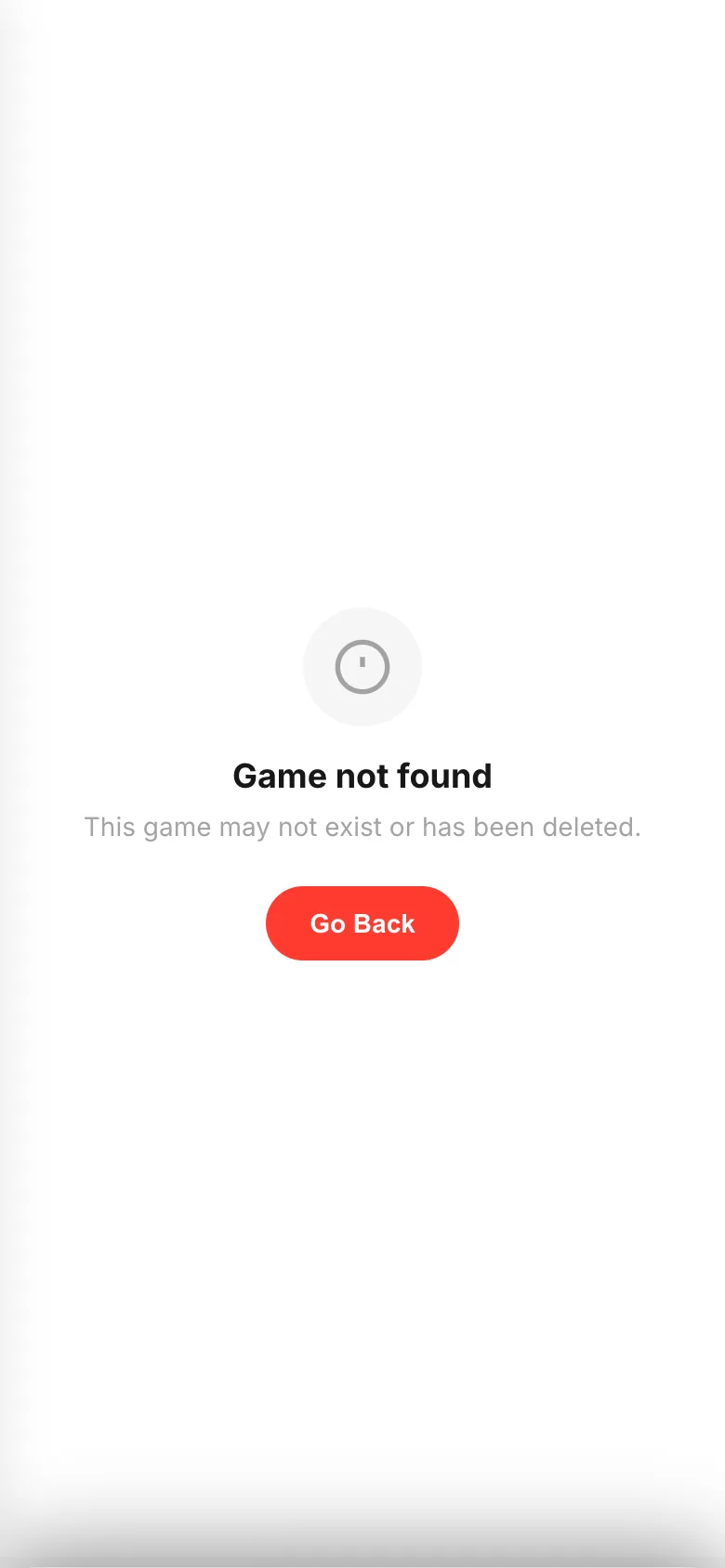
If you get
Game not foundThe game itself can't be opened. Either the link got cut short, the creator deleted it, or they stopped sharing it. Ask whoever sent it to send it again.
- 04
If you get
Game stoppedThis shows when something went wrong inside the game while you were playing.
Try againreloads it. The creator is told automatically, so you don't need to tell them.
If something goes wrong
If it stops at the same spot again and again, tell the creator "it stops here". They can fix that.
When nothing works, restarting your device sometimes does it.