Just the character. Just the goat. Just the button text.
Pick the piece you want to change, ask, and only that piece gets redone.
- 01
Open
Assetsunder the previewOnce the game is running, a row of tools shows up at the bottom of the screen. Tap
Assets, the one on the far left, to see the characters, art and 3D objects in this game. On a computer, open it fromMakeabove the preview.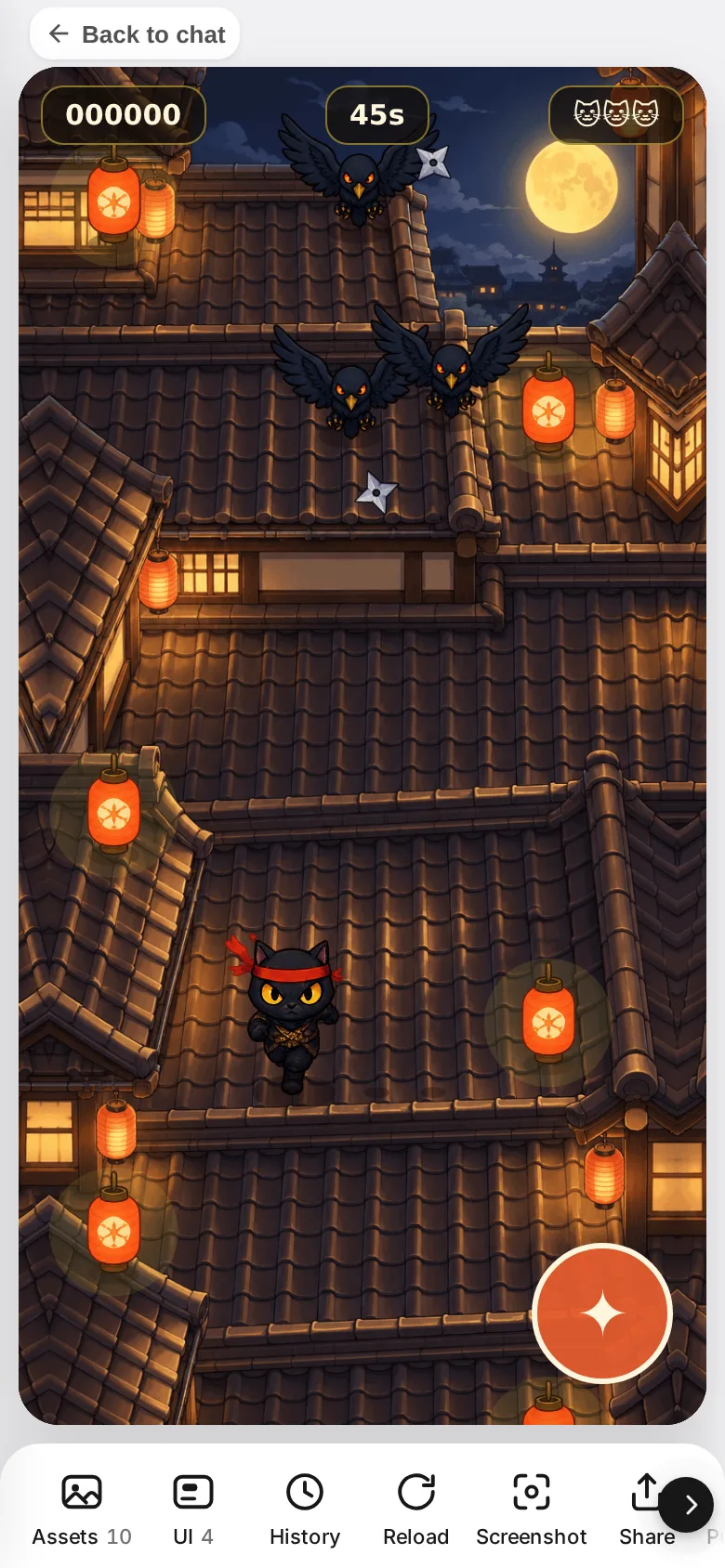
- 02
Pick the piece to fix
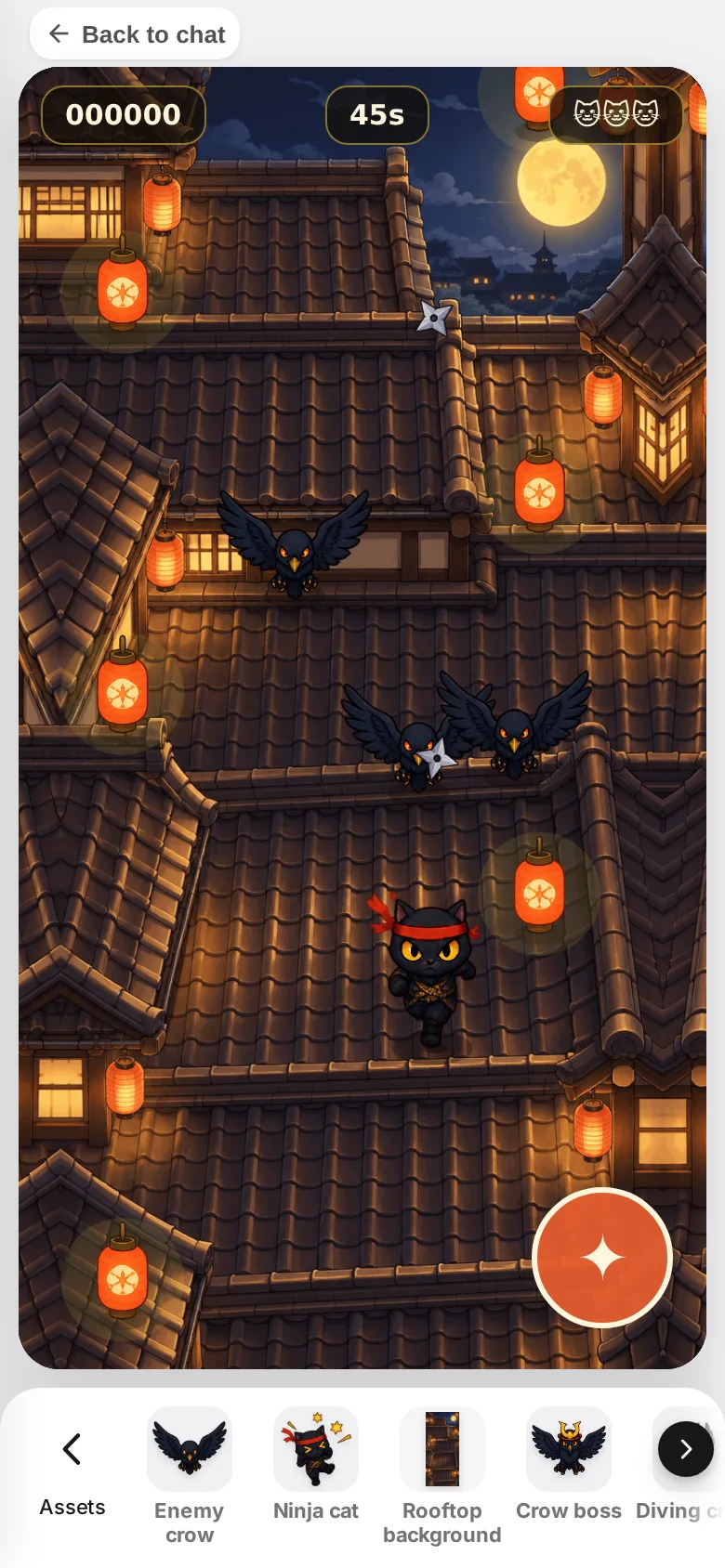
Swipe the row sideways to see more. Tap a piece and it opens up big, with a preview and a box for your request.
- 03
For characters, choose
What to redrawCharacters have poses like standing ready, running and jumping. Choose
Whole character, a pose, a direction or a single frame, and the art that will be redrawn gets a red frame.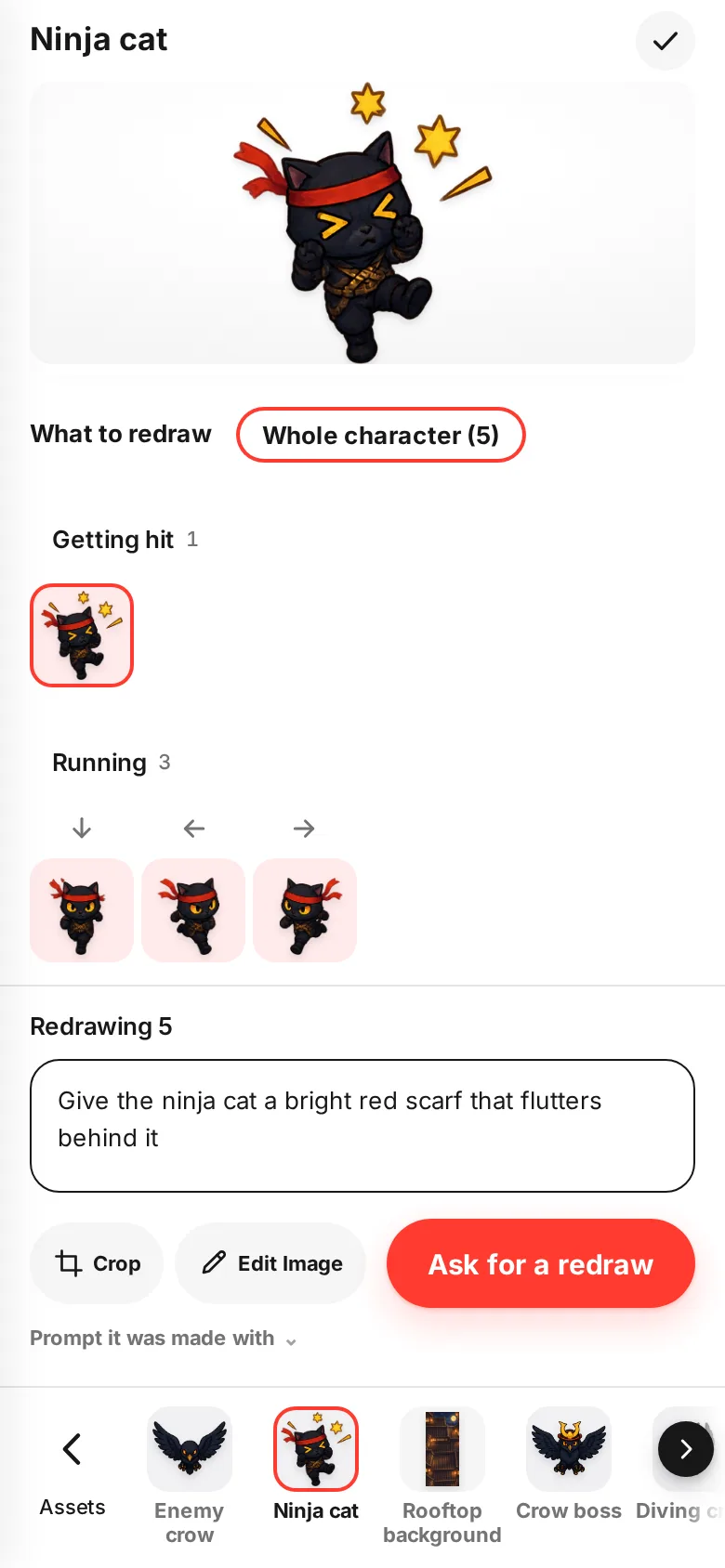
- 04
Write what you want and ask
Write it the same way you would in the chat, like "Give the ninja cat a bright red scarf that flutters behind it". Tap
Ask for a redrawand only that piece gets fixed. The other pieces and the way the game plays stay the same.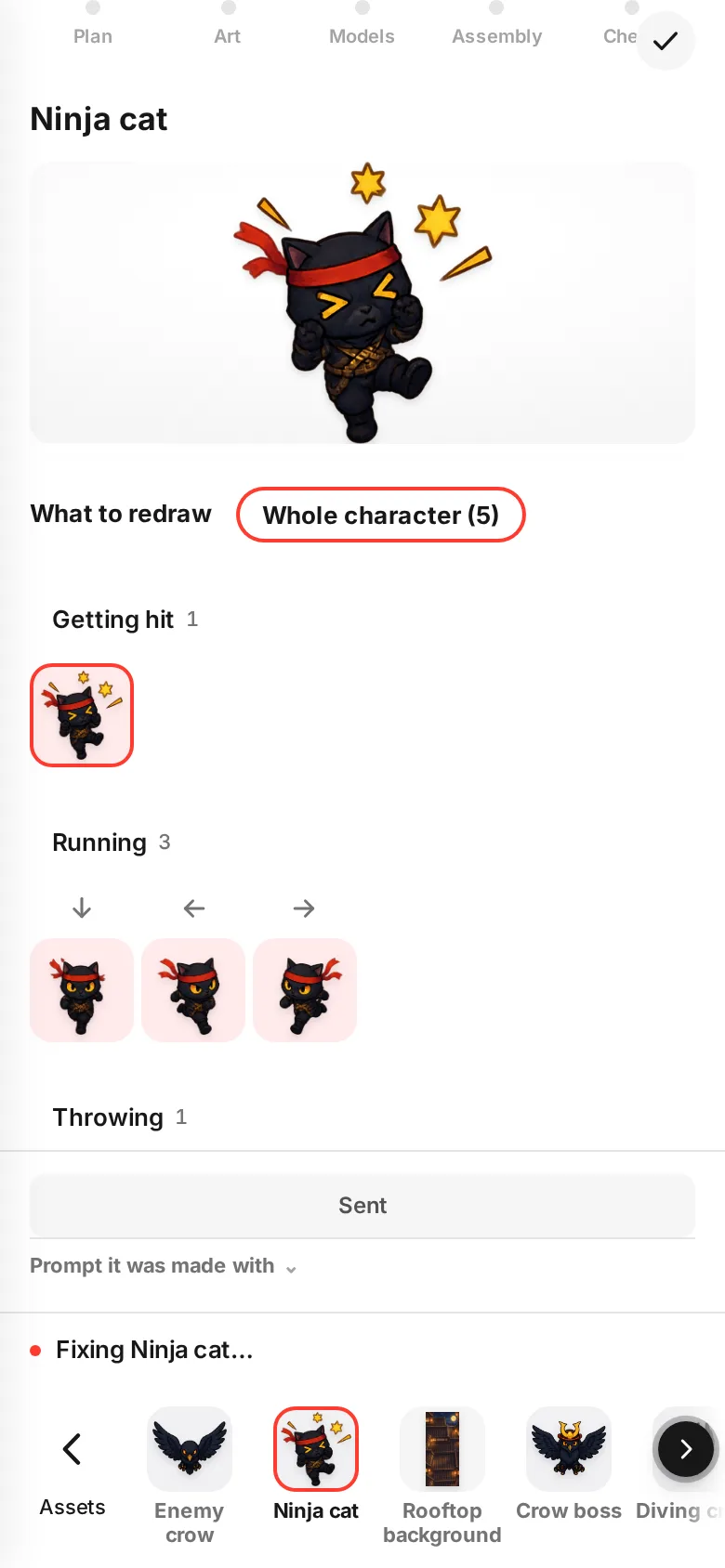
- 05
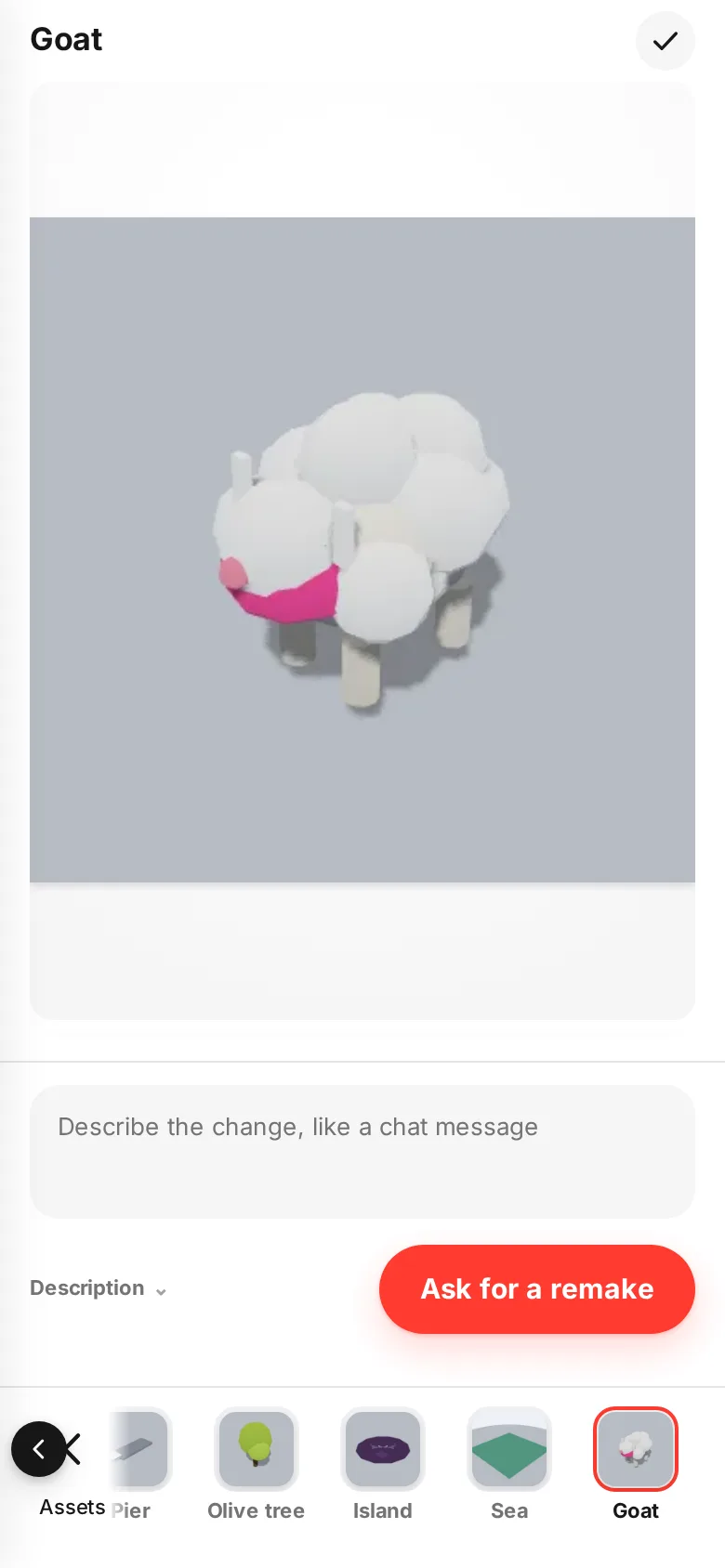
For 3D objects,
Ask for a remakeIn 3D games, you can fix objects like a goat or a sign one at a time too. Once fixed, both the preview in the list and the object in the game are new.
- 06
Buttons and text live in
UITap
UIto see buttons and labels grouped by scene, like during play or the result screen. Change the text right there and hitSave. It gets translated into the other languages automatically (some games don't support this). To move something, just drag it on the screen.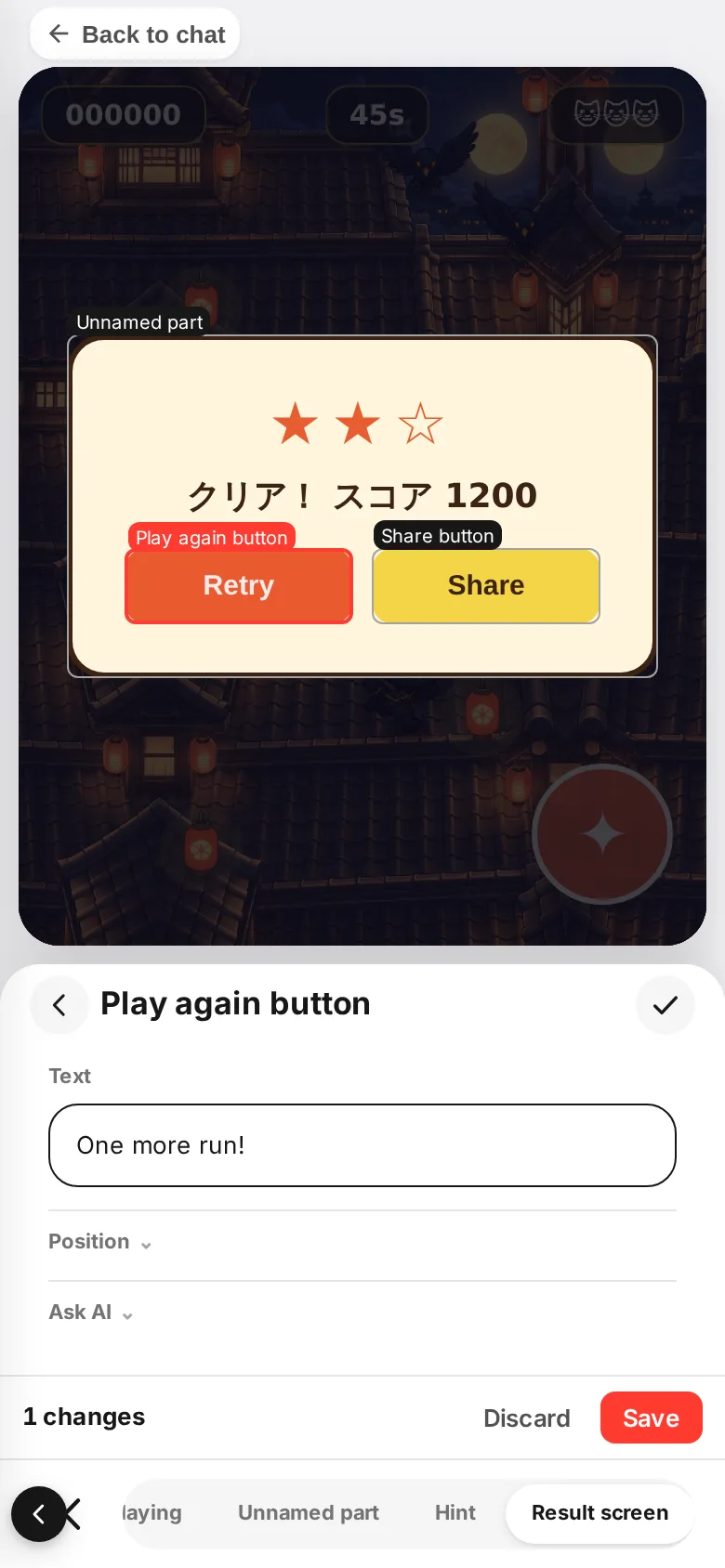
- 07
In 3D, you can also pick the
CameraChoose from up to 6 views that fit your game, like from behind, over the shoulder or looking down.
Defaultis the camera the game was already using.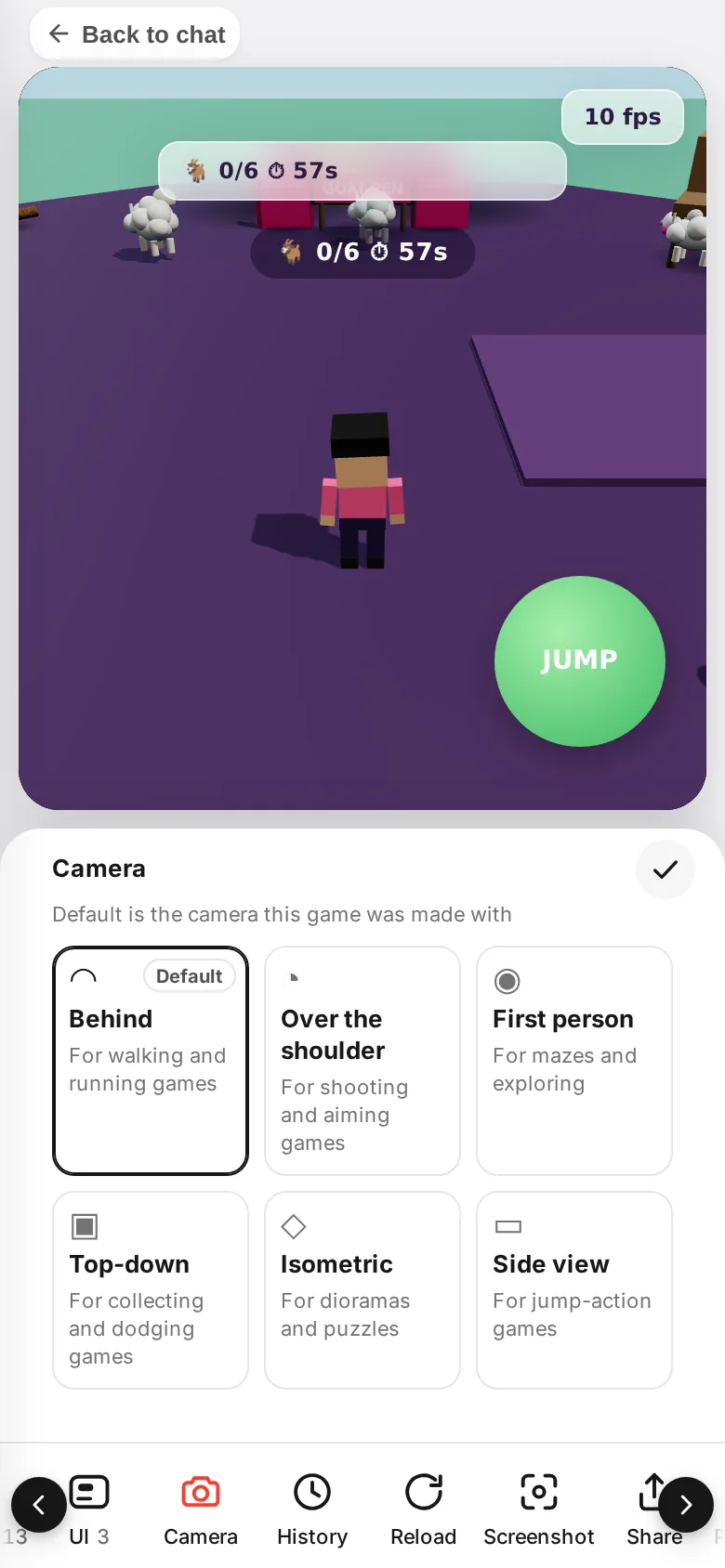
If something goes wrong
No pieces show up. Pieces appear once the game is made. While it is still being made, they show up one by one as they are ready.
You can't change some text. Text that the game draws by itself can't be changed here. Open Ask AI, or ask in the chat.
You can't send a request. While another fix is in progress, you can't send the next one. Wait until it is done, then send.