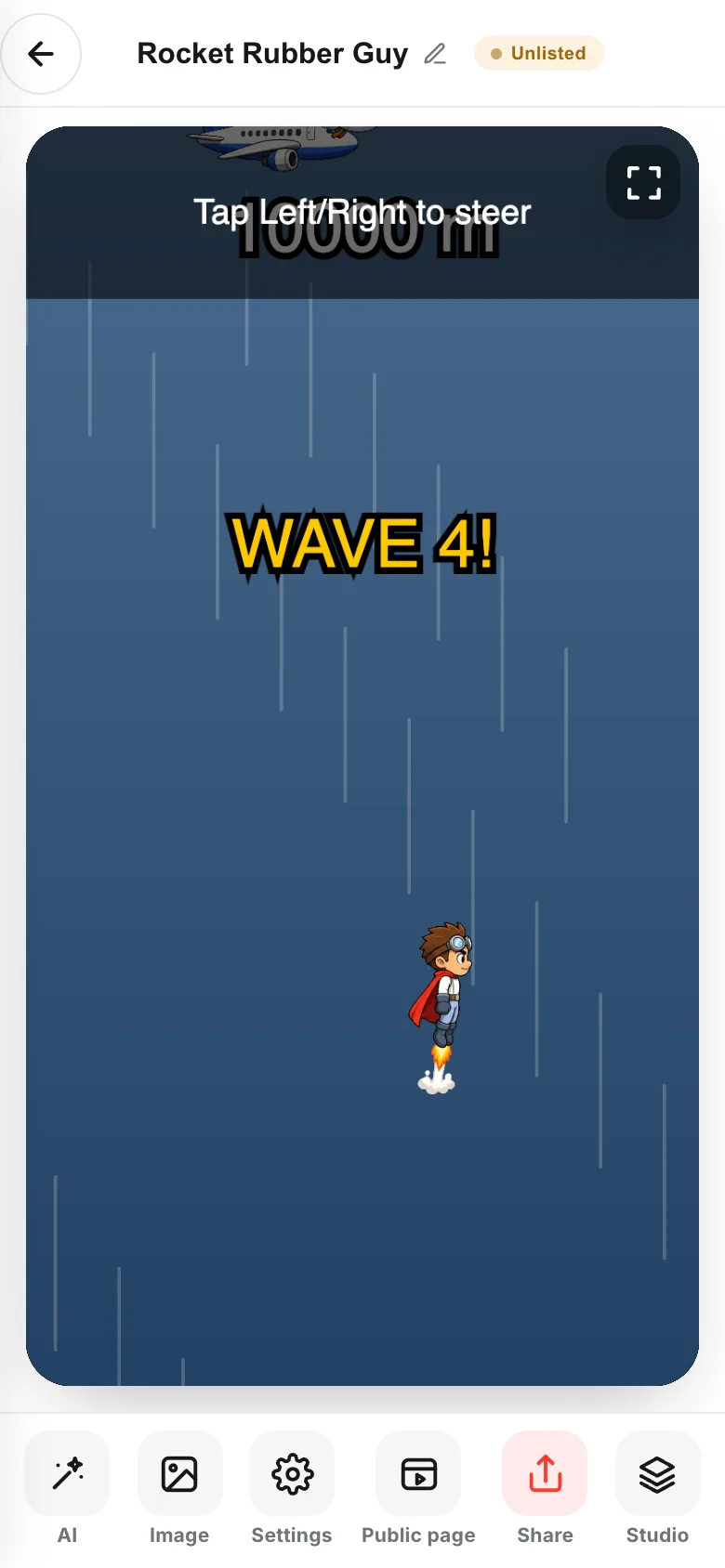
Three ways in. Whichever you take, you end up with the same one game.
Once it exists, any game carries on in Studio.
- 01
Write in the home input box
When you can say it in one line, this is the shortest route.
Make →opens Studio and starts building right away.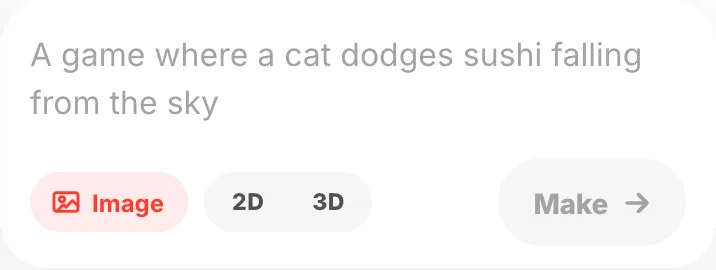
- 02
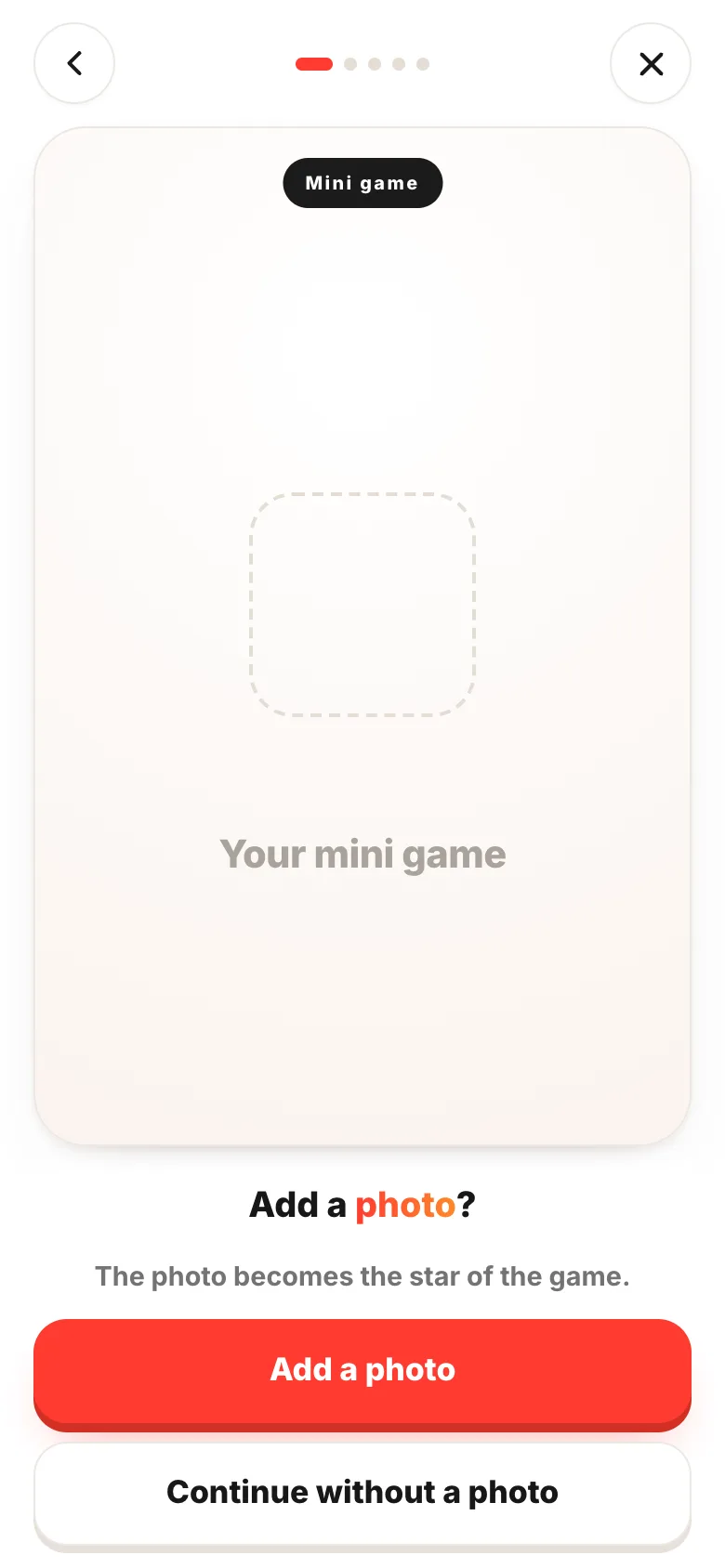
Answer questions
Pick the star, what happens, the scene and the tone, and that alone makes a game. Good for when a blank box is hard.
- 03
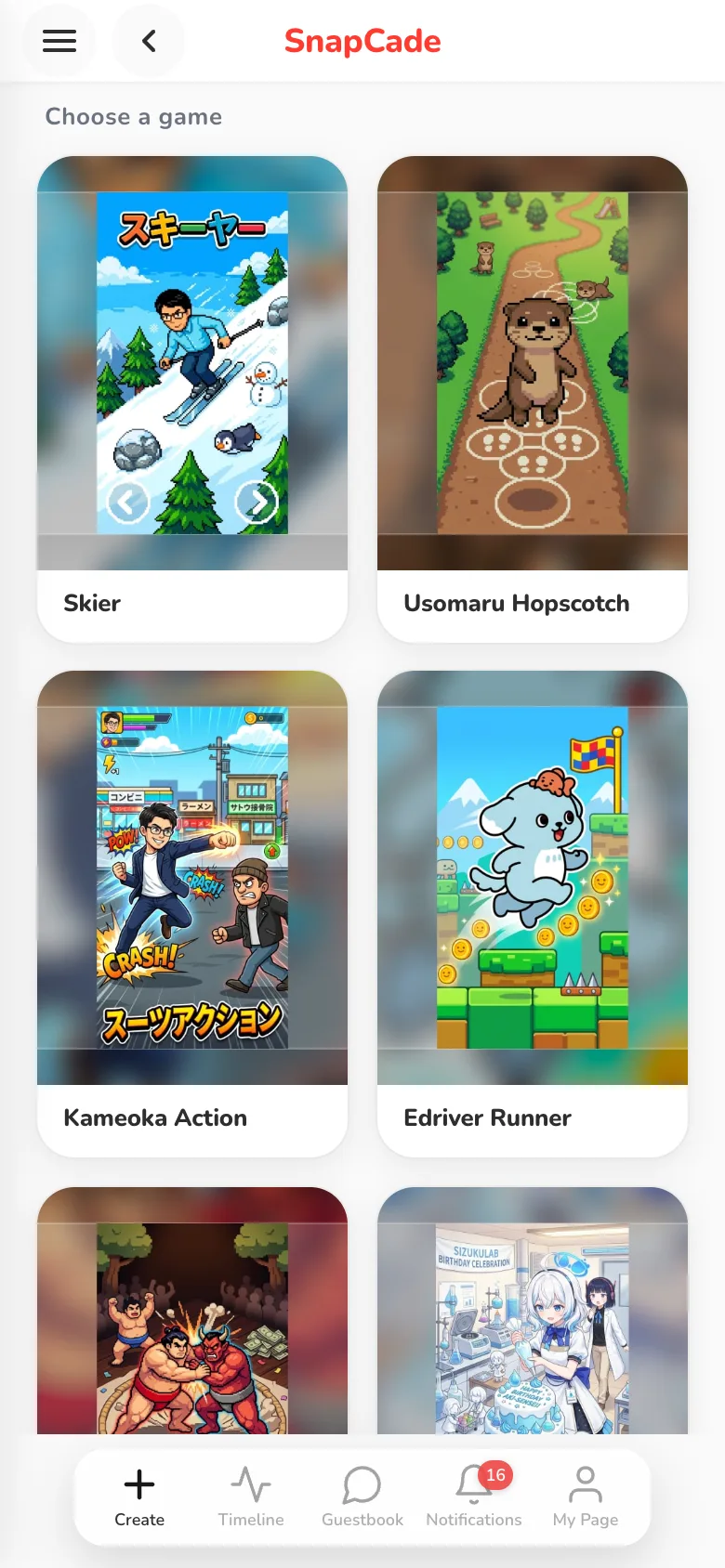
Start from a photo
SnapCade swaps the hero of a finished game for your own photo. You get something playable without thinking up the game itself.
- 04
Carry on in Studio by writing
Any game, whichever way it started, opens in Studio, where you write what you think of and add it. Use the
Studiobutton on aContinuecard at home, orStudioon the make screen.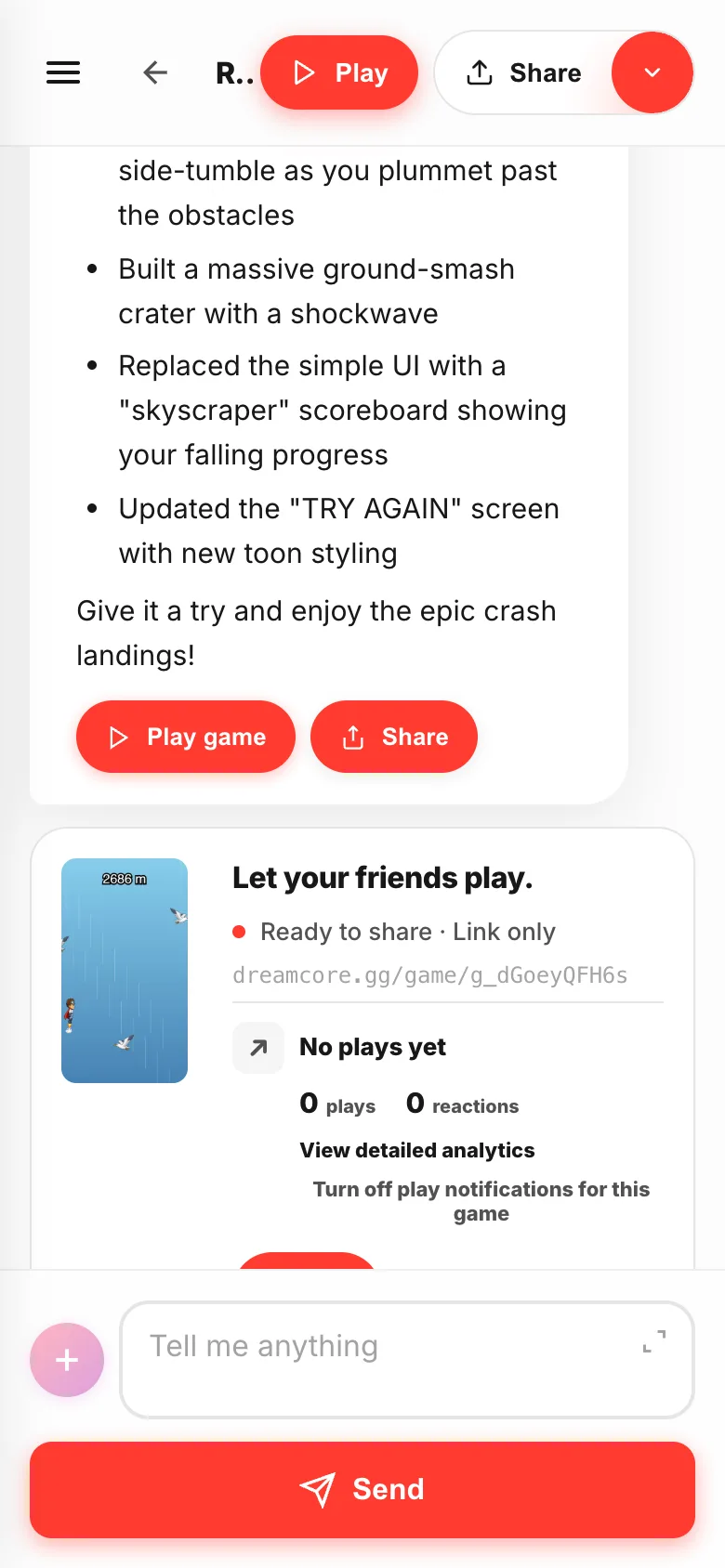
- 05
When you'd rather just tap: the make screen
The buttons along the bottom fix it, pick images, choose who can play and share it. Tapping is all it takes. Either way, it's the same game carrying on.