A finished game can be changed as many times as you like.
You never have to start over.
- 01
Pick from the buttons along the bottom
AIchanges how it works,Imagepicks art and redoes it,Settingschooses who can see it,Public pageshows the screen everyone else gets,Sharesends the link,Studiofixes it by writing.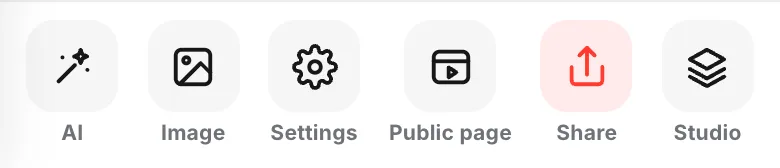
- 02
Say what to change with
AIPick from
Make it easier,Improve the pacingand the rest, or write your own. Both together is fine.Apply this tweaksends it.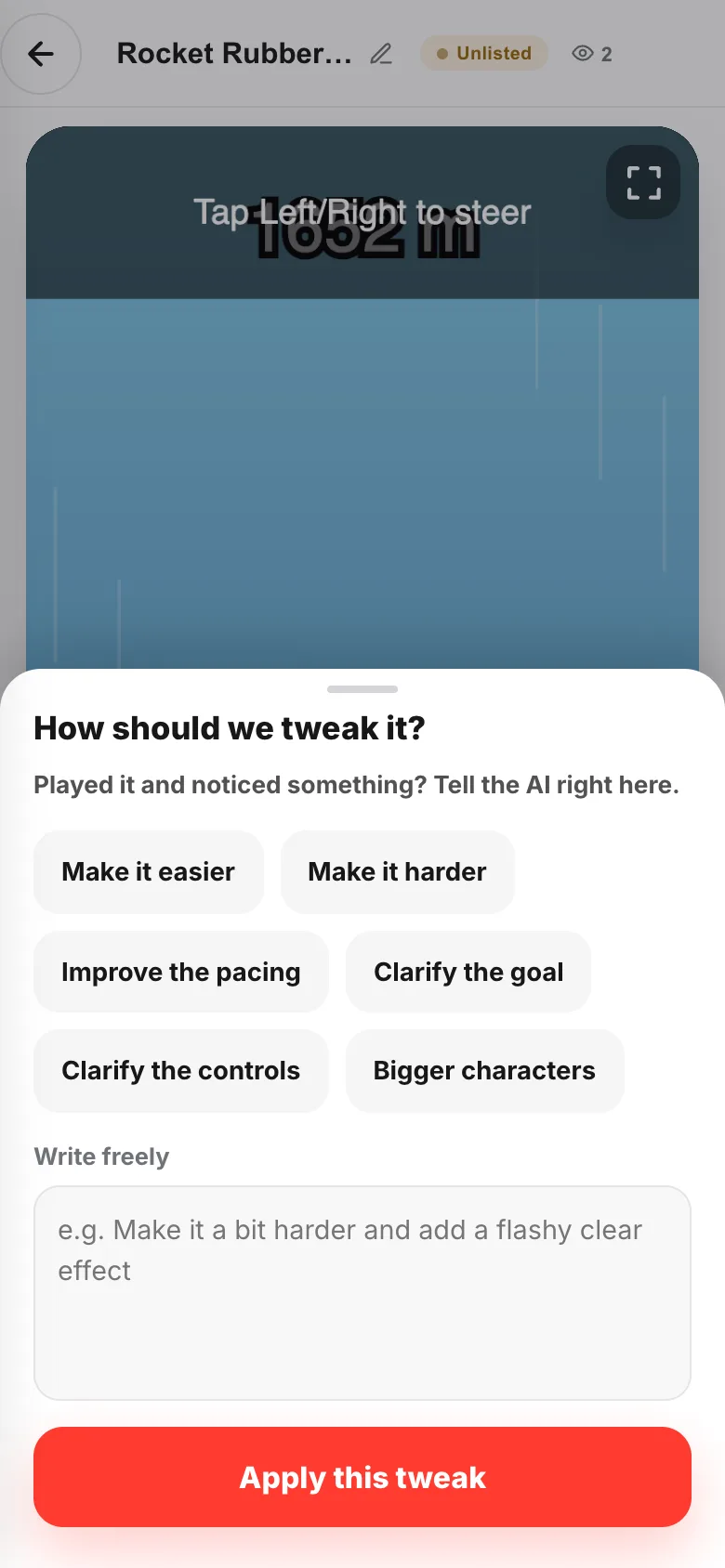
- 03
You can keep playing while it works
Polishing…shows above the game, and the old version stays playable the whole time.Cancelstops it. When it finishes you getUpdatedand the new game takes over. - 04
Fix the title before you send it
The pencil next to the title changes just the title, fast. The badge beside it is the current visibility, and the number to its right is plays.

- 05
Choose who sees it with
SettingsOnly people with the URLmeans only whoever you sent the link to.Everyonemeans people can find it in listings and on your profile.Allow remixingis decided here too.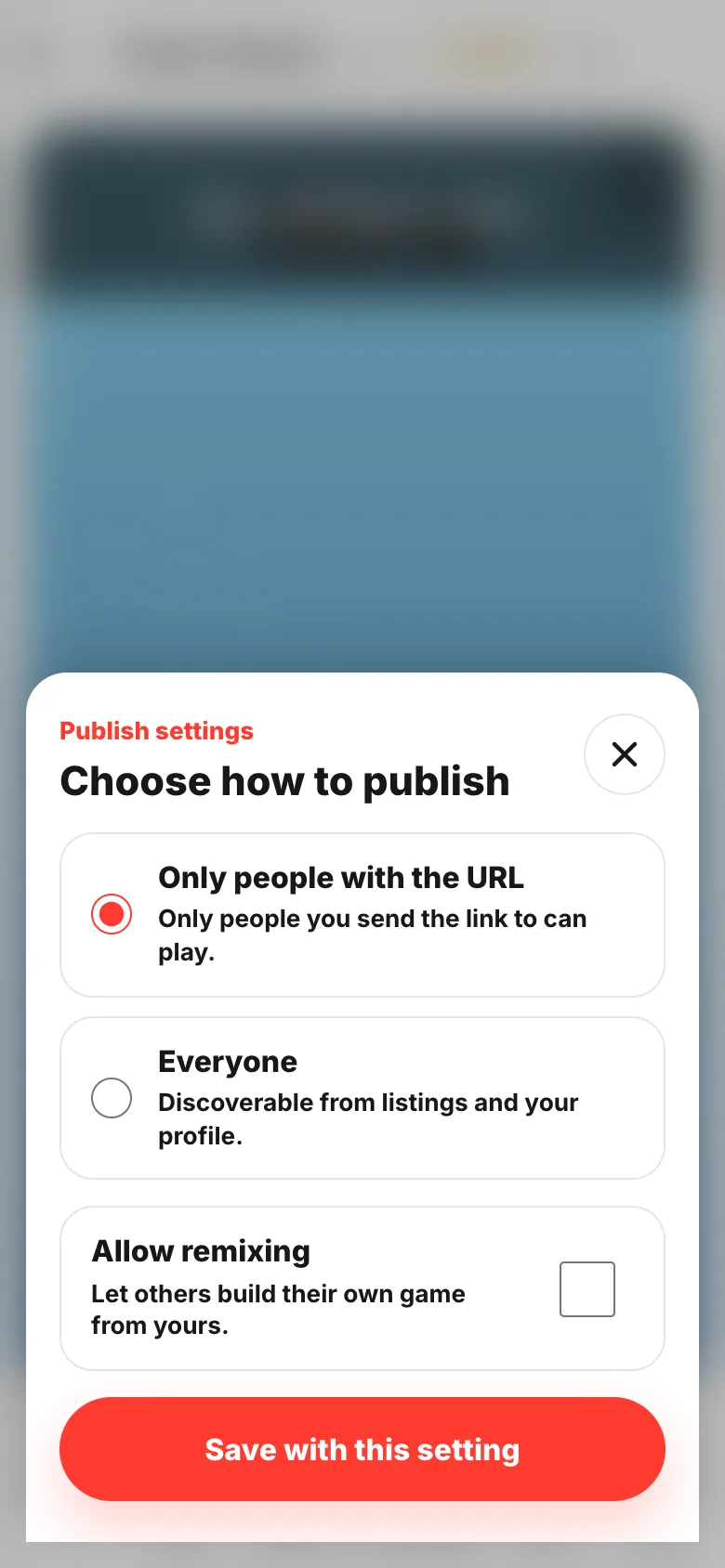
- 06
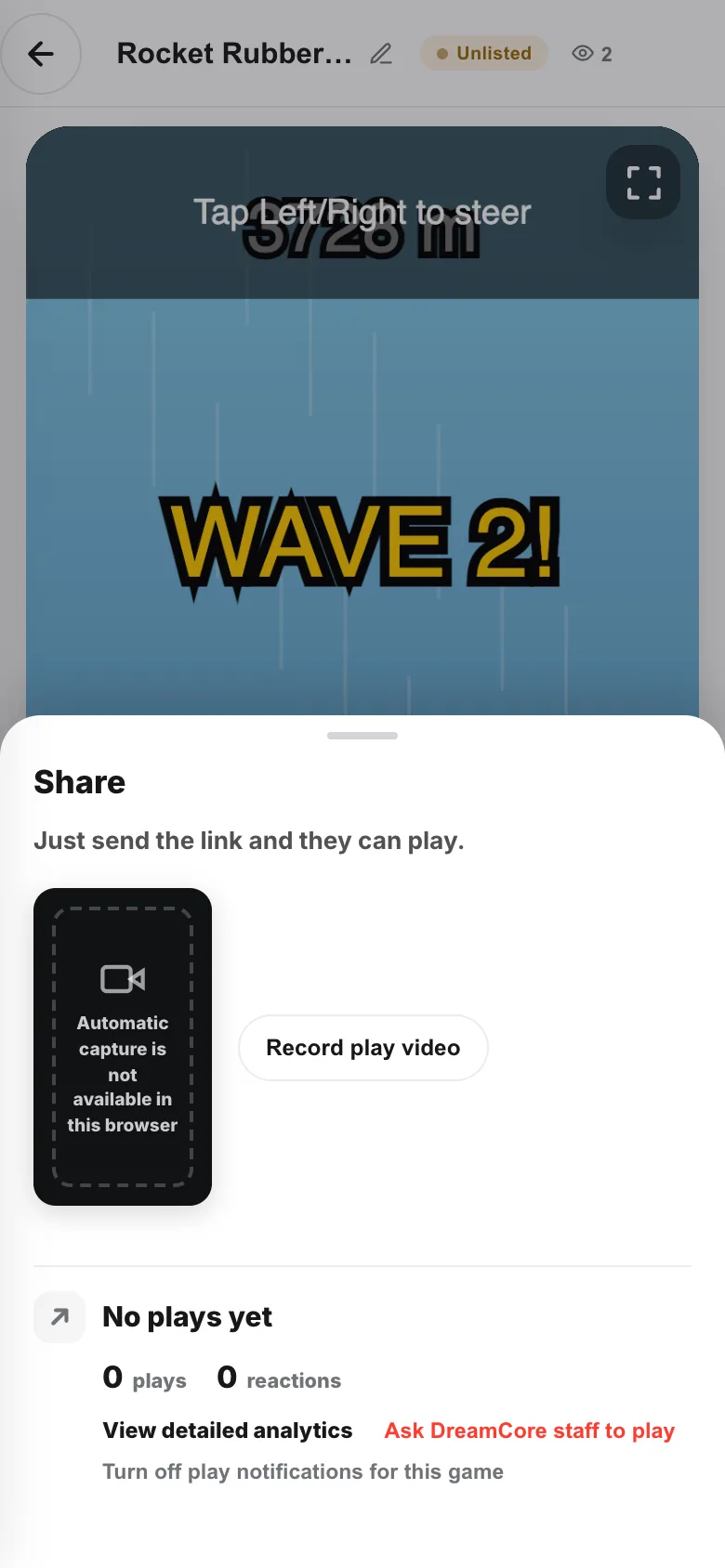
Once it's playable,
ShareSend the link and they play. Recording a video of your play goes from here too.
If something goes wrong
- You don't know what to write — two things: what, and how you want it. "It's boring" says nothing. "The enemies are so fast I lose immediately — make them about half speed" says plenty.
- You got something you didn't ask for — don't bundle requests. Send them one at a time.
- The game stops with an error — tell
AIwhat happened, exactly as it happened. "Nothing happens when I press start" is enough. If it still won't go, read When a game won't start.