Send the link and they play on the spot.
Nothing to install, and they don't have to log in.
- 01
Hit
ShareSharesits in the toolbar at the bottom of the make screen. The moment a game exists, the link, the title and the thumbnail are already there. - 02
Pick where it goes
Copy the link and paste it into a message yourself, or use the LINE and X buttons to open those apps directly. For someone standing next to you, a QR code is quickest.
- 03
They play right where they are
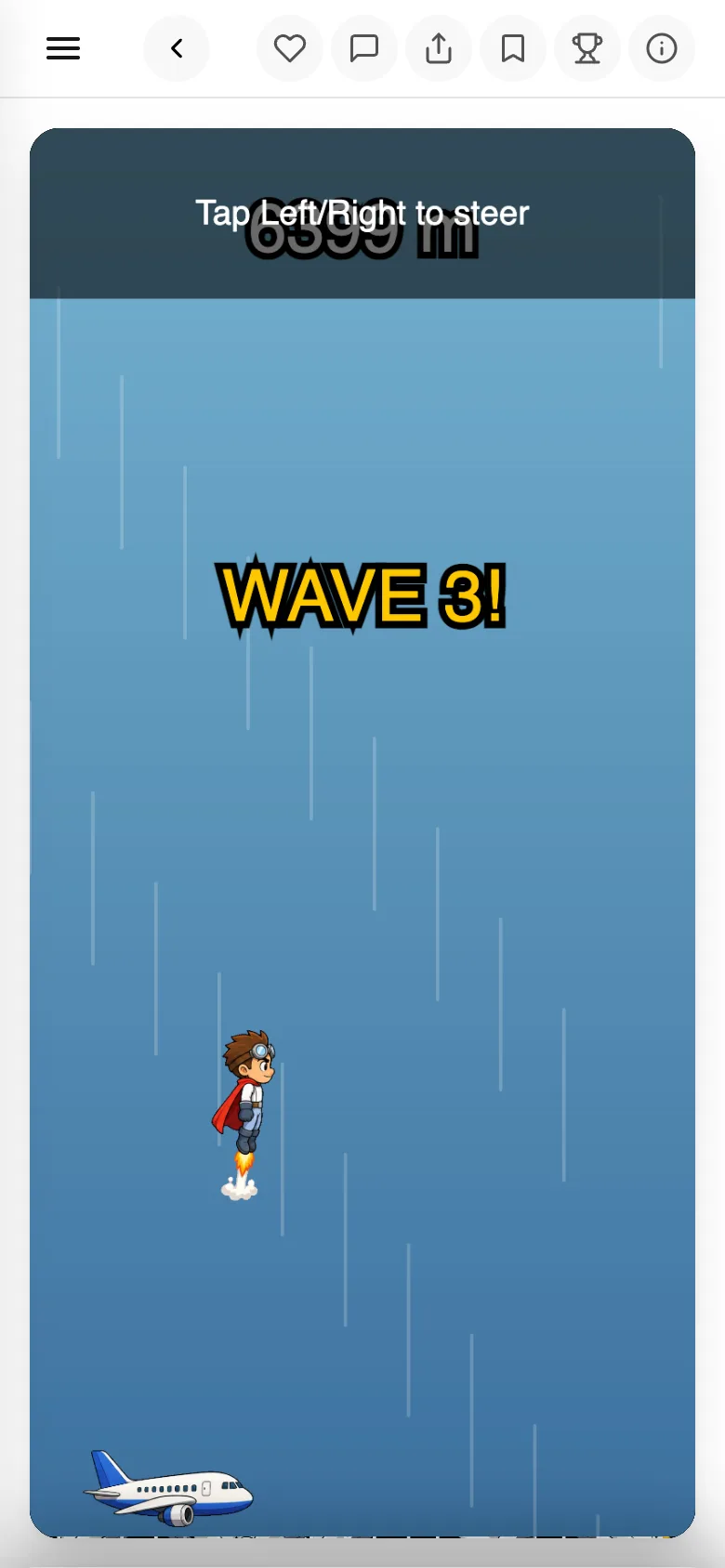
Opening the link starts it in the browser. Only leaving a like or a message needs them to log in.
- 04
Read what comes back
The same
Sharescreen shows plays and reactions. Tapping thereactionscount opens the guestbook, where you can read who reacted and how.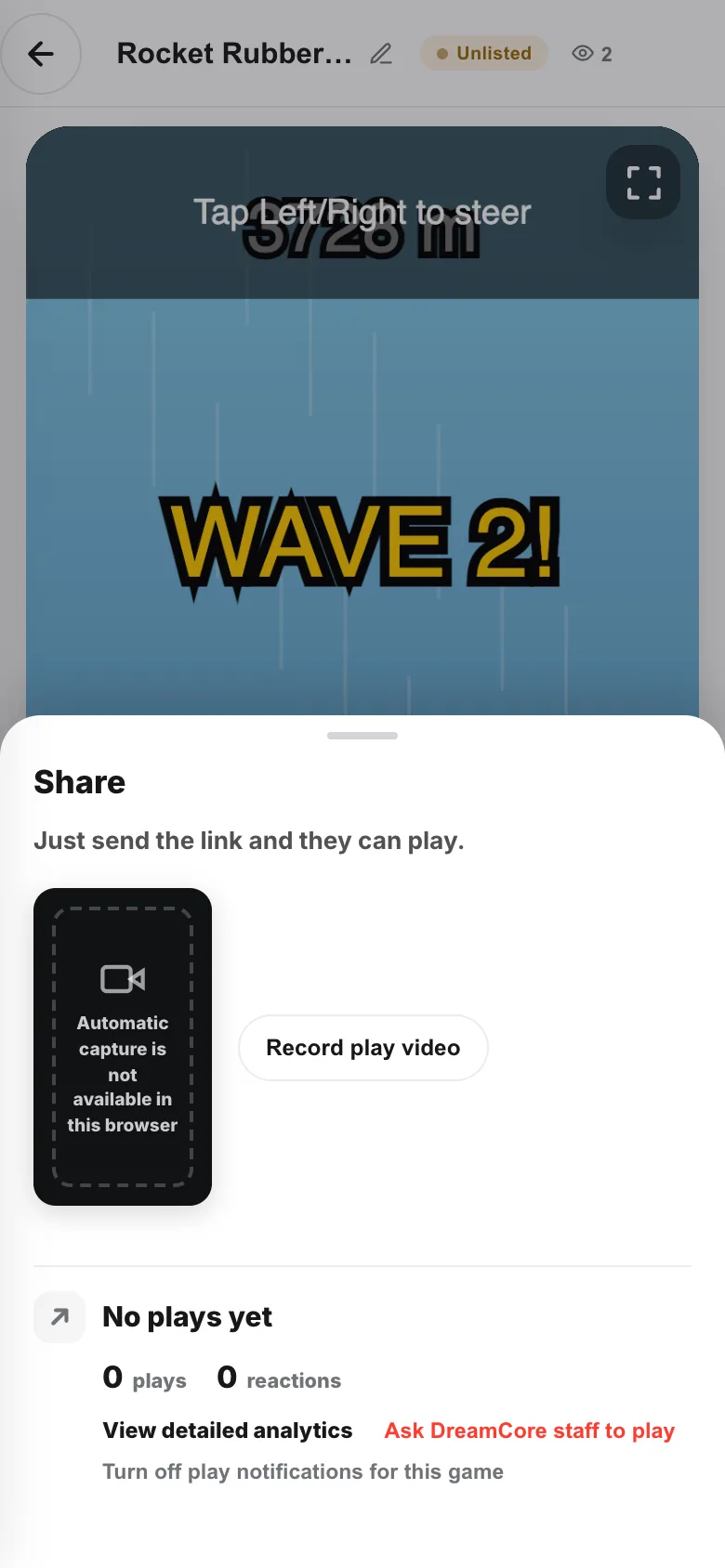
If something goes wrong
Right after you hit Share, the link is sometimes not ready yet. Wait a few seconds and it appears.
Games start out as Only people with the link, so they stay out of listings and off your profile — nobody you didn't send it to will stumble on it. Open it up whenever you want.