One photo is enough to make someone the hero of a game.
Three ways in — SnapCade gets you there fastest.
- 01
Add it with
Imageon homeTap
Imageunder the box and pick a photo. Write what kind of game you want and hitMake →. Sending just the photo, with no words, works too.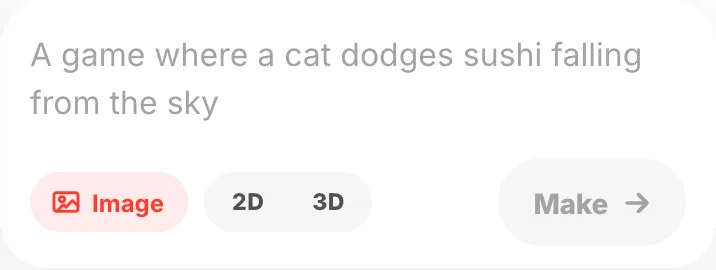
- 02
Add it on the first question
When you answer questions, the first one is
Add a photo?. Open the camera there or pick from your library.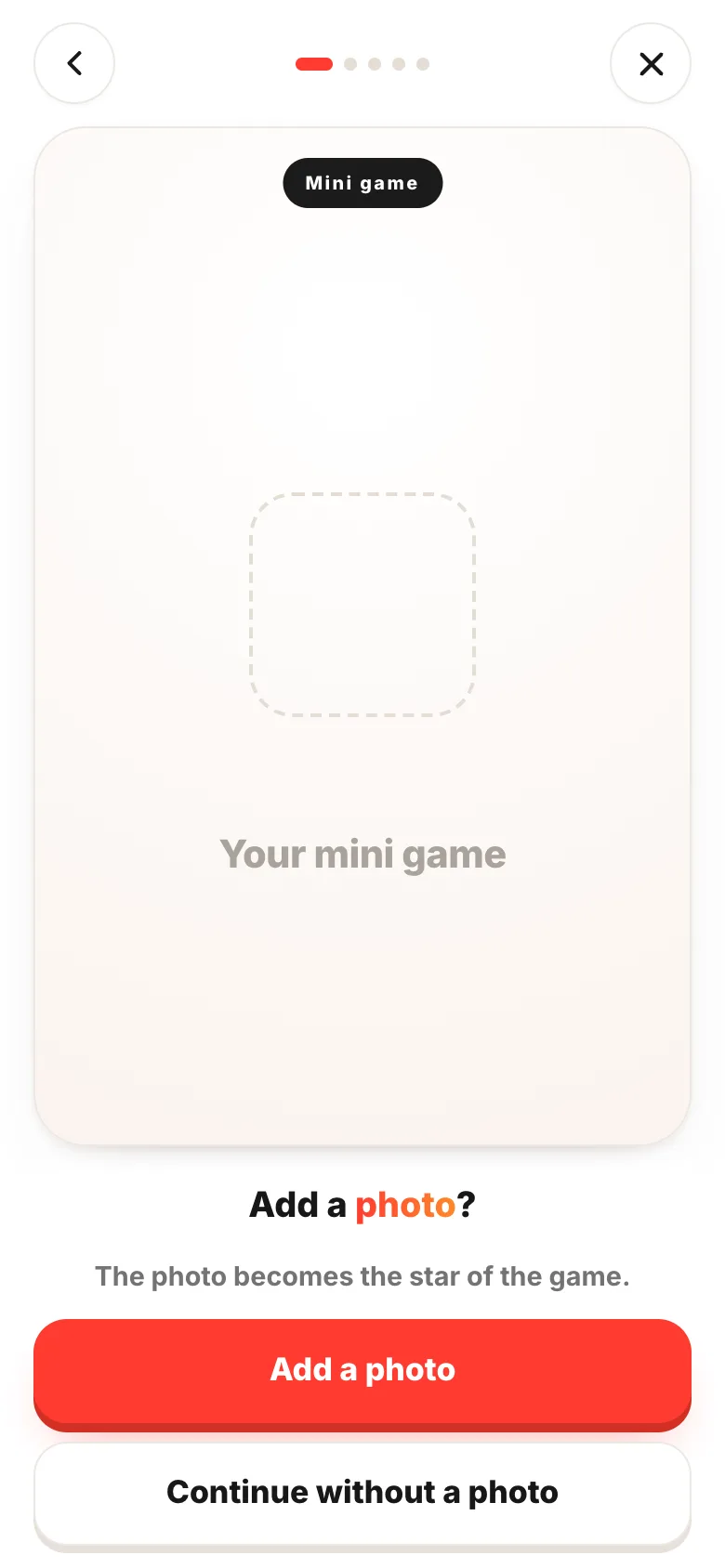
- 03
Pick a game in SnapCade
This swaps the hero of a finished game for your own photo. You skip inventing the game, so it is the fastest route. Tap one to try it, then
Make yoursto carry on.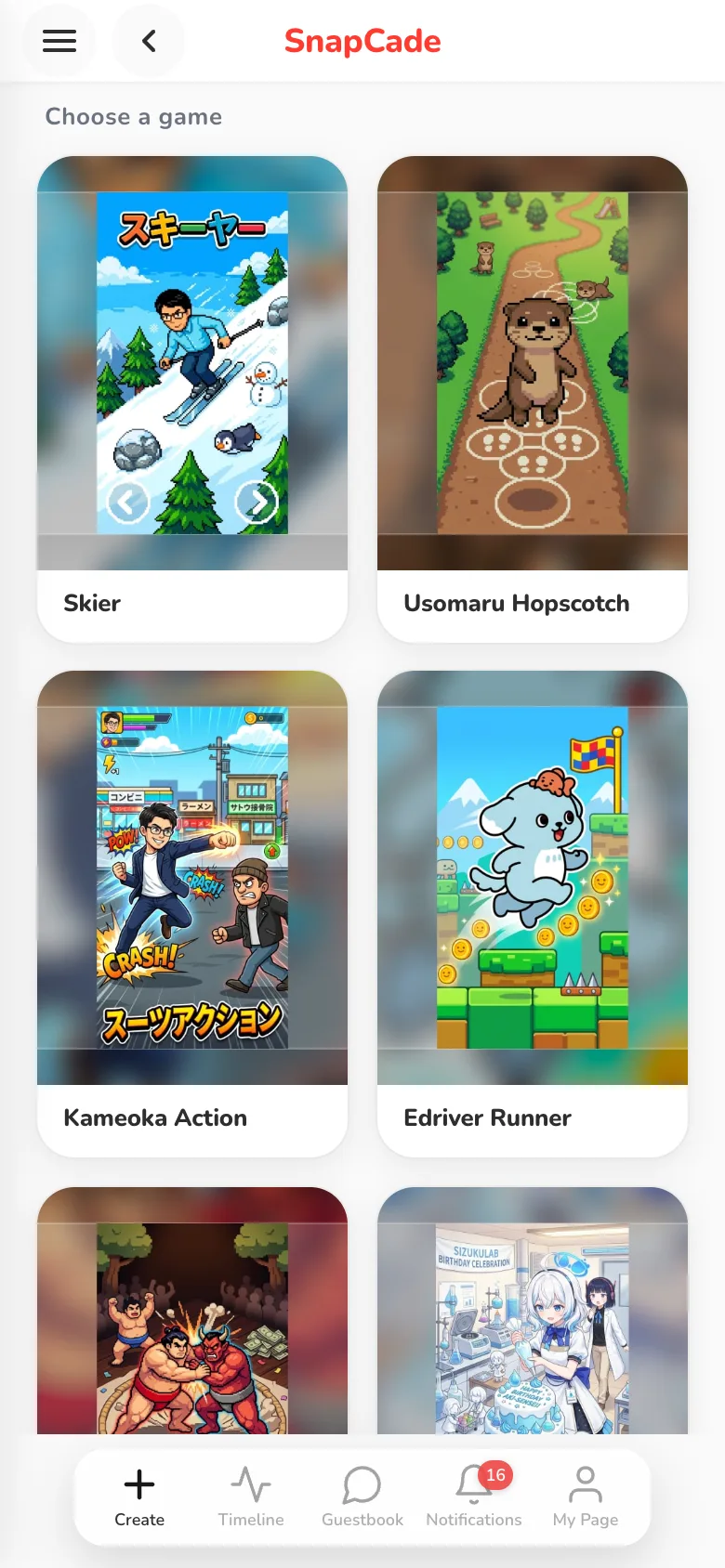
- 04
Set the image, the style and the name
Add imagefor the picture the hero comes from,Choose stylefor the look, and last the hero's name. ThenCreate. Your image is only used to make the hero of your game.
5 stylesto choose from
1 imageattached to the home input box
If something goes wrong
- It doesn't look like them — a clear face, good light and only one person (or one animal) in frame works best. Full-body shots turn into characters that run and jump more easily. Trying a different photo is the fastest fix.
- Does it have to be a person? — pets, plushies and drawings you made all work.
- Using someone else's photo — once it's public, whoever plays it sees that hero. Ask them first. You can change who sees it in Choose who can play.