Write, wait, play, fix, send.
That is the whole list for your first game.
- 01
Write what you want to make
Type your idea into the box in one line. Tap
Imageto build it around a photo, or2Dor3Dif you have a preference, thenMake →.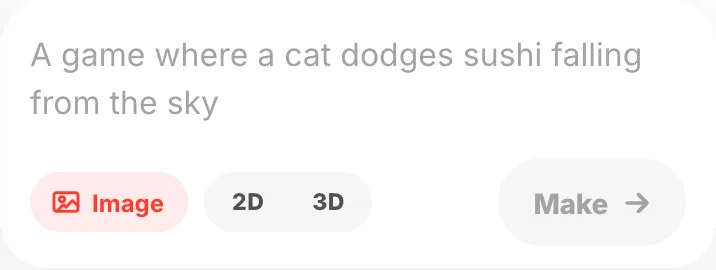
- 02
Studio opens, so wait
Sending opens Studio, and it starts building there. It takes a few minutes. Closing the screen does not stop it, and you get a notification when it is done.
- 03
Your finished game comes back
A card appears with a note on what got built and how to play it.
Play gameis right there too.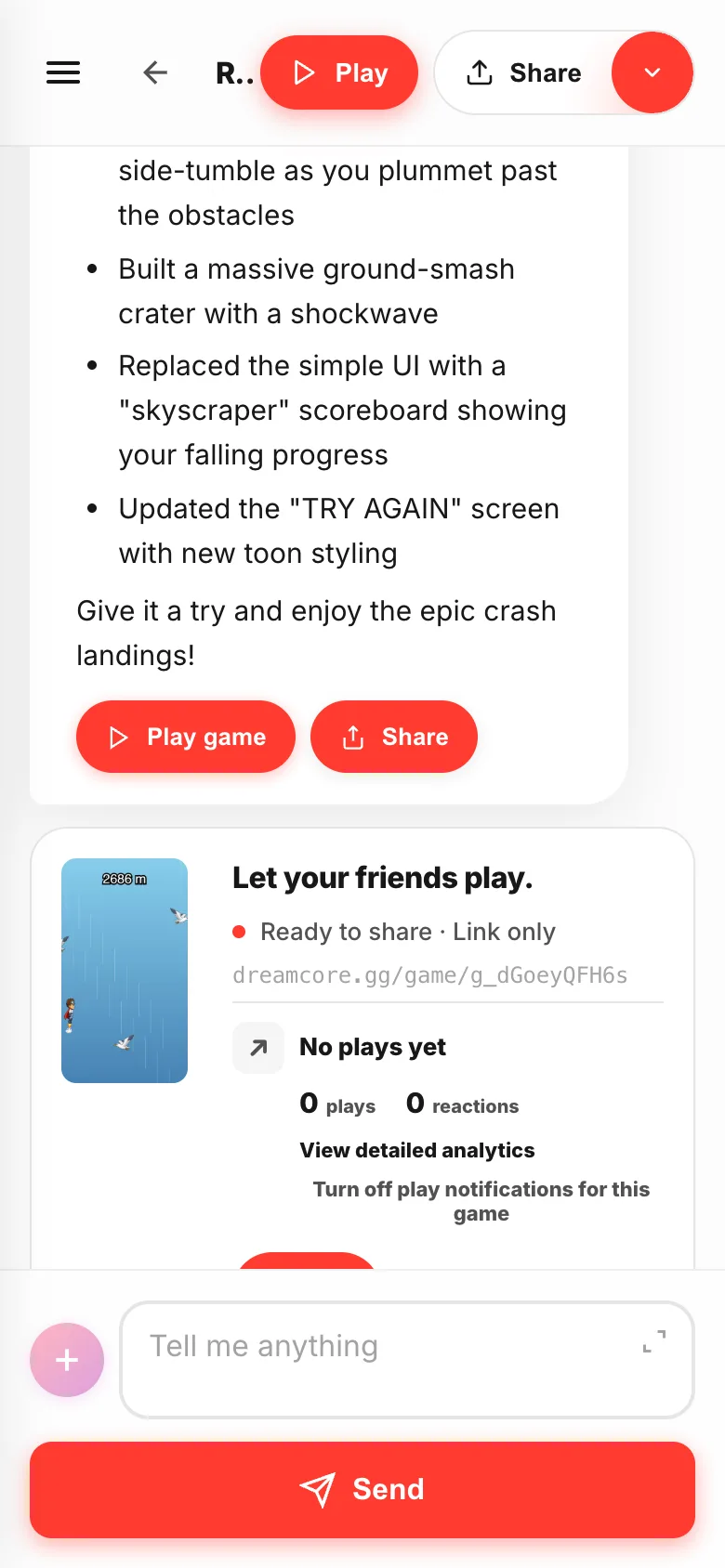
- 04
Play it first
Playat the top runs the game. Play it properly and find the bits that bother you.Back to chattakes you back.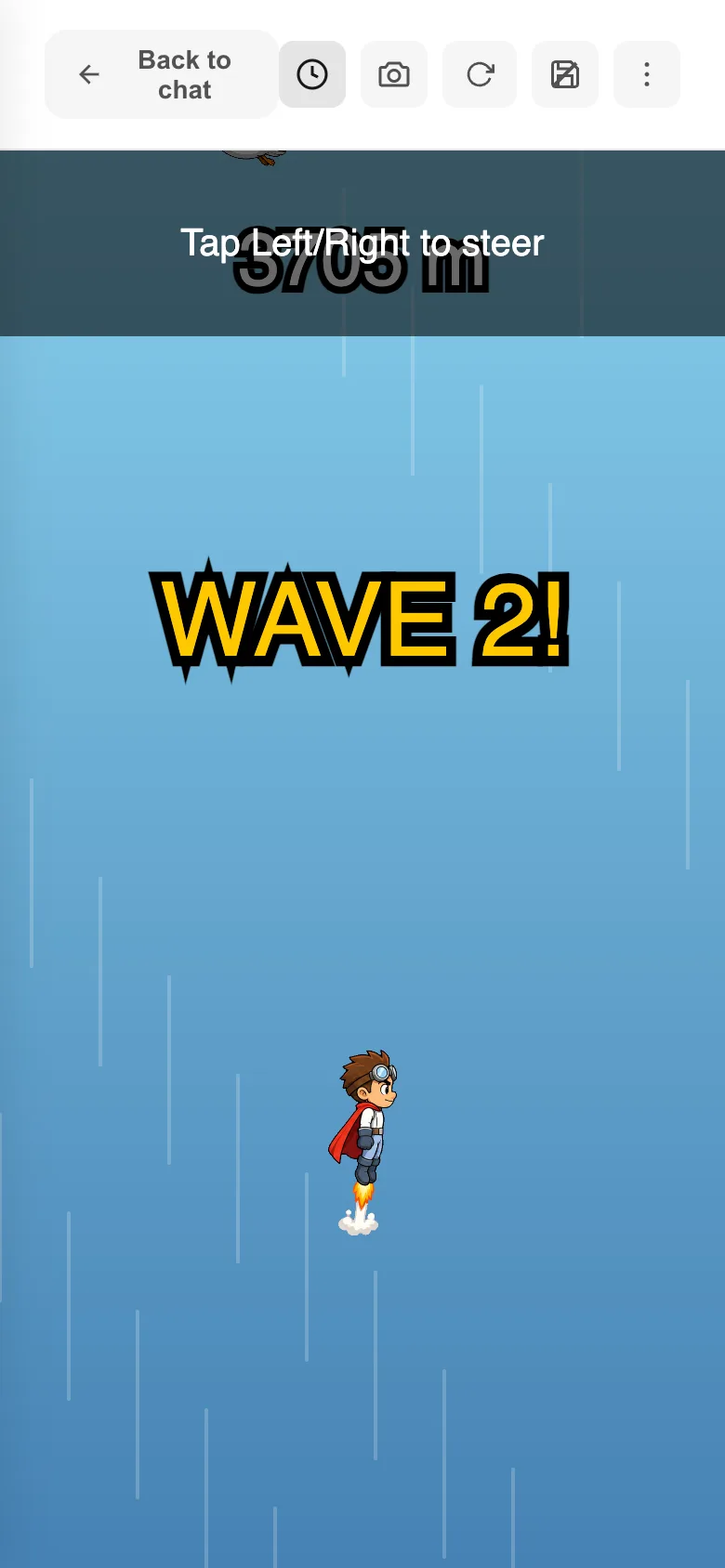
- 05
Say what bothered you
"The enemies are too fast", "make the background night". Type it into the same box and send. One thing at a time beats a long list.

- 06
Send it to a friend
Every finished game gets a share link. Tap
Shareand send it. No app needed — they open the link and play.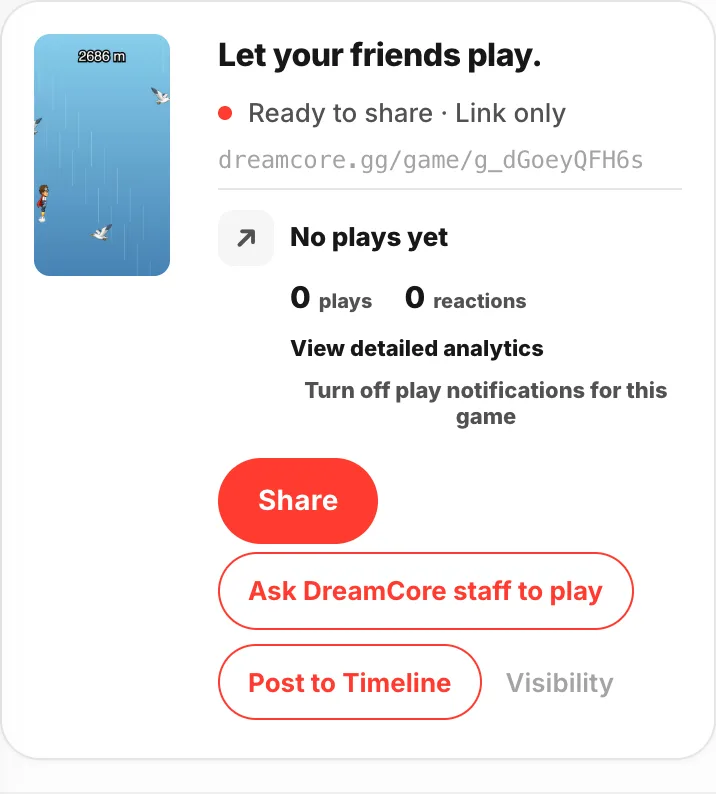
If something goes wrong
- It is taking a long time — you can only make one game at a time. The next one starts after this one finishes.
- You cannot think of anything — send a
🎲 Surprise meidea as it is. You can change it once it exists. - The game does not run — read When a game won't start.