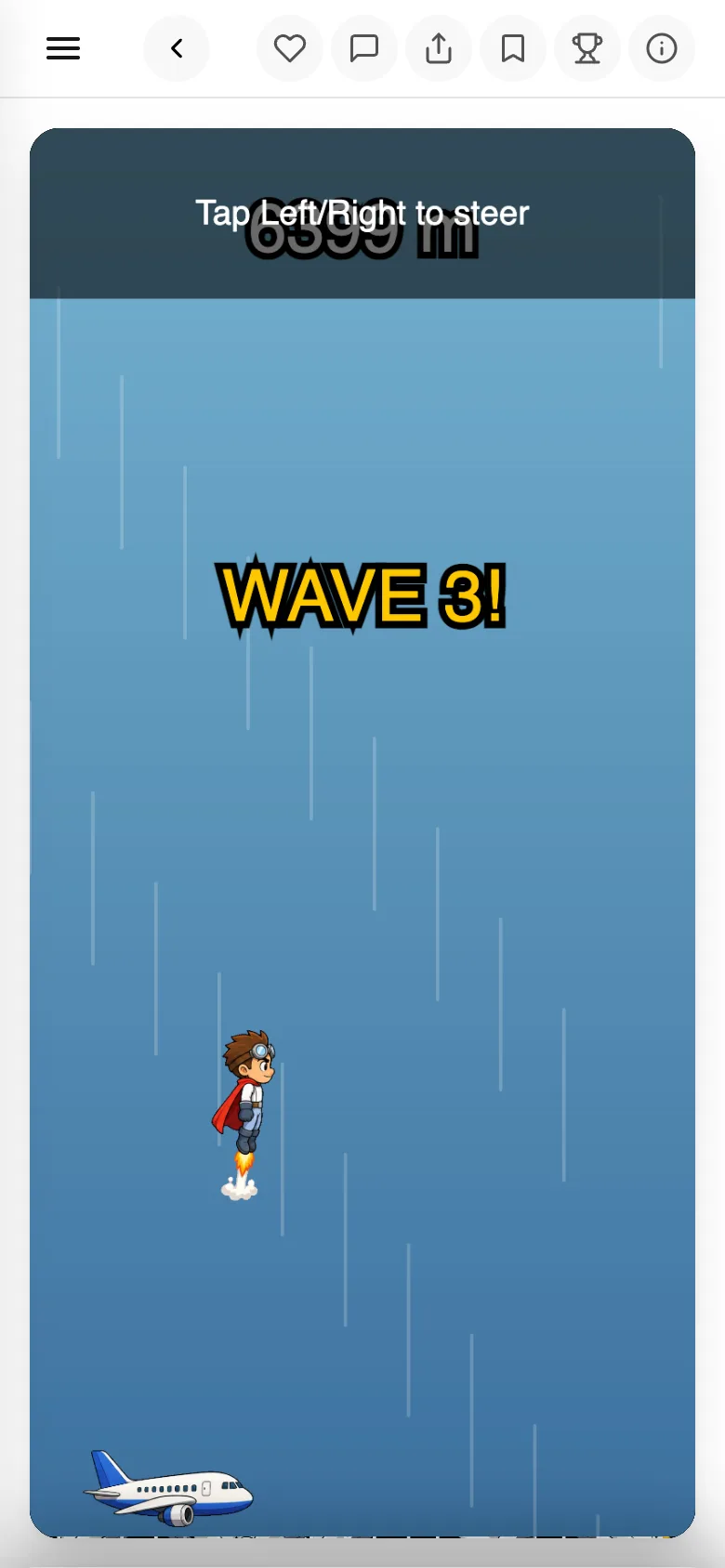
Write what you want to make, and you get a game you can play.
One link is all it takes to hand it to a friend.
- 01
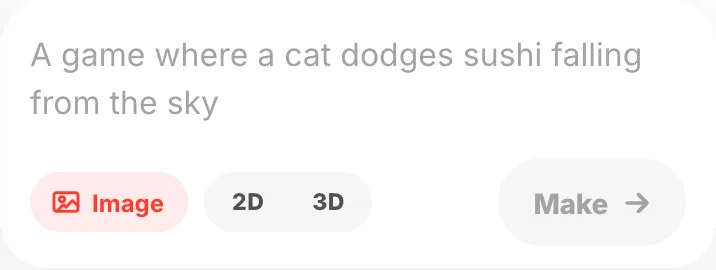
Write what you want to make
"A game where a cat dodges sushi falling from the sky" is enough. No drawing, no code. You can also answer questions instead of writing.
- 02
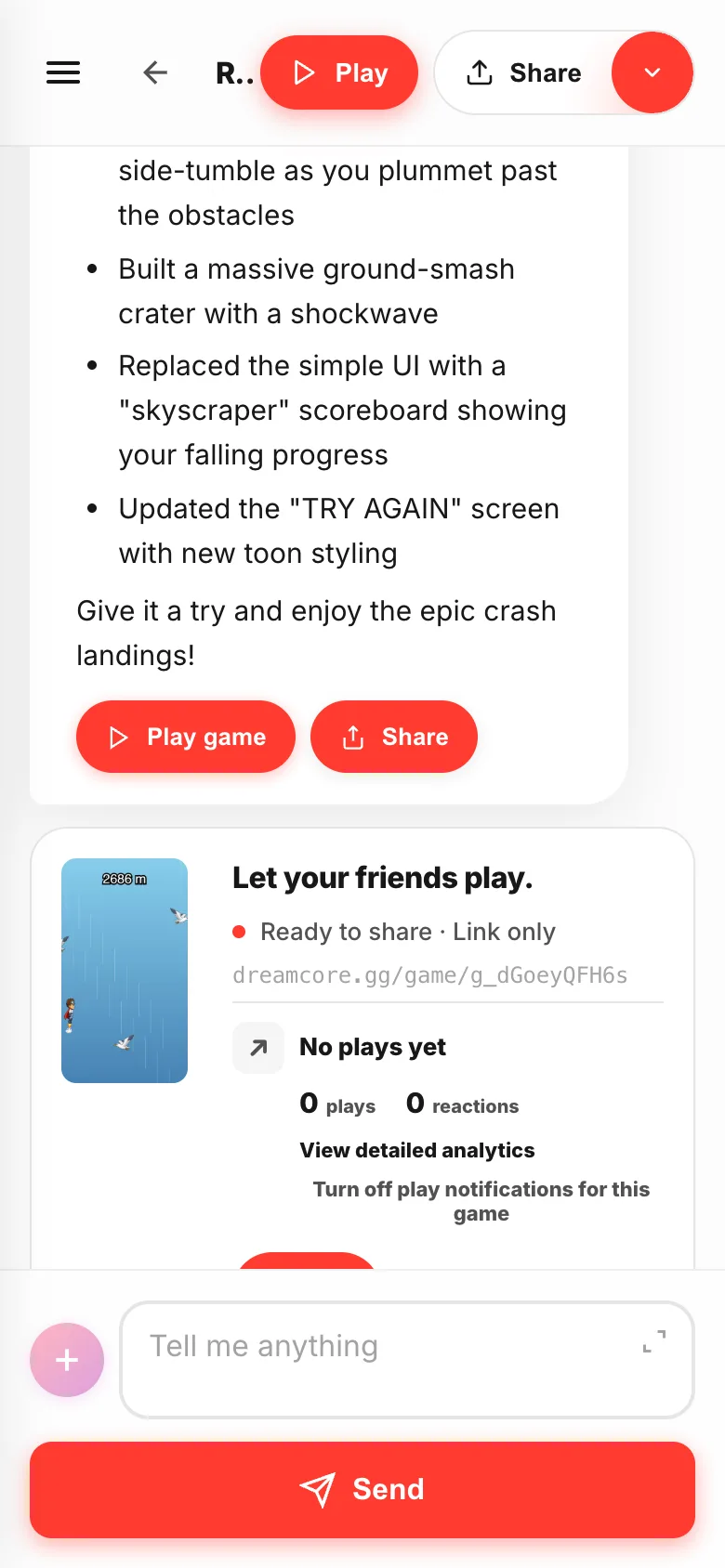
Studio opens, and a game gets made
When you send it, DreamCore's making screen — Studio — opens. A few minutes later a playable game comes back, with a note on what it built.
- 03
Play it right there
Tap
Playand the game you just made runs. Nothing to save, nothing to publish.Back to chatat the top brings you back.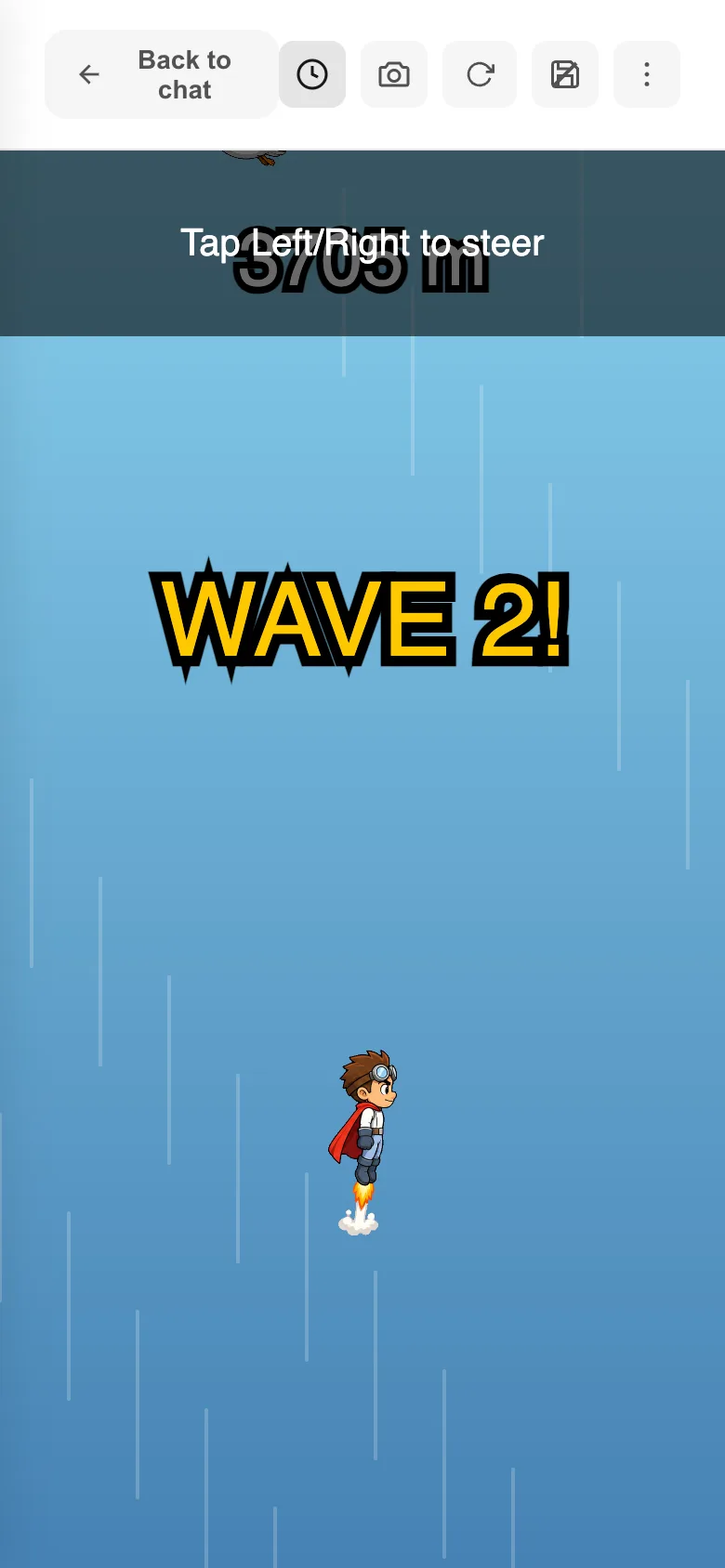
- 04
Anything you don't like, just write it
Type what you noticed into the same box. "Add two more moving platforms in the second half" comes back as a changed game.

- 05
Hand it to a friend
Every finished game gets a share link. Tap
Shareand send it — they can play straight away.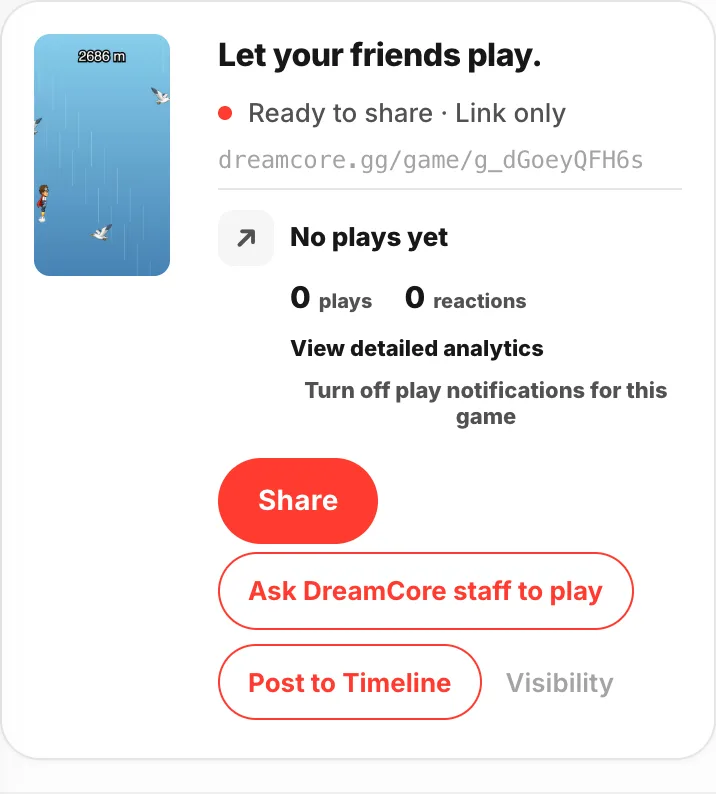
- 06
They just open it
No app to install. It runs in the browser, on a phone or a computer.