Open the link you were sent and the game starts.
No app to install, no account needed.
- 01
Open the link
Games run inside the browser. Tap and swipe on a phone, keyboard and mouse on a computer. The controls change from game to game.
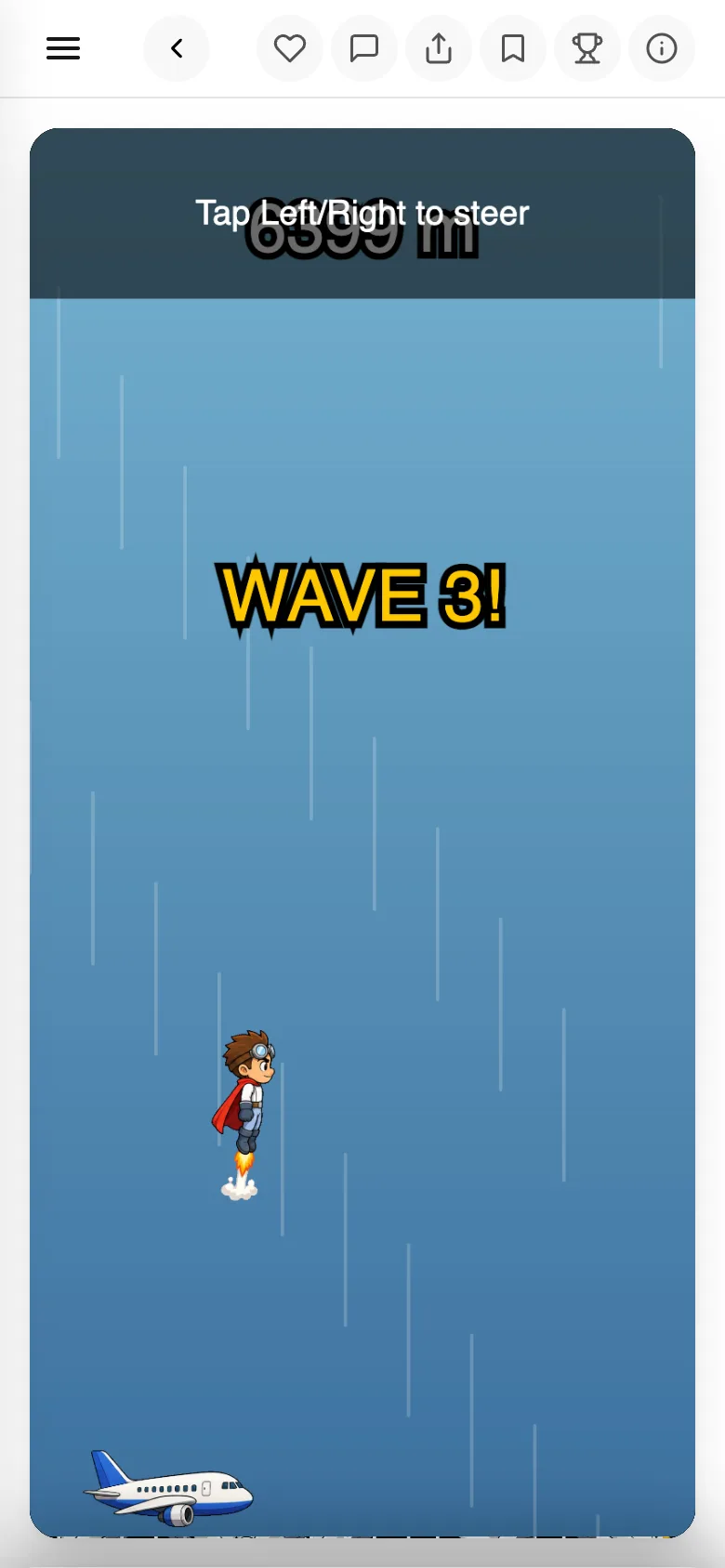
- 02
Lost? Tap
Infoon the far rightIt shows the title, who made it, the description and the
Rules & Controls. Start here when you do not know what to do.
- 03
Scores go on the leaderboard
The top three stand on a podium. Without logging in you show up as
Anonymous, so log in only if you want your own name up there.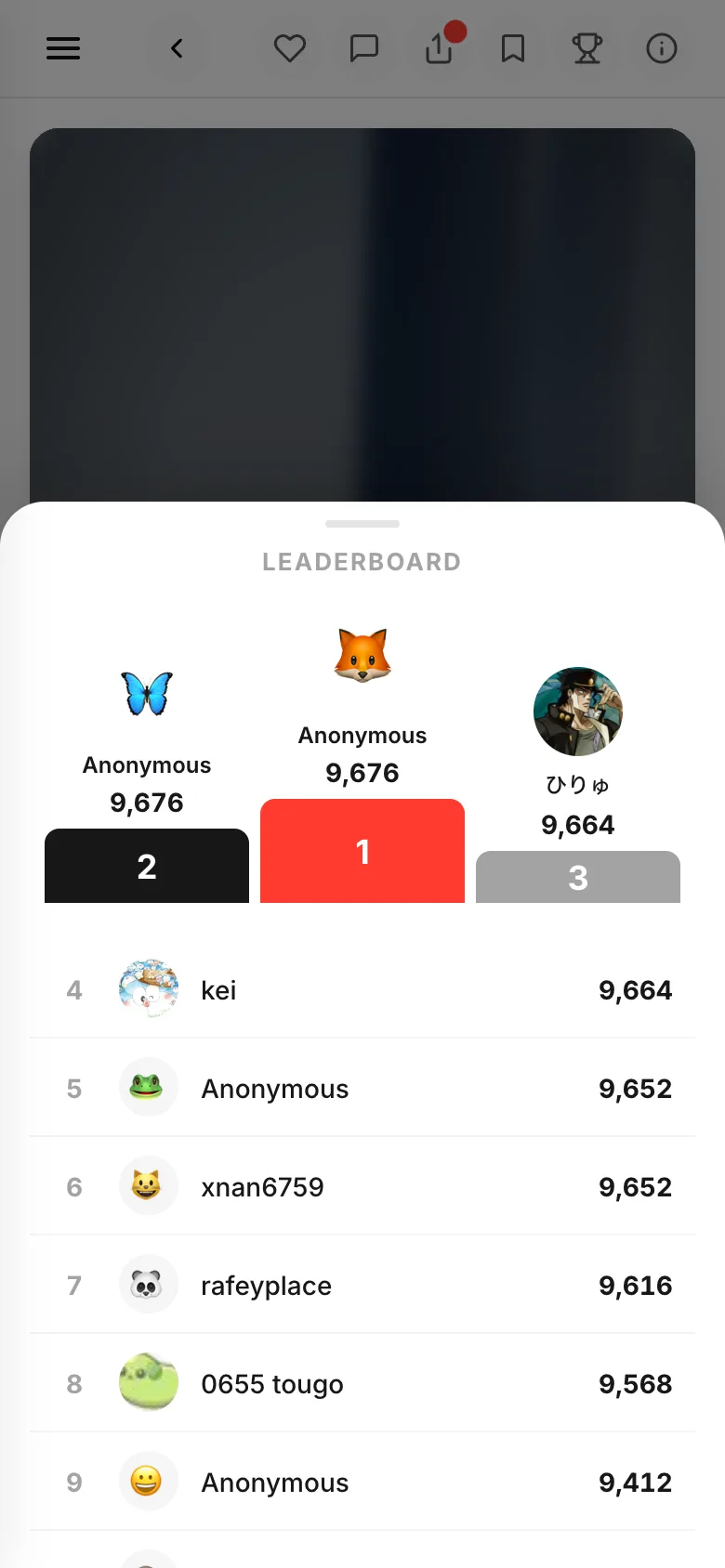
- 04
Like it? Make your own
If the creator allowed it,
RemixinsideInfostarts a new game built on theirs. You can also start from nothing.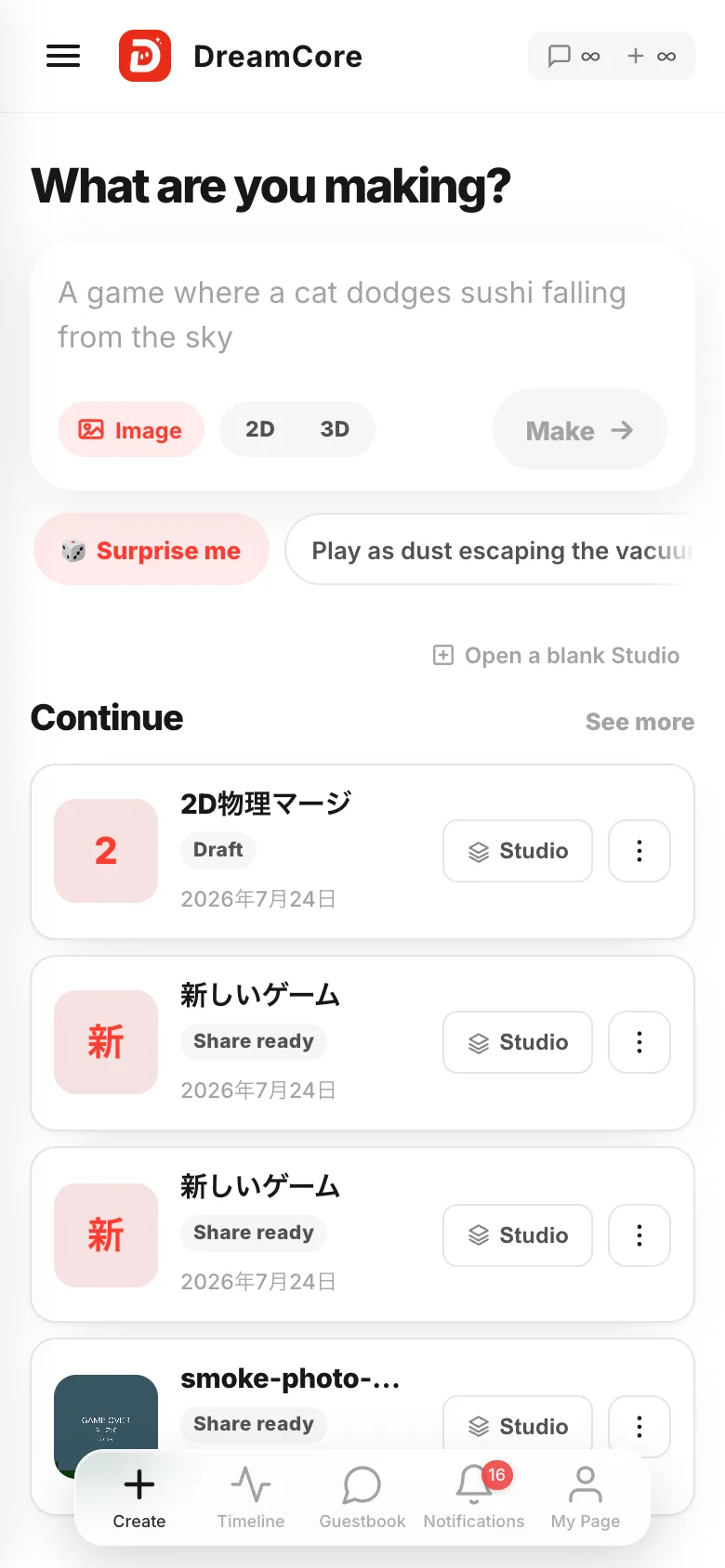
If something goes wrong
- The game never starts — read When a game won't start.
Remixdoes nothing — the creator did not allow building from this game.- You were asked to log in after a score — that is only so your name goes on the leaderboard. Close it and keep playing.