Write what you want to make in the home input box. That's it.
Wording it badly is fine — you can fix anything afterwards.
- 01
Write in
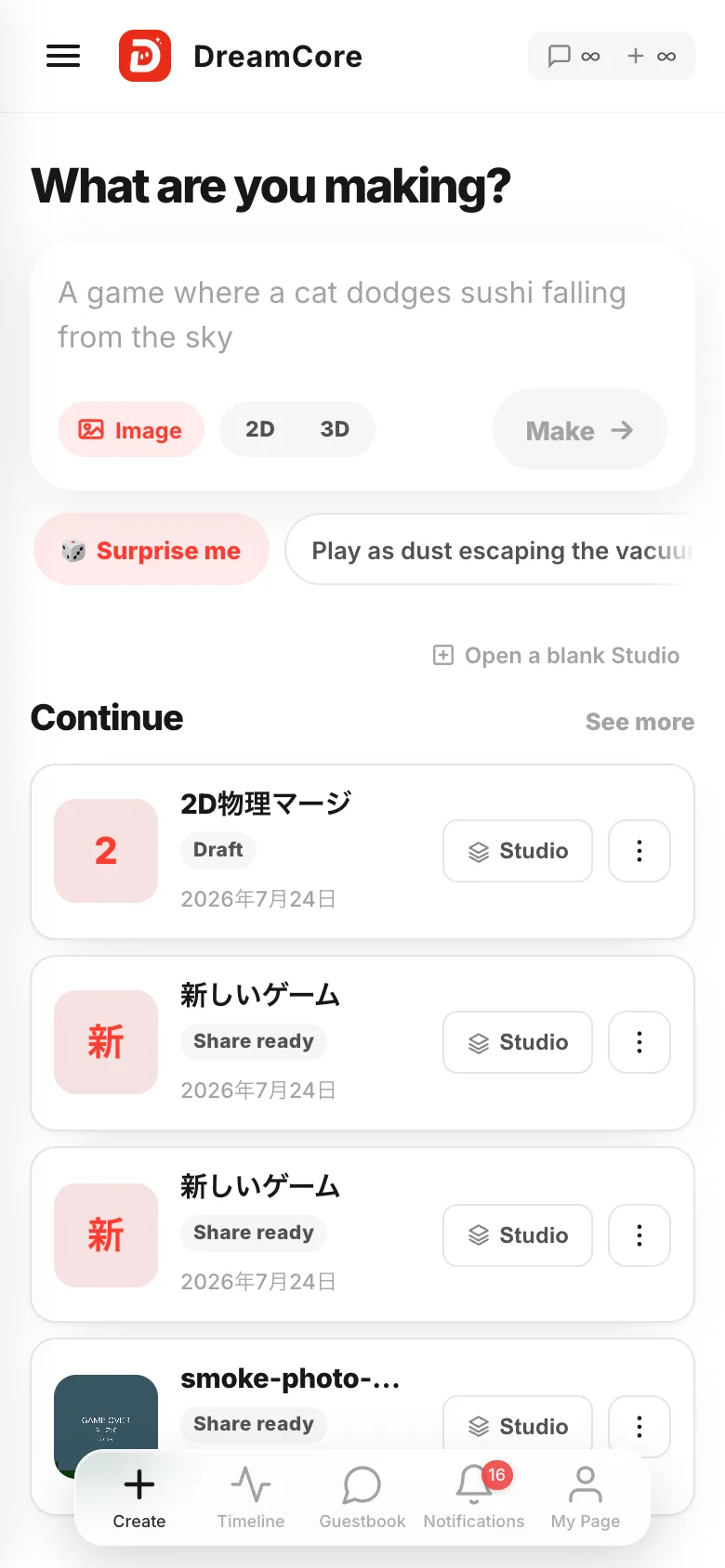
What are you making?The box at the very top of home. "A game where a cat dodges sushi falling from the sky" is about the right length.
- 02
Nudge it with
Image,2Dor3DImageattaches one photo or drawing, and whoever is in it becomes the hero.2Dand3Dare one or the other. Press neither and it picks whichever fits.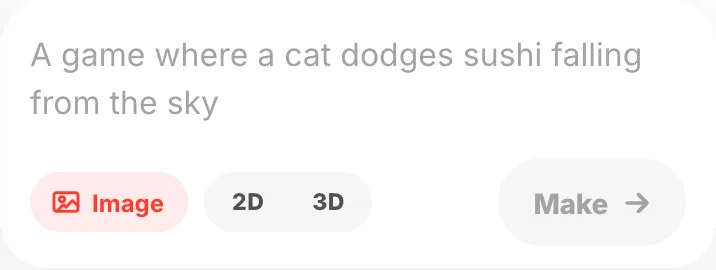
- 03
Out of ideas? Take one
🎲 Surprise medrops an idea into the box. The ideas lined up next to it do the same. It only fills the box — nothing starts yet.
- 04
Hit
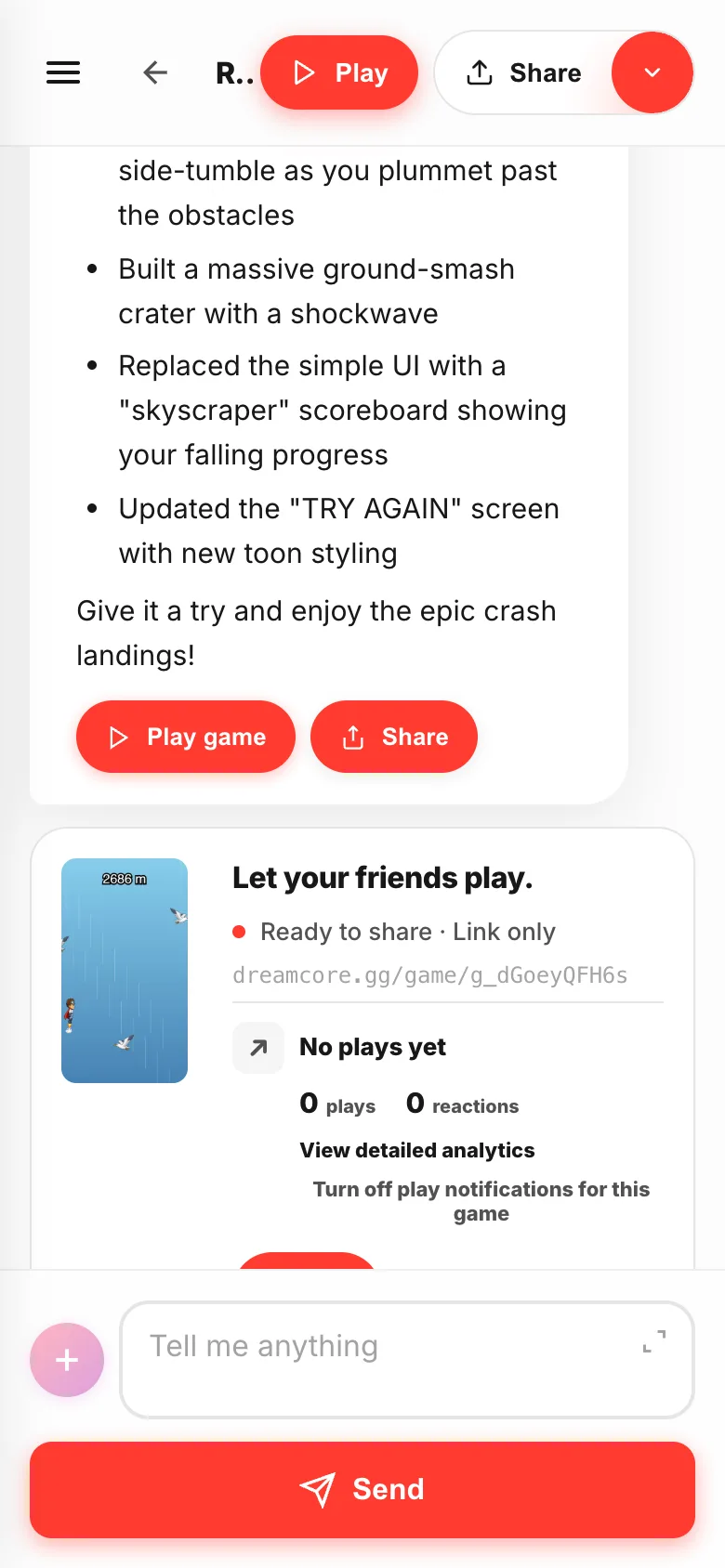
Make →Studio opens and starts building. A few minutes. Wandering off to another screen does not stop it.
2000 charactershow much you can write at once
1 imageattached at a time
1 at a timegames you can make at once
If something goes wrong
Make →won't press — the box is empty, or the last game is still being built.- You can't pick 2D and 3D together — one or the other. Press it again to clear it.
- You want to start with nothing decided —
Open a blank Studiounder the box gives you an empty project.