You hit make and nothing seems to be happening.
Here's how to wait, and how to fix a failure.
- 01
Give it a few minutes
A few minutes is normal. Games with a lot of images, or complicated ones, take longer. At busy times it can sit in a queue before it even starts. Even when it looks stuck, it usually isn't.
- 02
Close the screen and do something else
Closing the screen doesn't stop it. A notification brings you back when it's done. Look at the timeline, play someone else's game. You can only make one at a time, so trying to start another while you wait gets you
You already have a game being created. Please wait here until it finishes. - 03
Check whether it finished
Go back to the make screen.
Currently generatingat the top means it's still working, andSee progressshows you how it's going. If that's gone and your game is sitting underContinue, it's done.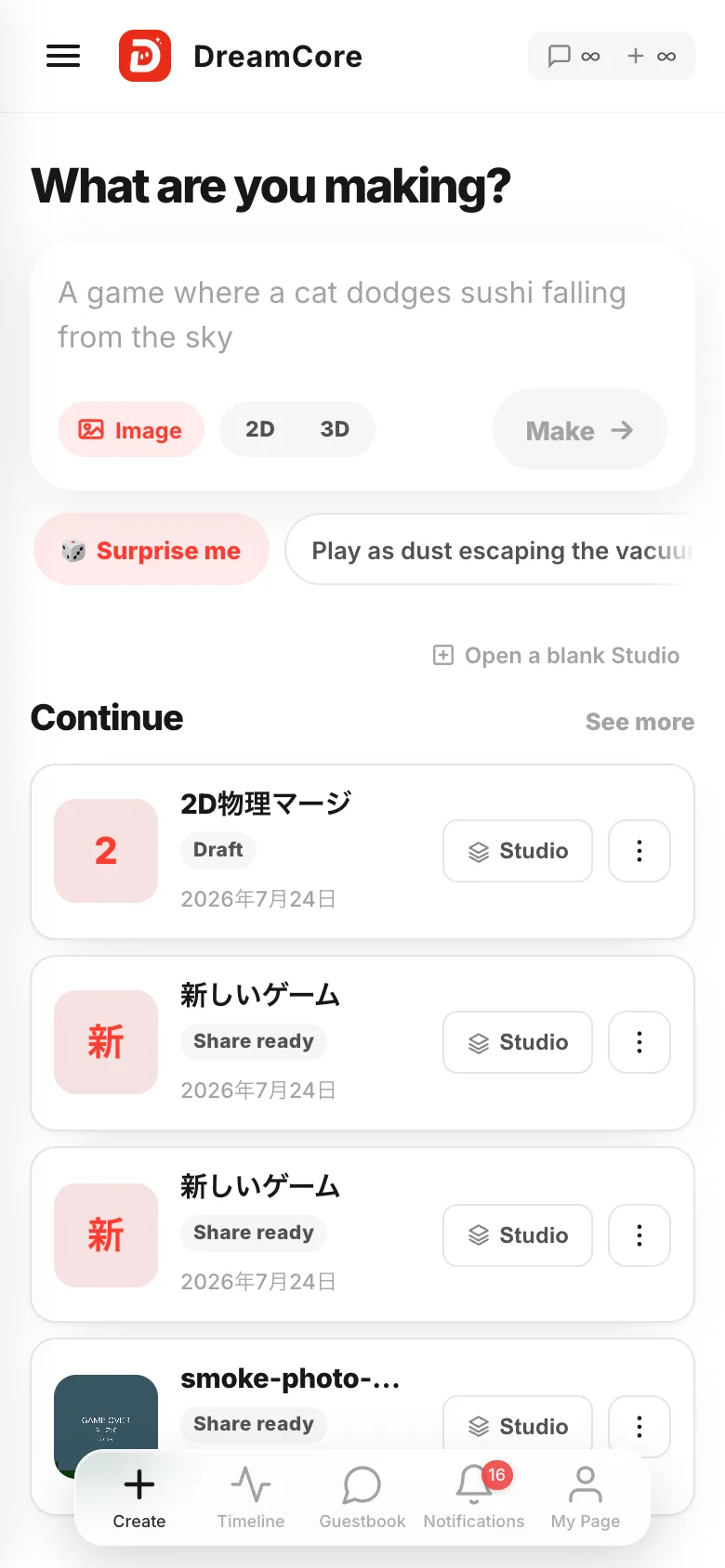
- 04
If it failed, ask for the same thing again
When you get
Something went wrong. Please try again., just ask for the same thing once more. The same words often go through. Two failures in a row means make it shorter and simpler, one thing at a time. Orders as big as "3D, online multiplayer, 100 levels" rarely land. If you used a photo, try a different one.
If something goes wrong
You've reached today's limit means you hit the cap on how many you can make in a day. It tells you when it resets, so after that time you can make more. To make more than that, View Plans on the same screen shows the options.
If it really never finishes, it times out and stops on its own. After that you can start over.