One photo is enough to get a friend who runs, jumps and explores.
Make it once and you can reuse it across games.
- 01
Open the Characters screen
Pick
Charactersfrom the menu at the top left. This is where your characters live, with how many you have and how many you made this month.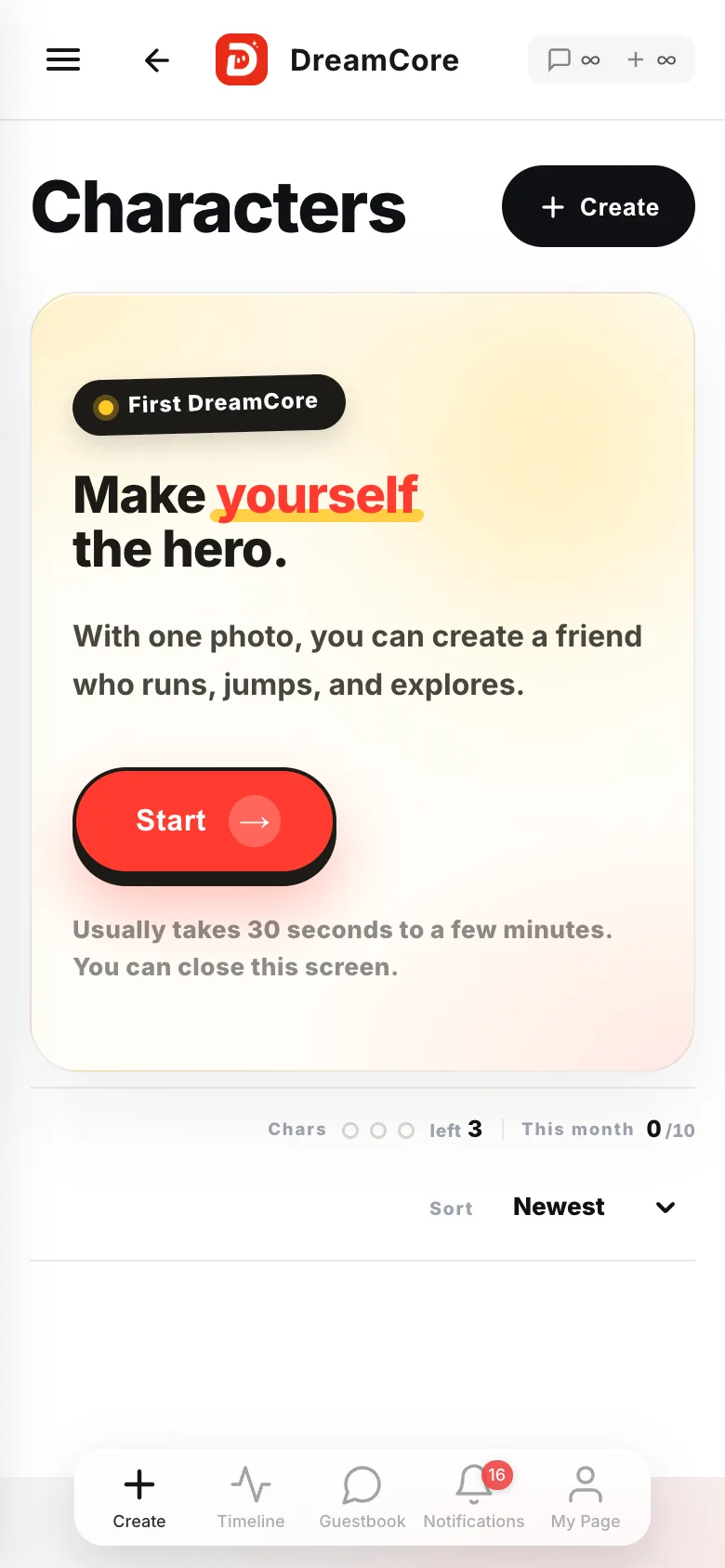
- 02
Hit
+ CreateIt sits to the right of the heading. From here you answer two screens and then just wait.

- 03
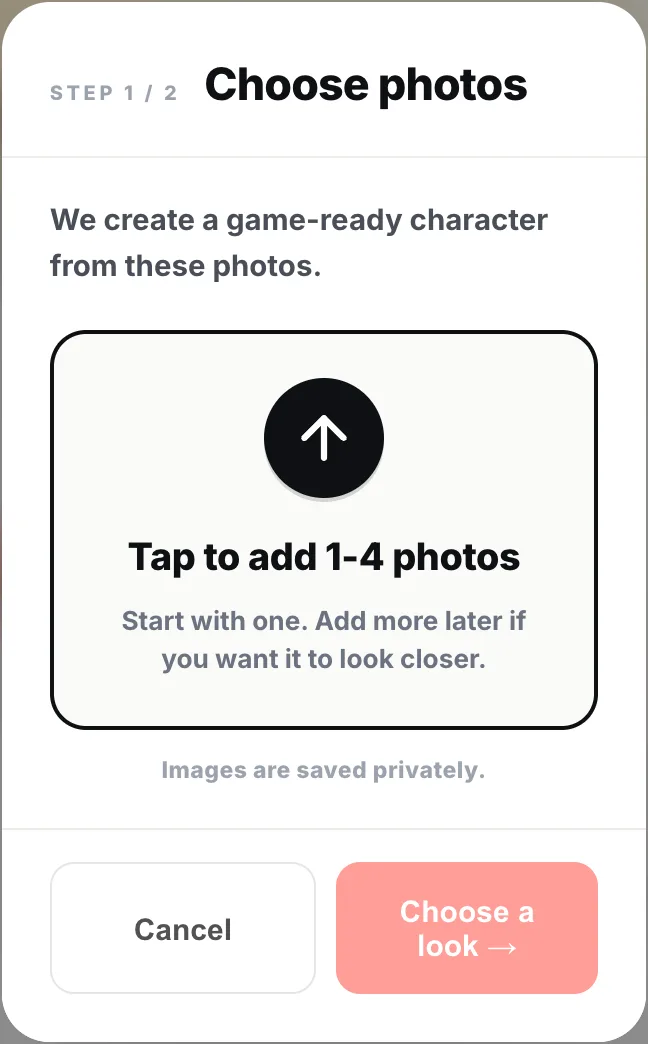
Pick one to four photos
Start with one. Add more later only if you want a closer likeness. A clear face works best. Whatever you add is saved privately.
- 04
Choose a look and hit
Start creatingFour to choose from:
Original(keeps the source look),Realistic,PixelandAnime. Closing the screen does not stop it, and you get a notification when it's ready.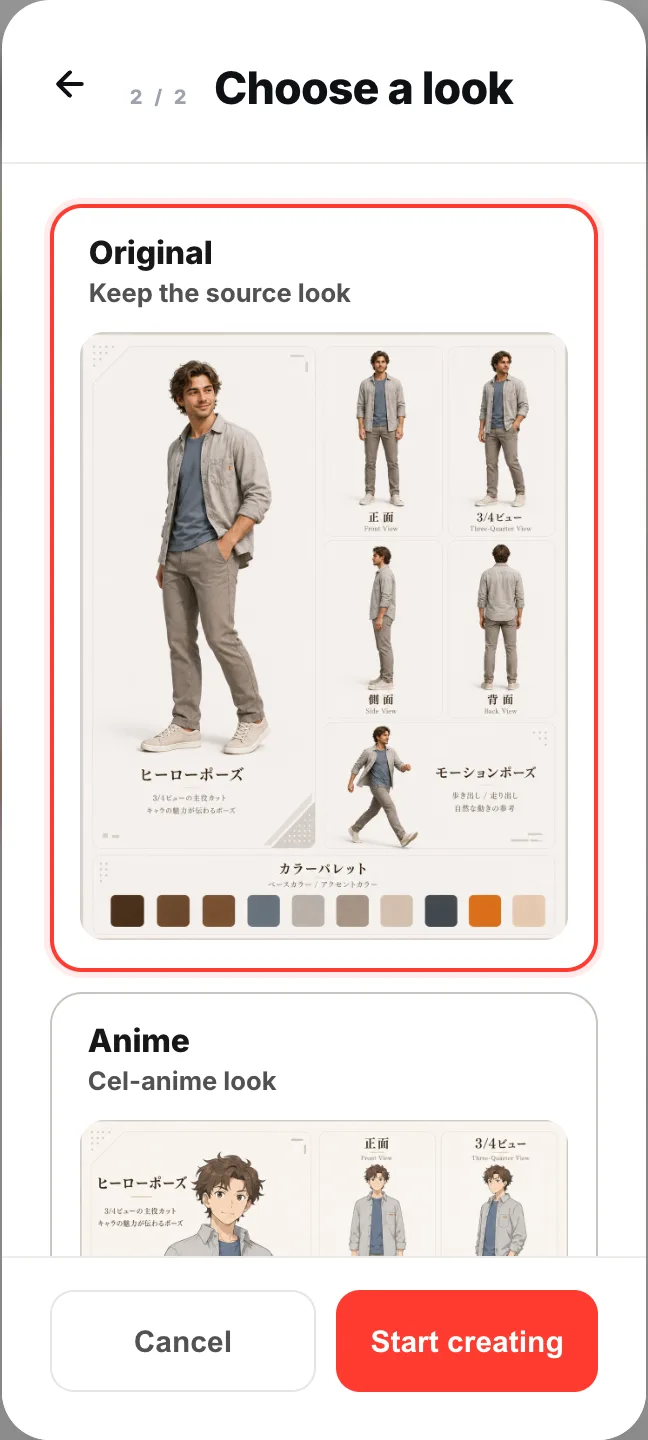
- 05
Put it in the game you're making
Studio's + menu has
This game's characters.Add characterbrings it into the game you have open.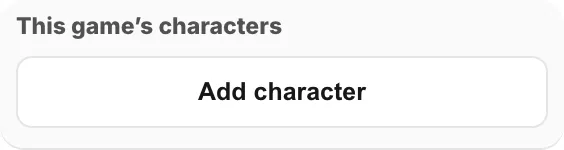
If something goes wrong
With three characters you cannot make another. Delete one first. Older games made with that character keep working.
Needs review means it could not read enough from your source image. Hit Create again, or add a photo where the face is clear.
There is a monthly limit too. Hit it and you wait until next month.
From a character's own page, Run & Jump and Explore are two movements you can play right away. Free build asks for a game with that character in the lead.