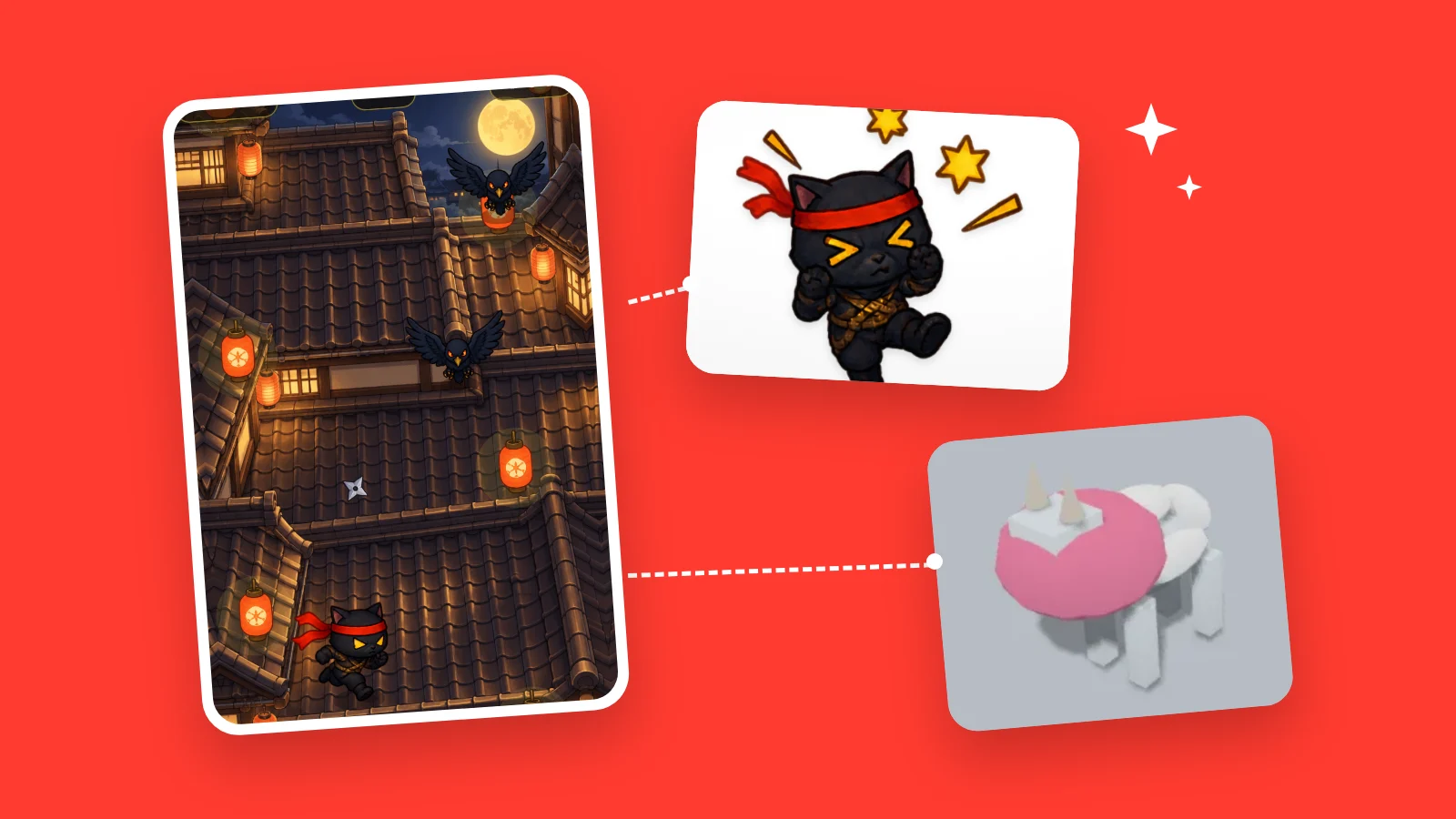
Just the character. Just the goat. Just the button text.
Your game is now split into pieces, and AI can fix only the ones you pick.
- 01
Your game, laid out in pieces
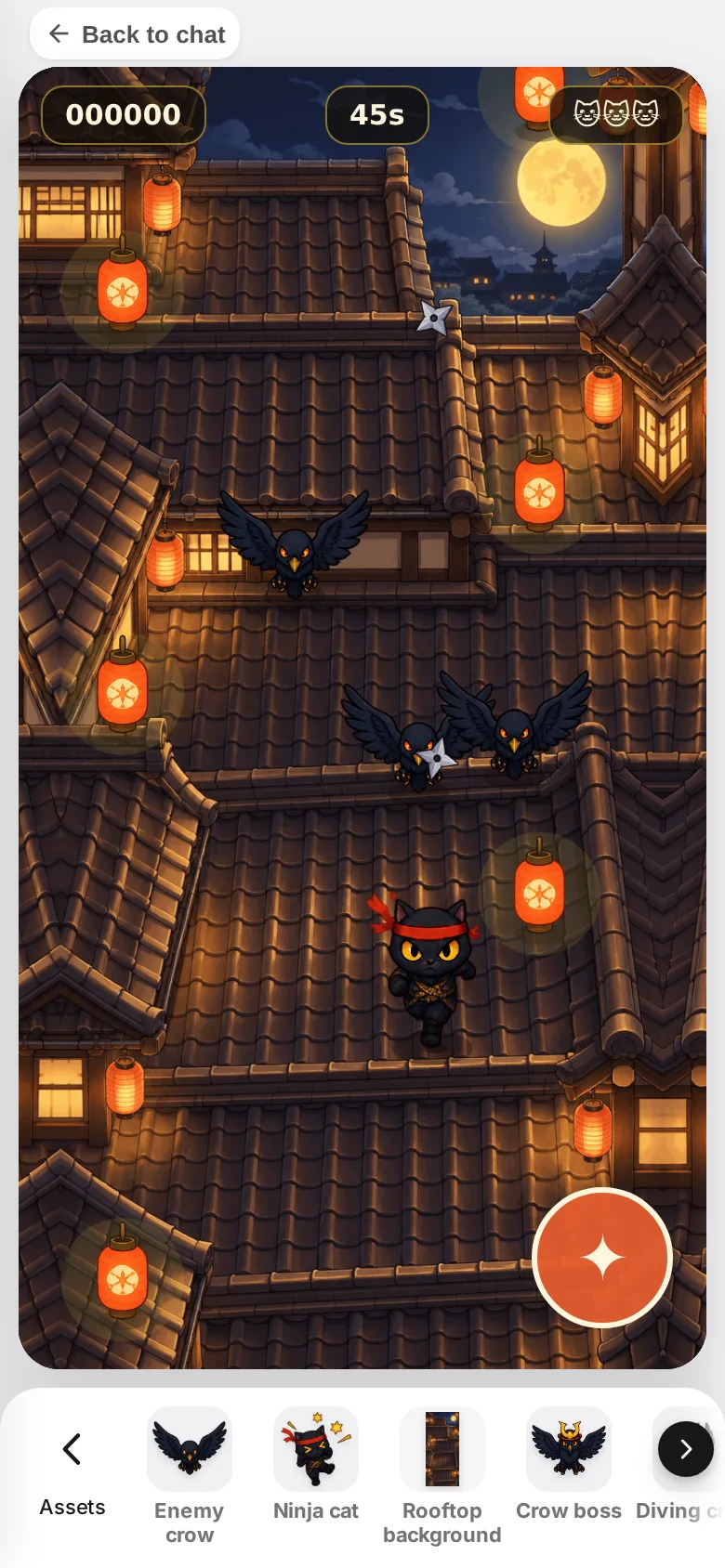
Characters, art, 3D objects. Everything in the game you are playing lines up in one row.
- 02
Pick one and ask in a few words
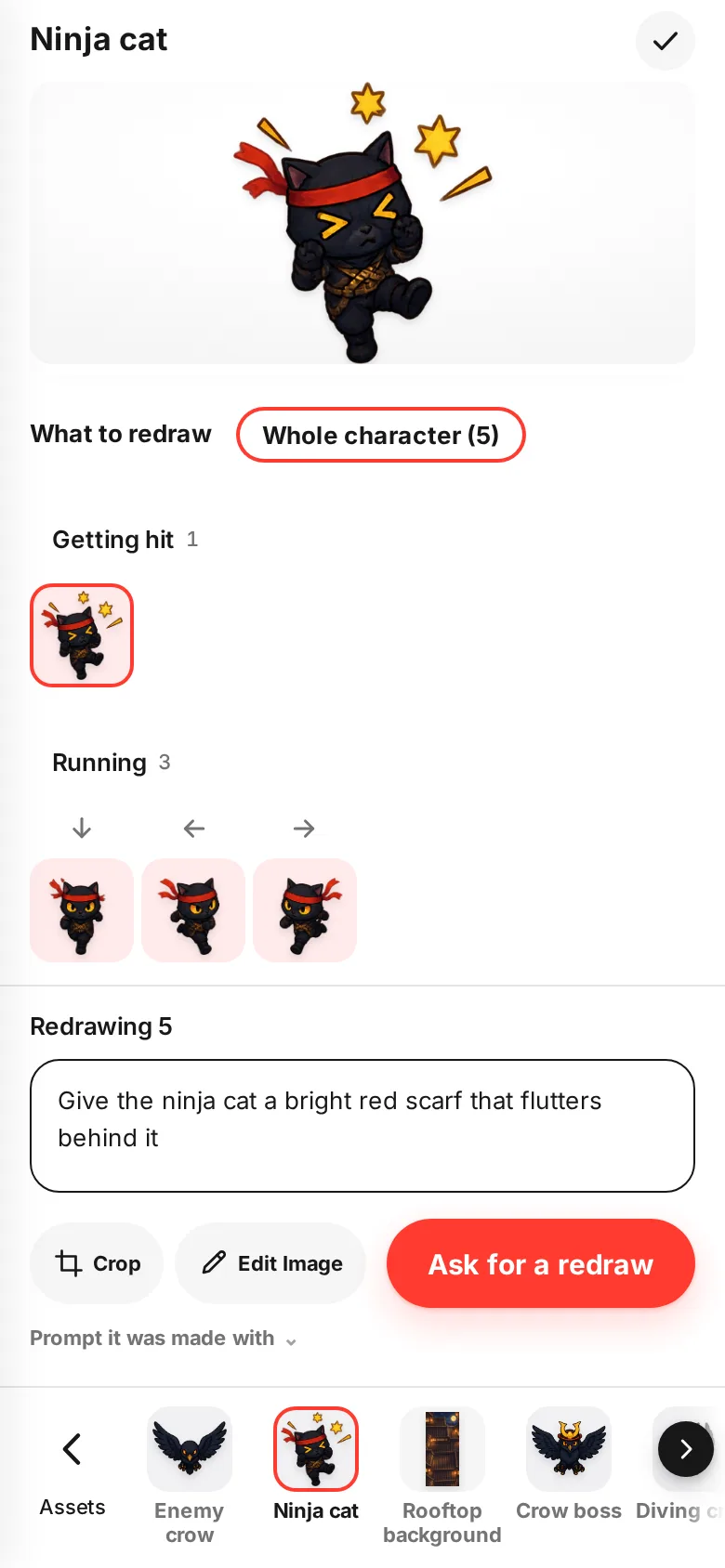
"Give the ninja cat a bright red scarf that flutters behind it." Pick the piece, write it, and only that character gets redrawn. You can also pick by pose or by direction.
- 03
3D objects, one at a time
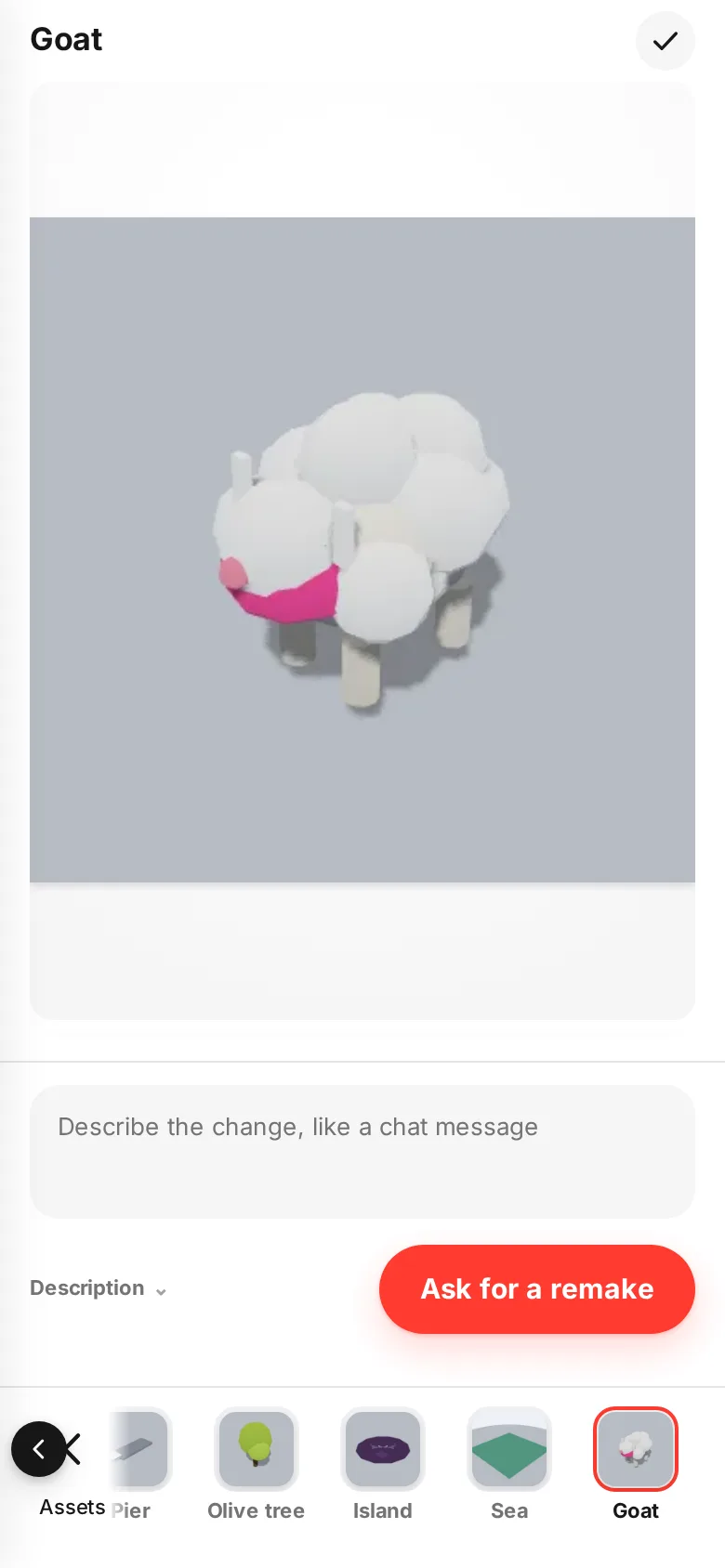
Goats and signs in 3D games can be remade one at a time too. What you fix shows up in the game just like that.
- 04
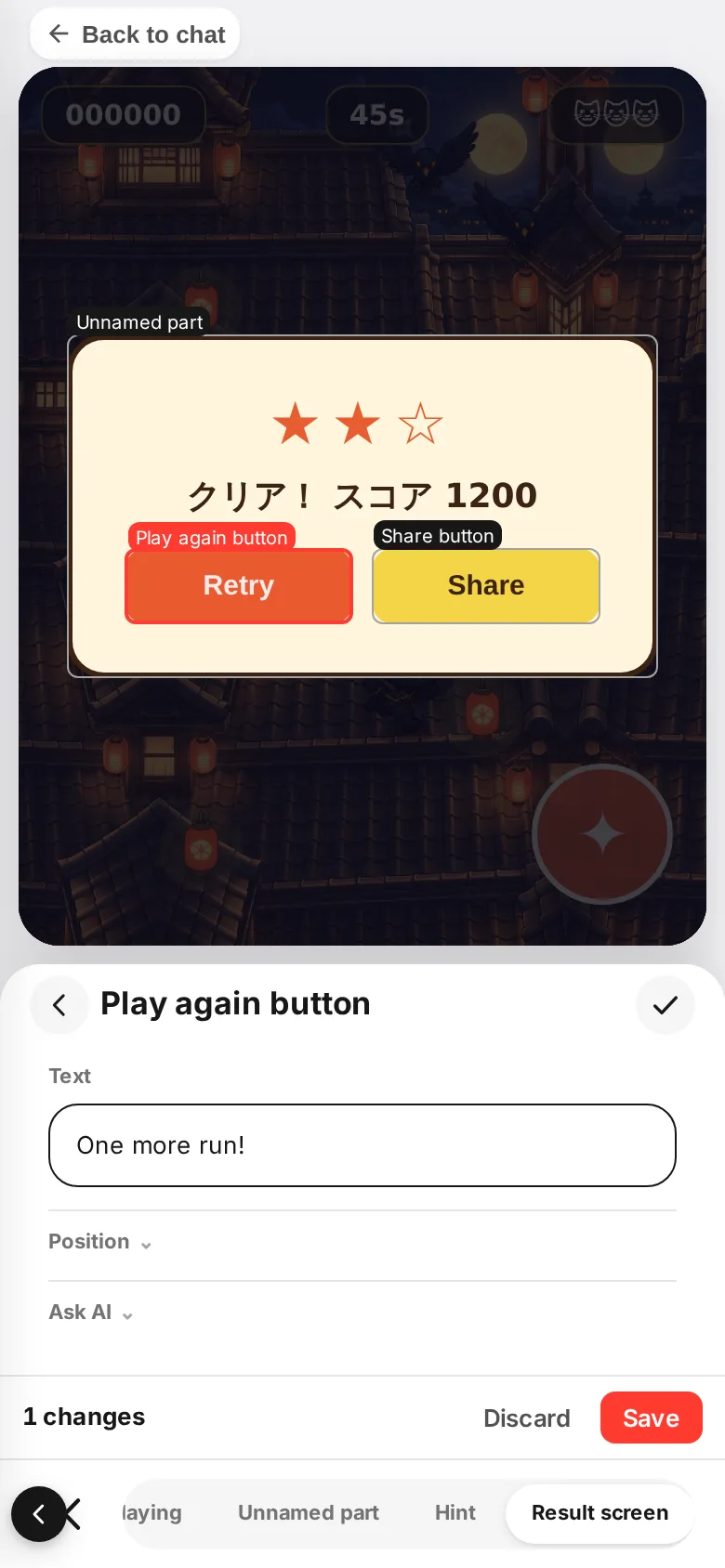
Button text, right there
Change the buttons and messages on the result screen right there and save. They get translated into the other languages automatically (some games don't support this).
How to use it
The full steps are in Fix your game piece by piece. It works on phones and computers.