
Someone stopped by to play your game.
Now you can head over and play one of theirs.
- 01
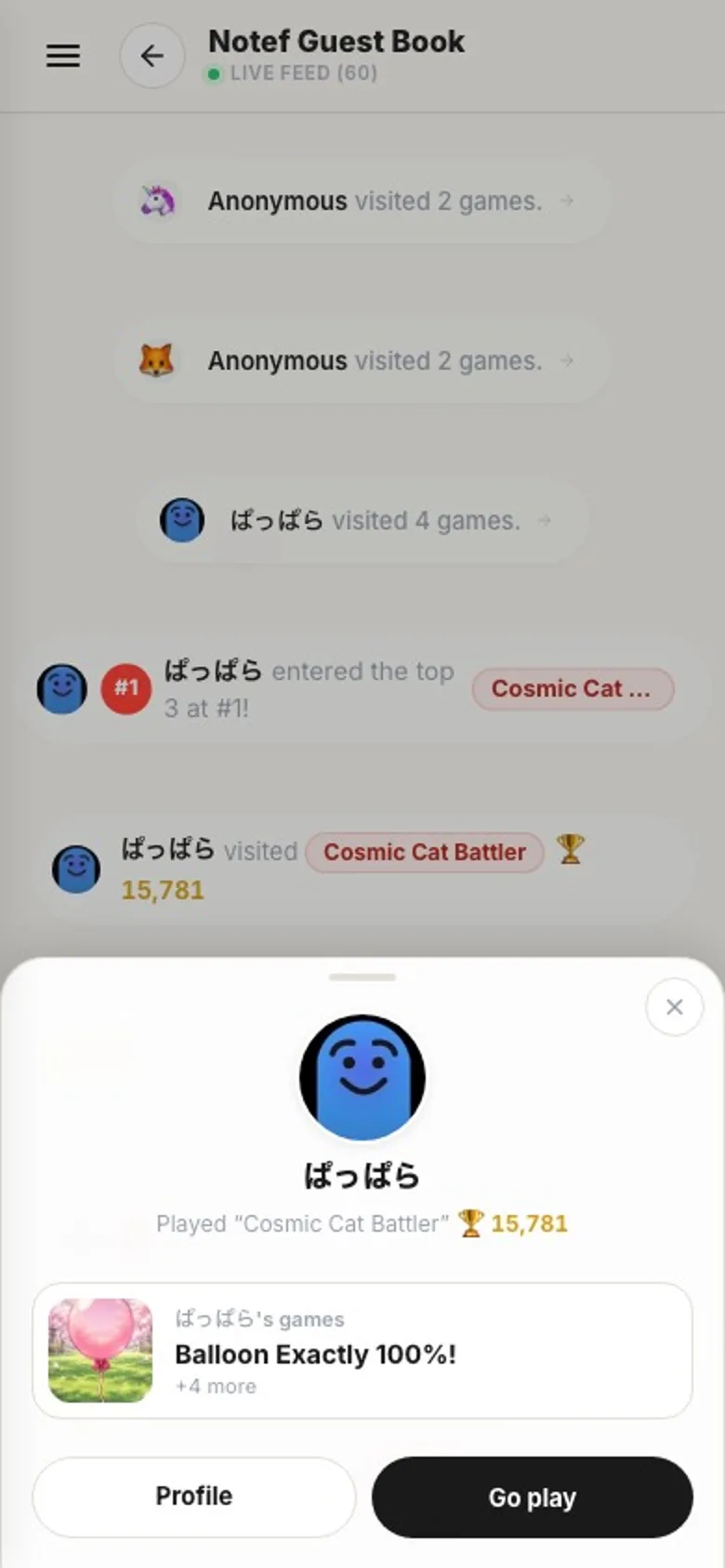
Tap an icon or a name
Visits, rankings, comments, replies, stamps. Wherever someone shows up in your Guestbook, tap their icon or name and a small sheet opens.
- 02
See their newest game
The sheet shows what they did, like which of your games they played, plus a card for their newest game.
- 03
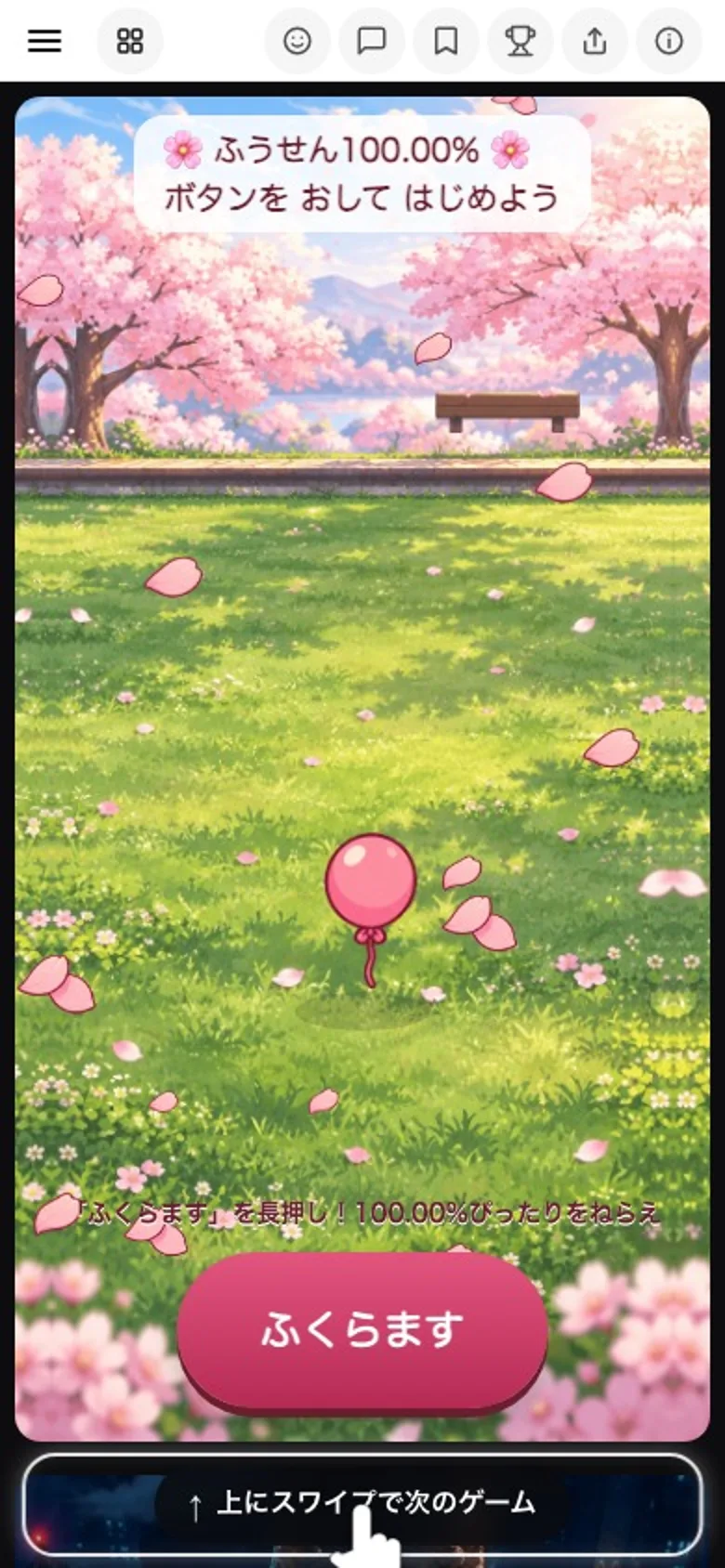
Go play, and you're inTap it and their game starts right away. Swipe up to keep going through their other games, newest first. When you've seen all of theirs, your regular feed picks up from there.
- 04
No counting, no nudging
Nothing keeps score of who went where, and there's no special notification. When you play their game, it shows up in their Guestbook like any other visit. That's it.
Where to tapVisits, rankings, comments, replies, stamps
Go playStarts with their newest game
Swipe upMore of their games
Their GuestbookJust a normal visit
How to use it
The full steps are in Go play from your Guestbook. It works on phones and computers.